Nvme Memes

Posts tagged with Nvme

Stop Doing Swap Partitions

Stop Doing Swap Partitions
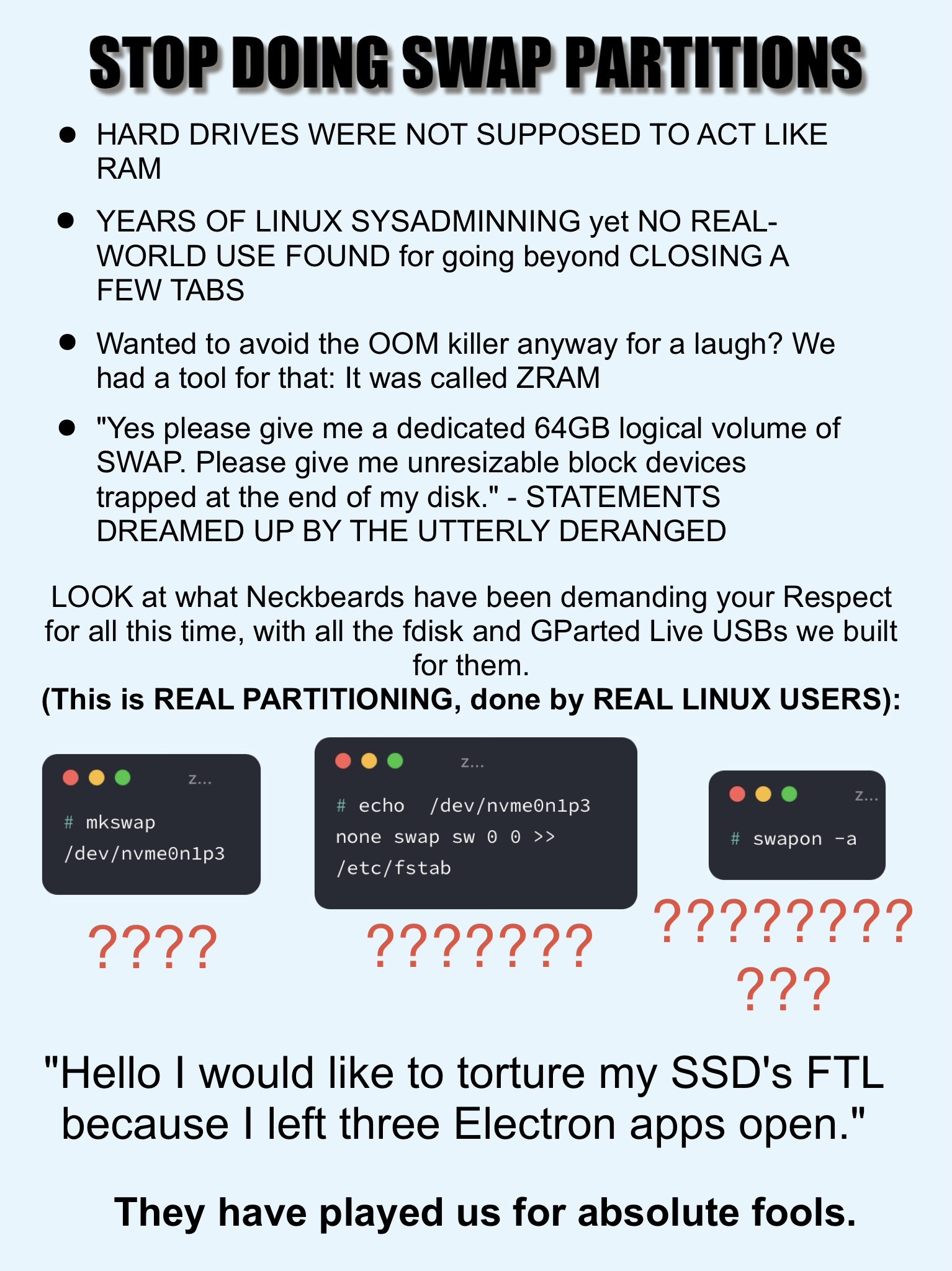
Someone finally said it. The eternal Linux swap debate has reached its breaking point, and we're getting a masterclass in why treating your SSD like discount RAM is a terrible idea. The rant starts strong: swap partitions basically turn your hard drive into the world's slowest RAM stick. Then there's the ZRAM callout—compressed RAM that actually makes sense because it keeps everything in actual memory instead of grinding your disk to death. The "64GB logical volume of SWAP" bit is pure gold because someone out there really did allocate more swap than most people have total storage, creating unresizable partitions like they're playing Tetris on hard mode. But the real chaos is in those terminal screenshots. We've got people running mkswap on NVMe drives, manually editing /etc/fstab , and using swapon -a —all labeled with question marks because honestly, why would you torture your SSD's finite write cycles for swap when you could just... buy more RAM? The punchline about "torturing my SSD's FTL because I left three Electron apps open" hits different when you realize Chrome alone can eat 8GB like it's nothing. We've been bamboozled by decades-old advice from the spinning rust era.

Missed It Again

Missed It Again
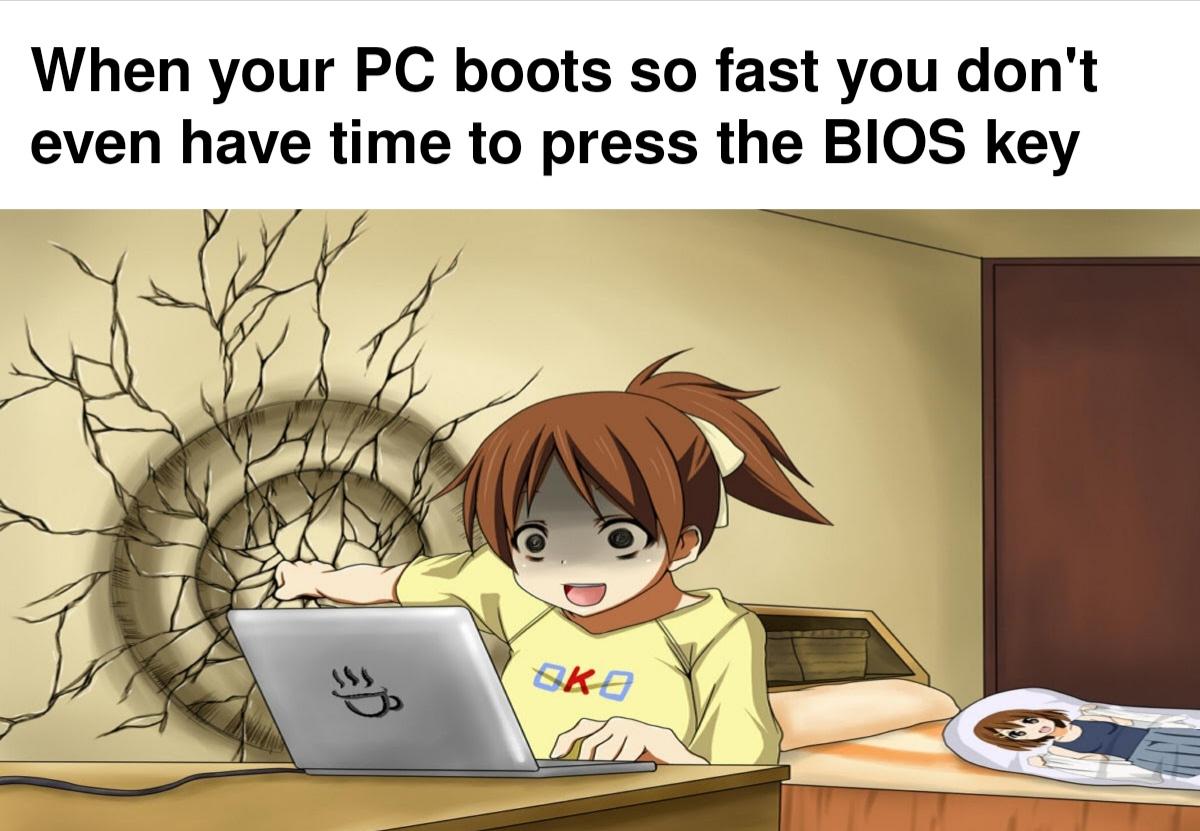
You know that split-second window where you need to mash F2, DEL, or F12 to enter BIOS? Yeah, modern SSDs with NVMe and fast boot enabled have turned that into a reaction time test that would make esports players sweat. Your machine goes from power button to login screen faster than you can process what's happening, and you're just sitting there like "wait, did it even POST?" The irony is delicious: we spent decades optimizing boot times, and now when you actually need to access BIOS settings to fix that boot order or enable virtualization, you're forced to either spam the key like you're playing a fighting game combo, or do the walk of shame by holding down the power button to force a shutdown and try again. Some manufacturers even added "boot to BIOS" options in Windows because they knew their hardware became too fast for human reflexes. Pro tip: Shift + Restart in Windows actually gets you there through the recovery menu. You're welcome.

If You Think That's Bad, Just Try Pressing F2 To Get To The BIOS Before Windows

If You Think That's Bad, Just Try Pressing F2 To Get To The BIOS Before Windows
Congratulations, you played yourself! You upgraded to an NVMe drive for those sweet, sweet millisecond boot times, and now your computer boots so UNGODLY fast that you can't even finish reading "Press F2 for BIOS" before Windows is already loading. You literally succeeded so hard that you failed. Your reward for investing in blazing-fast storage? The privilege of mashing F2 like a caffeinated woodpecker the moment you hit the power button, praying to the tech gods you'll catch that 0.3-second window. It's like trying to pause a YouTube video at the exact right frame, except the stakes are "do I get to change my boot order or do I have to restart and try again?" Welcome to the future, where your hardware is TOO good and you're stuck there sobbing because you just wanted to enable XMP in the BIOS.

Nvme 0 N 1 Could Not Be Mounted

Nvme 0 N 1 Could Not Be Mounted
That special kind of hell where your OS recognizes the drive exists but refuses to let you actually use it. It's like watching your data through a window you can't open—you know it's RIGHT THERE, all your files are physically present on the NVMe, but the filesystem gods have decided "not today, buddy." Could be corrupted partition tables, filesystem errors, permission issues, or just Linux being Linux. The drive is detected, it shows up in your device list, but mounting? Nah. You're stuck in this technological purgatory where the hardware works but the software is gaslighting you. Time to break out the fsck commands and pray to the data recovery deities.

Samsung 49” Odyssey G9 Series DQHD 1000R Curved Gaming Monitor, 1ms(GtG), VESA DisplayHDR 1000, 240Hz, AMD FreeSync Premium Pro, Height Adjustable Stand, Ultrawide Screen, LS49CG954ENXZA, 2024

Samsung 49” Odyssey G9 Series DQHD 1000R Curved Gaming Monitor, 1ms(GtG), VESA DisplayHDR 1000, 240Hz, AMD FreeSync Premium Pro, Height Adjustable Stand, Ultrawide Screen, LS49CG954ENXZA, 2024
WRAP YOURSELF IN ADVENTURE: Experience heart-pounding gaming with vivid scenes wrapped deeply around your field of view; The 49' 1000R curved screen with Dual QHD resolution enables full peripheral v…

The Form Is Very Similar, But There Is A "Key" Difference

The Form Is Very Similar, But There Is A "Key" Difference
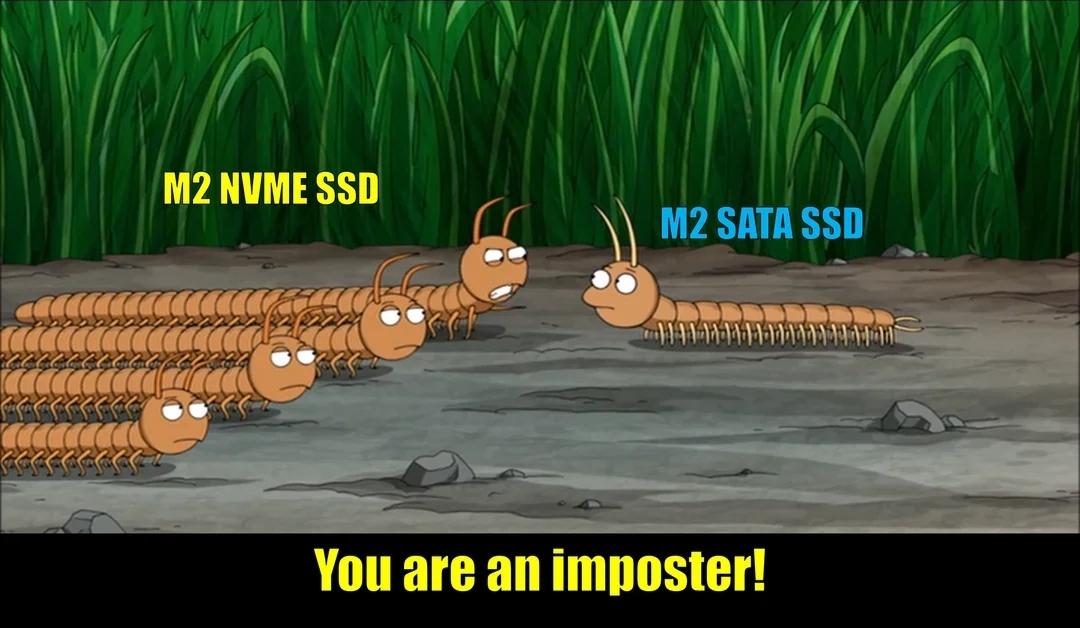
M.2 NVMe and M.2 SATA both use the M.2 form factor, so they look nearly identical at first glance. The catch? NVMe uses PCIe lanes and absolutely demolishes SATA speeds—think 3500 MB/s vs 600 MB/s. But the physical connector has a different keying (notch position), which is why the centipedes are having an identity crisis here. The long centipede gang represents NVMe drives with their multiple lanes of parallel goodness, while the lone M.2 SATA drive sits there with its single-lane bottleneck wondering why it wasn't invited to the speed party. Same socket on your motherboard, wildly different performance. Nature is healing, but your boot times might not be.

Pretty Fast Ehhh

Pretty Fast Ehhh
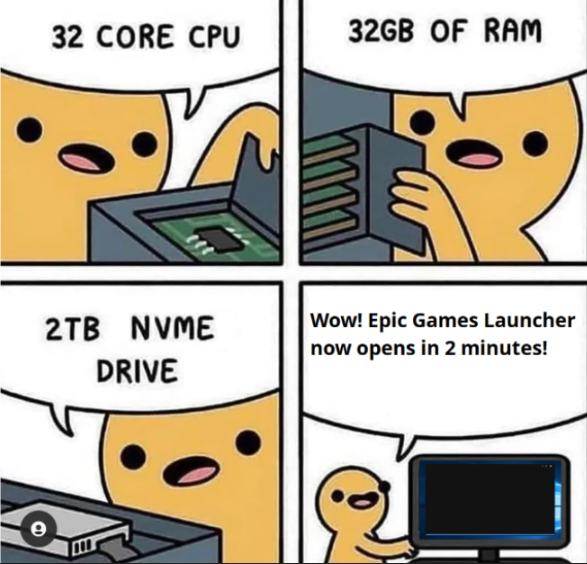
Oh honey, you've got a 32-core CPU that could probably simulate the entire universe, 32GB of RAM that could hold the Library of Congress in its sleep, and a 2TB NVMe drive that reads data faster than you can say "bottleneck"... and yet the Epic Games Launcher still takes 2 MINUTES to open? The audacity! The betrayal! It's like buying a Ferrari and watching it get passed by a bicycle. Your poor computer is sitting there flexing all its muscles, ready to crunch numbers and render entire galaxies, but instead it's being held hostage by a launcher that apparently runs on hopes, dreams, and Electron bloat. Nothing quite captures the existential dread of watching your NASA-grade hardware struggle with basic software like a toddler trying to open a pickle jar.

I Still Don't Understand How Booting Time Got Slower For Whatever Reason

I Still Don't Understand How Booting Time Got Slower For Whatever Reason
Oh, the BETRAYAL of modern computing! You dropped half a grand on a bleeding-edge AM5 CPU and a blazing-fast M.2 NVMe drive that can theoretically transfer data faster than light itself, only to watch your PC boot up like it's stuck in molasses. Meanwhile, your crusty old 2010 setup with a cheap SATA SSD was zooming through boot screens like The Flash on espresso. The cruel irony? Windows has become SO bloated with telemetry, security checks, and whatever mysterious rituals it performs during startup that even NASA-grade hardware can't save you. Your fancy 8000MB/s drive sits there twiddling its thumbs while Windows decides whether it wants to check for updates, scan your soul, or just take a leisurely stroll through its startup processes. Technology peaked in 2015 and nobody can convince me otherwise!

You Never Realize How Small An SSD Is...

You Never Realize How Small An SSD Is...
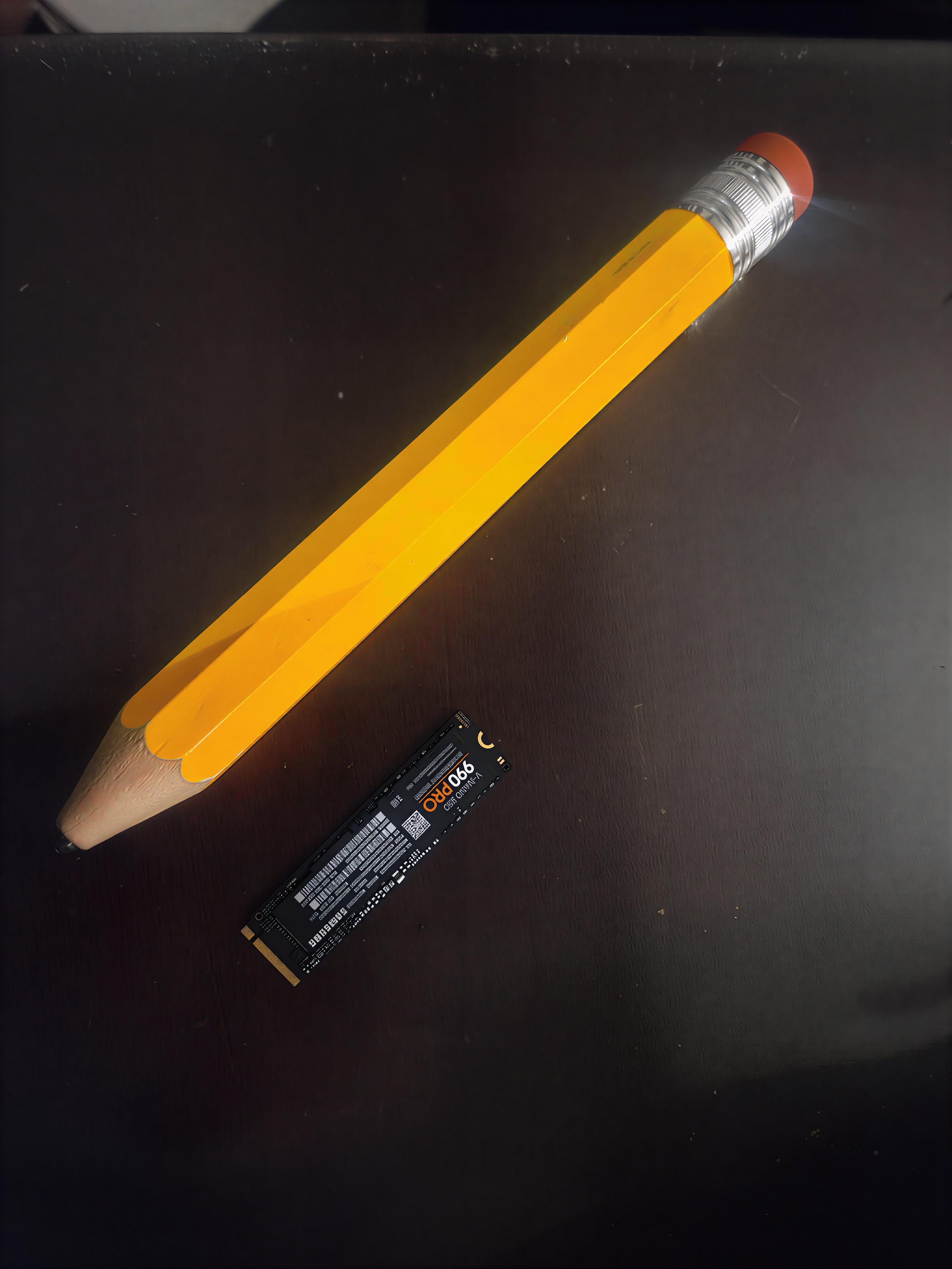
That moment when you realize your 2TB NVMe SSD with blazing 7000MB/s transfer speeds is physically smaller than a novelty pencil. Somehow stores 1,000,000+ high-res cat memes while being barely visible to the naked eye. Moore's Law is basically black magic at this point. Your entire Steam library, 50 Docker containers, and three virtual machines fit on something that could get lost in your carpet fibers. Meanwhile, my first computer had a 20MB hard drive the size of a microwave.

Official Git Logo/Word Orange T-Shirt, Men, Dark Heather Grey, Large

Official Git Logo/Word Orange T-Shirt, Men, Dark Heather Grey, Large
Are you using the Git version control system? If so, you will probably really like this design. This design features the official Git logo and is perfect for anyone who loves and enjoys Git. · Git is…

BitLocker? What The F*** Is BitLocker?

BitLocker? What The F*** Is BitLocker?
That moment when you swap your NVMe drive into a new PC and Windows freaks out about BitLocker encryption you didn't even know was enabled. Suddenly your precious data is held hostage behind a recovery key you never saved because "it'll be fine" was your security strategy. Nothing like that sinking feeling when your 200GB of "homework" folders and side projects from the last five years are locked behind Microsoft's digital fortress of doom.

I Mean Yeah, My Son Is Named GeForce

I Mean Yeah, My Son Is Named GeForce
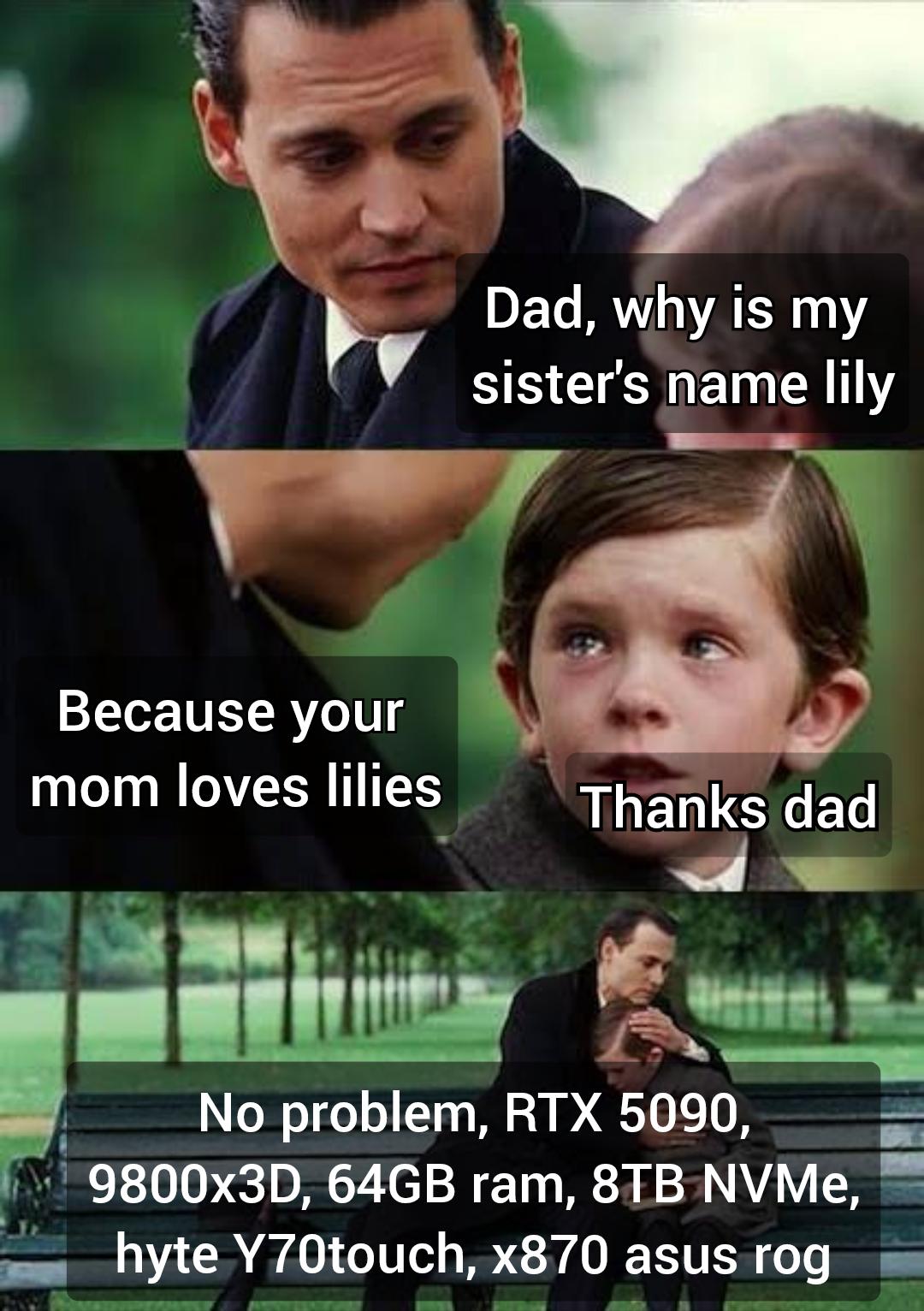
The ultimate dad joke meets hardware obsession. The father starts with the classic flower-based pun explanation for his daughter's name, but then reveals his true identity – a PC enthusiast who named his son after his dream computer build. Nothing says "I love you" quite like naming your child after an RTX 5090 with 64GB RAM. The real family heirloom isn't grandma's jewelry, it's that 8TB NVMe drive.

Upgrade... But At What Cost

Upgrade... But At What Cost
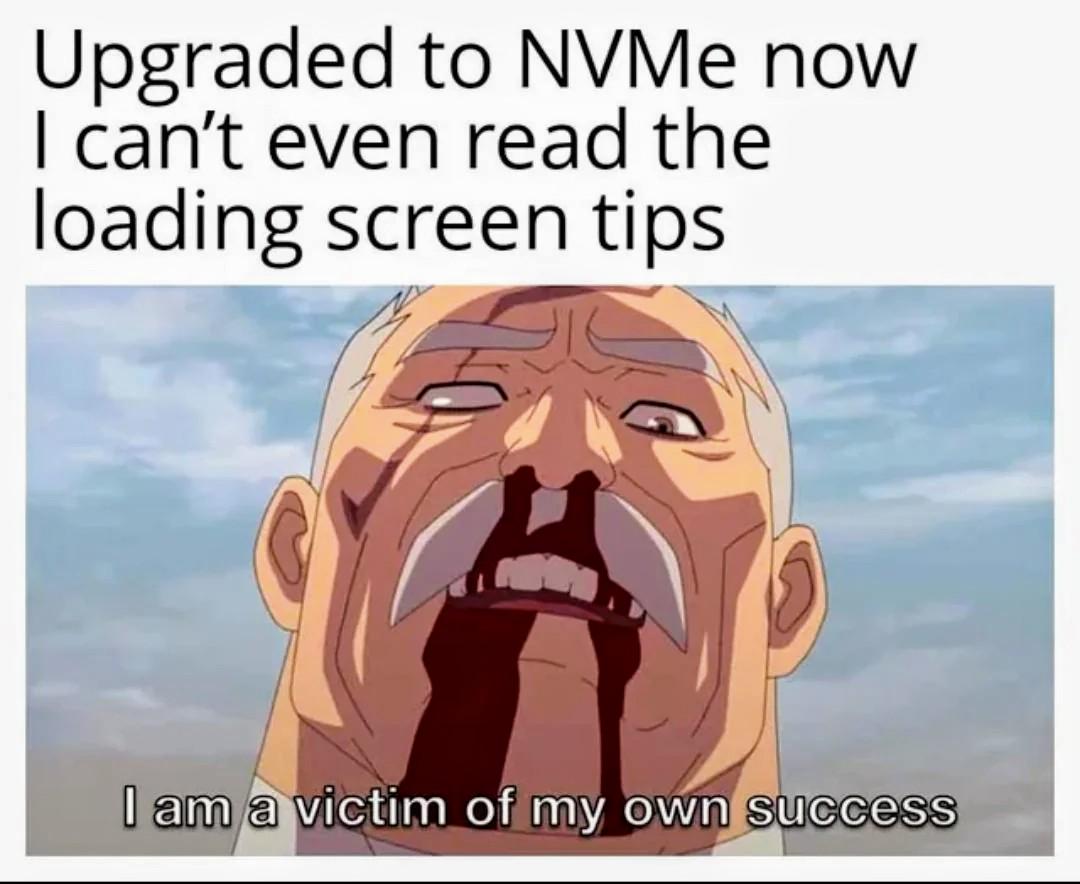
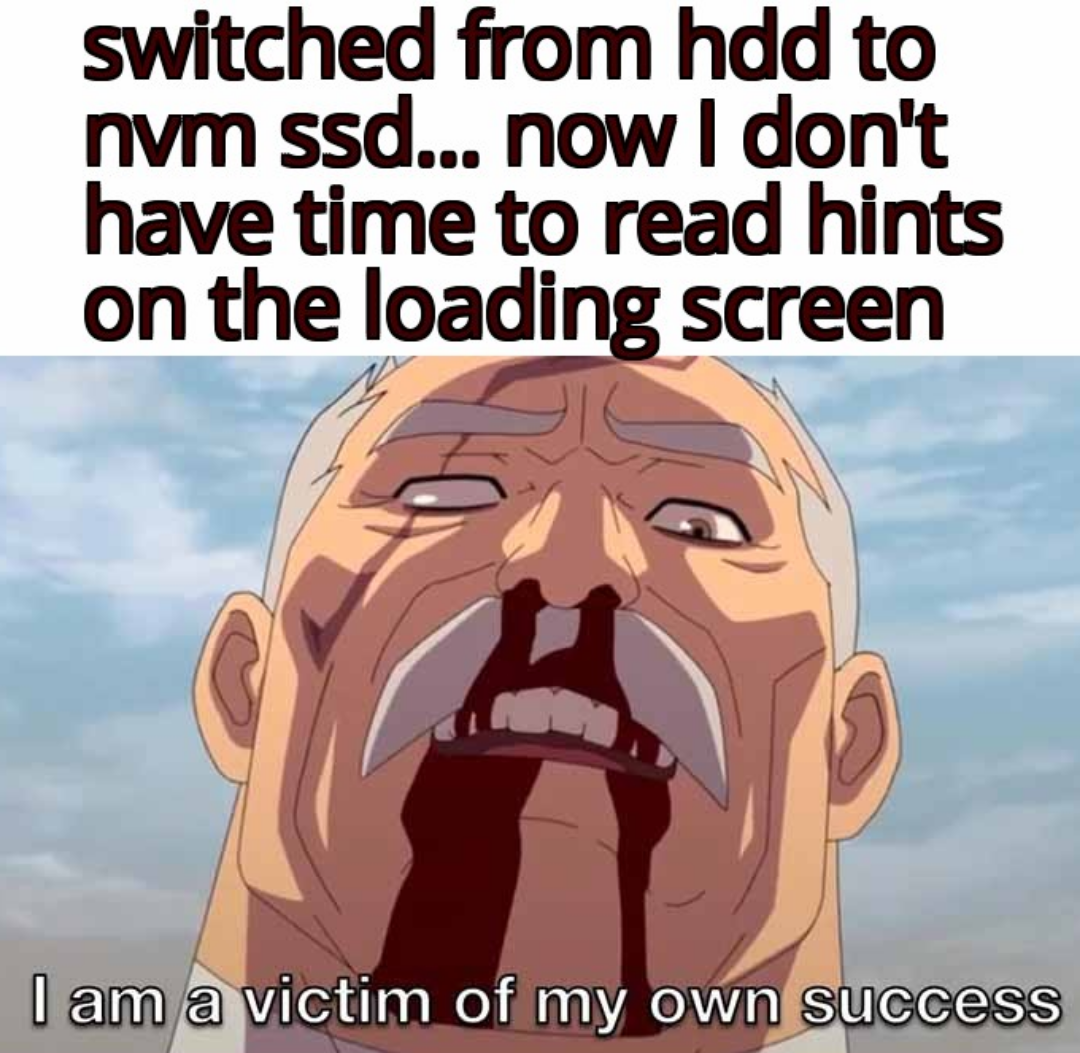
Spent $200 on an NVMe SSD only to lose the one thing loading screens provided—forced breaks to check Twitter. The system boots so fast now that those precious "Did You Know" tips vanish before my eyes. My code compiles before I can even grab coffee. My games load before I can respond to texts. Progress has robbed me of my excuses for procrastination. The spinning wheel of death has been replaced by the crushing weight of productivity. What's next? CPUs that compile code before I even write it?