Motherboard Memes

Posts tagged with Motherboard
Getting Religious

Getting Religious
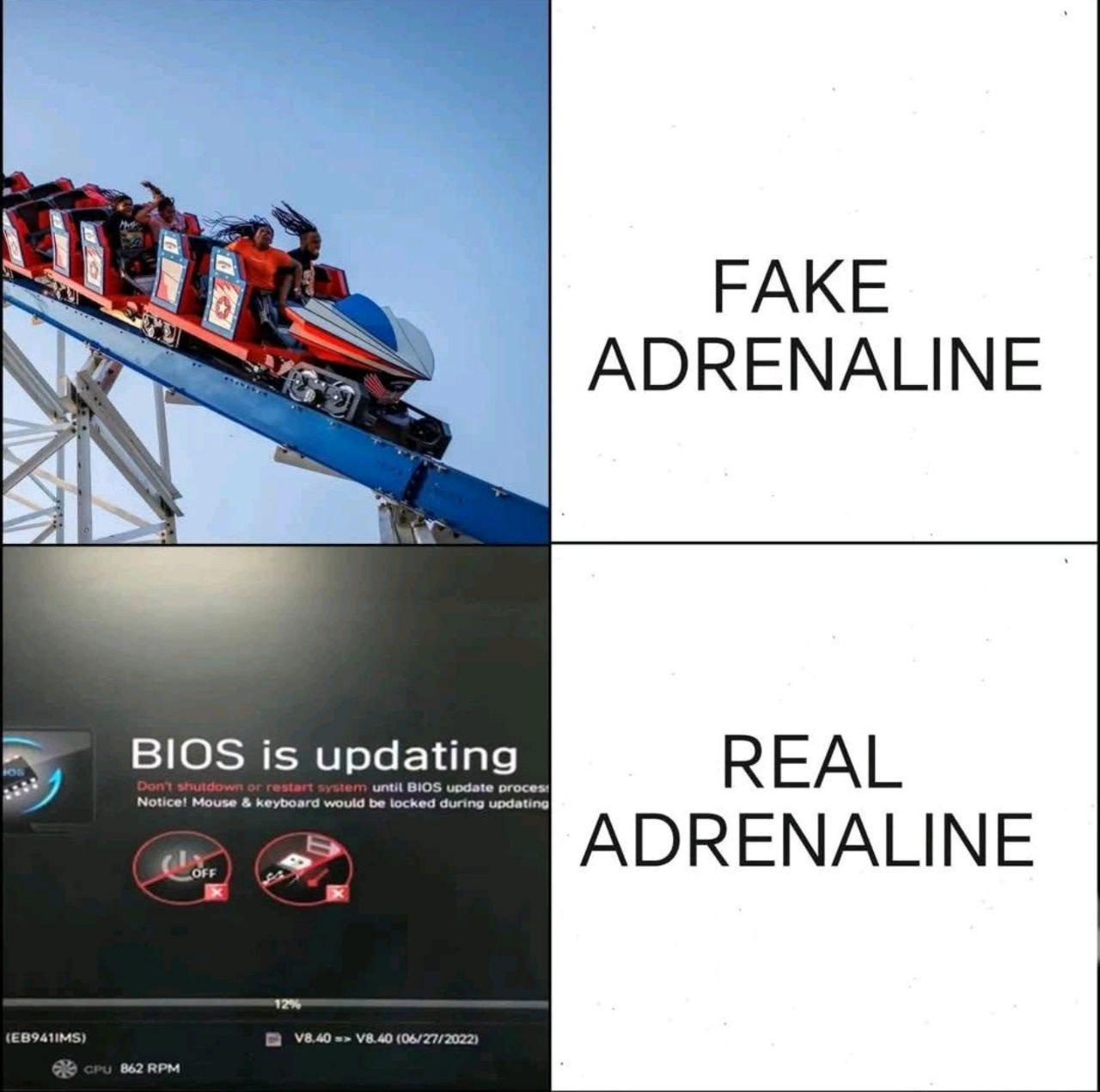
Roller coasters? Child's play. But watching your BIOS update with that ominous "Don't shutdown or restart system" warning while your mouse and keyboard get locked? That's when you discover muscles you didn't know you had clenching. There's something uniquely terrifying about being completely powerless while your motherboard rewrites its own firmware. One power flicker, one cosmic ray, one sneeze from your UPS, and you're the proud owner of a very expensive paperweight. Suddenly you're praying to deities you don't even believe in, making deals with the universe, promising to finally write those unit tests if it just... completes... successfully. The progress bar crawling at 862 RPM (nice touch showing the CPU fan speed) just adds to the existential dread. At least on a roller coaster, the engineers tested it. Your BIOS update? That's beta testing in production, baby.

Tech Support Be Like

Tech Support Be Like
Your motherboard is literally engulfed in flames, RAM sticks are melting like candles, and the whole thing looks like it's auditioning for a disaster movie. But don't worry—tech support has the perfect solution: "Have you tried turning it off and on again?" It's the universal band-aid for every tech issue known to mankind. Server crashed? Restart. Database corrupted? Restart. Hardware literally on fire? You guessed it—restart. Because apparently, a reboot is the magical incantation that fixes everything from minor glitches to catastrophic hardware failures. The best part? This actually works like 80% of the time, which is why tech support keeps using it. The other 20%? Well, that's when you get escalated to someone who will tell you to... restart again, but this time in safe mode.

Chills For Real

Chills For Real
Roller coasters? Child's play. Skydiving? Amateur hour. But watching your BIOS update with that ominous "DO NOT TURN OFF" warning while your mouse and keyboard are completely unresponsive? That's the kind of terror that separates the casual users from those who've truly lived. There's something uniquely horrifying about being completely powerless while your motherboard rewrites its own firmware. One power flicker, one cosmic ray, one angry squirrel chewing through a power line, and you're the proud owner of a very expensive paperweight. No rollback, no undo, just pure existential dread at 862 RPM. Fun fact: BIOS updates are one of the few times in tech where the "it'll probably be fine" mentality can actually brick your hardware. That 12% progress bar moves slower than government bureaucracy, and you just sit there, questioning every life decision that led you to this moment.

Never Had A Realtek Card Just Work, And Every Board Manufacturer Seems To Include Them In Their Wifi Boards

Never Had A Realtek Card Just Work, And Every Board Manufacturer Seems To Include Them In Their Wifi Boards
Intel WiFi drivers: pristine paradise with dolphins gracefully leaping through rainbows, everything works flawlessly out of the box. Realtek WiFi drivers: literal hellscape where SpongeBobs are running around in flames, nothing works, driver conflicts everywhere, and you're spending your Saturday recompiling kernel modules for the third time. The tragic part? Motherboard manufacturers keep slapping Realtek chips on everything because they're dirt cheap, while Intel WiFi cards are the premium option that actually respect your time and sanity. You'd think after decades of Linux users collectively screaming into the void about Realtek driver support, manufacturers would get the hint. But nope—here's another RTL8821CE that requires you to hunt down GitHub repos with sketchy DKMS modules just to connect to your router. Fun fact: Intel's wireless drivers have been mainlined into the Linux kernel for years with excellent support, while Realtek's idea of "Linux support" is dropping a tarball from 2015 and ghosting everyone.

HP Will Stick An SSD Anywhere

HP Will Stick An SSD Anywhere
HP engineers really looked at their motherboard layout, saw they had three perfectly good SATA ports, and decided "nah, let's just dangle this M.2 SSD vertically like a Christmas ornament." Because why use standard mounting when you can create a gravity-defying installation that makes every tech support person question their career choices? The best part? There's literally an M.2 slot RIGHT THERE on the board, but HP said "too easy" and went with the aesthetic of a drive just... hanging out. It's like they're testing how much abuse an SSD can take before it files for workers' comp. Cable management? Never heard of her. This is what happens when your hardware design team is paid by the hour and really wants to stretch that budget.

Always The Worst Part

Always The Worst Part
You spent three hours cable managing, another two debugging why the RAM wasn't seated properly, and finally got everything running. Now comes the moment of truth: installing the I/O shield. You know, that piece of metal you were supposed to install before mounting the motherboard. The one that's now mocking you from across the room while your fully assembled PC sits there, complete and beautiful. Time to disassemble everything. Again. Some say the I/O shield is PC building's way of keeping you humble. Others say it's a cruel joke by motherboard manufacturers. Either way, you're taking that cooler off now.

I've Updated BIOS Only Once In Life And Still It Was Terrifying

I've Updated BIOS Only Once In Life And Still It Was Terrifying
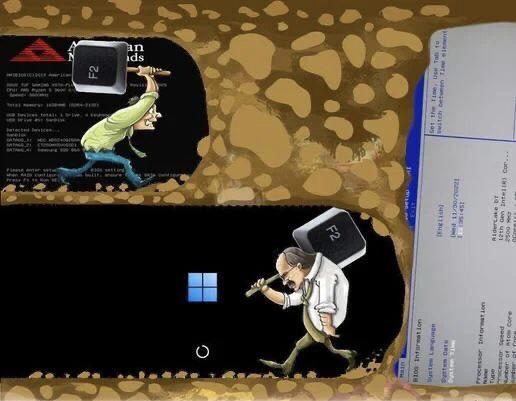
You know that moment when you're about to flash your BIOS and suddenly you become deeply religious? Yeah, that's what this captures. The quote "Everybody is an atheist until they start updating their BIOS" hits different because there's literally nothing between you and a bricked motherboard except a stable power supply and pure faith. BIOS updates are the digital equivalent of open-heart surgery on your PC. One power flicker, one wrong file, one cosmic ray hitting the wrong bit, and congratulations—you now own a very expensive paperweight. No Ctrl+Z, no rollback, no "are you sure?" dialog that actually helps. Just you, the progress bar, and whatever deity you suddenly remember exists. The fake Sun Tzu attribution is *chef's kiss* because it genuinely sounds like ancient wisdom. "The Art of Not Bricking Your Motherboard" would've been a bestseller.

Fenge Dual Monitor Stand, Monitor Riser with Drawer, 42.5 Inch Large Computer Monitor Stand for 2 Monitors, 2 Tier Wooden Desk Shelf for Top of Desk

Fenge Dual Monitor Stand, Monitor Riser with Drawer, 42.5 Inch Large Computer Monitor Stand for 2 Monitors, 2 Tier Wooden Desk Shelf for Top of Desk
【Spacious & Organized Storage】Fenge dual monitor stand with 3 compartments and 2 non-slip out frosted drawers (with rear baffles) for clutter-free workspace organization. The 1.9" bottom space secure…

Bios Update Hits Different

Bios Update Hits Different
Roller coasters? Child's play. Horror movies? Yawn. But watching that BIOS update progress bar crawl across your screen while your mouse and keyboard are COMPLETELY DISABLED? That's the kind of pure, unfiltered terror that makes your soul leave your body. You're sitting there, paralyzed, watching the percentage tick up at a glacial pace, knowing that if ANYTHING goes wrong—power outage, cosmic ray, angry cat stepping on the power button—your motherboard becomes a very expensive paperweight. No Ctrl+Z, no rollback, no "are you sure?" Just you, the BIOS gods, and the very real possibility of bricking your entire system. The warning literally says "Don't shutdown or restart" like it's holding your PC hostage. Because it IS. That roller coaster? Those people are having FUN. You? You're having an existential crisis wondering why you even clicked "update" in the first place.

Anyone Have A PC Like This?

Anyone Have A PC Like This?
The classic gaming rig power imbalance. You've got a beastly GPU that could render the entire Marvel Cinematic Universe in real-time, paired with a CPU that's basically flexing just as hard... and then there's the motherboard looking like it's one power surge away from having a complete meltdown. That's what happens when you blow your entire budget on the shiny parts and realize too late that you cheaped out on the foundation. The motherboard is just sitting there, tongue out, barely holding these two titans together while they're trying to communicate at blazing speeds through its budget-tier circuitry. Pro tip: Your $1200 GPU deserves better than a $80 motherboard from 2016. It's like putting a Ferrari engine in a golf cart.

Relatable

Relatable?
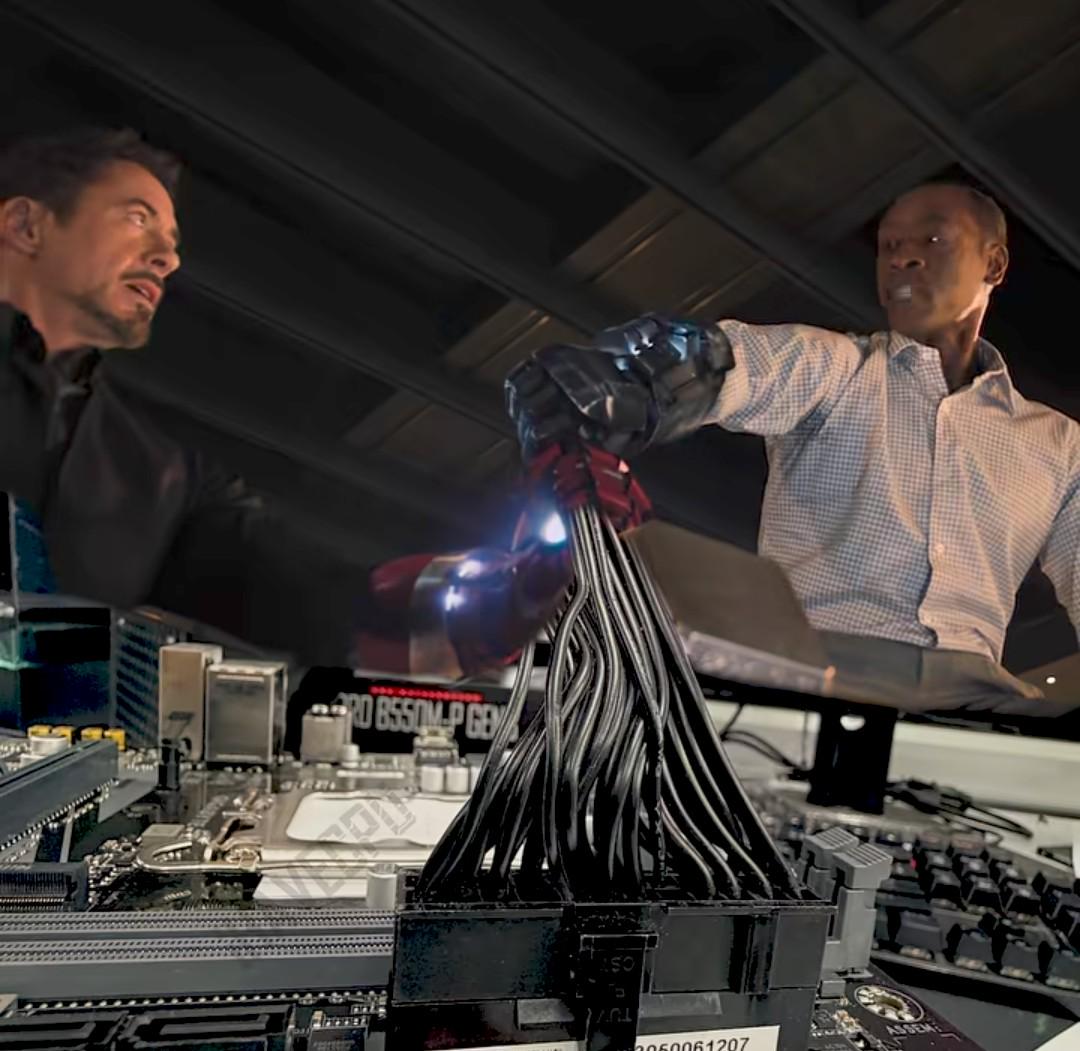
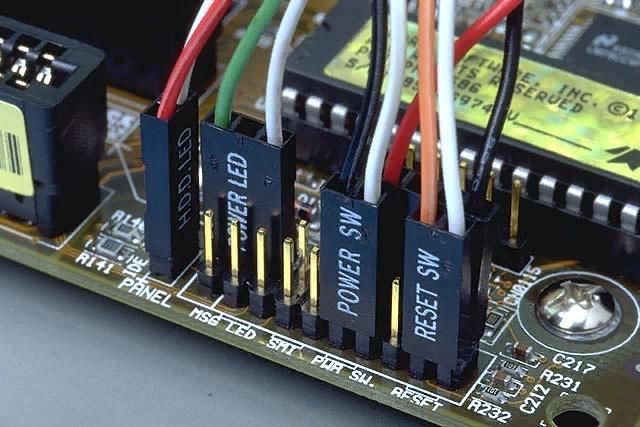
Dracula fears the sun. Superman fears kryptonite. PC builders? They fear the forbidden bundle of doom that is the motherboard cable spaghetti. You can bench 300 pounds, survive on coffee and Stack Overflow, but the moment you see POWER SW, RESET SW, HDD LED, and POWER LED staring back at you with their tiny connectors and tinier labels, suddenly you're questioning every life choice that led you here. The manual is useless, your fingers are too big, and you're 90% sure you're about to fry a $500 motherboard because you can't tell positive from negative on a 2mm connector. It's the final boss of PC building, and it never gets easier.

Ain't No Way I'm Buying Ram More Expensive Than A Whole Console

Ain't No Way I'm Buying Ram More Expensive Than A Whole Console
That moment when your DRAM LED lights up like a Christmas tree and you realize one of your RAM sticks has decided to retire early. The sheer existential dread captured in this expression is what every PC builder feels when they see that cursed little light during POST. The real kicker? DDR5 prices are so astronomical right now that buying replacement RAM literally costs more than a PS5 or Xbox Series X. You're sitting there doing mental math: "Do I really need 32GB, or can I survive on 16GB and, you know, eat this month?" Meanwhile console gamers just plug and play without ever knowing the pain of memory training errors or XMP profile instability. Fun fact: The DRAM LED is basically your motherboard's way of saying "Houston, we have a problem" but specifically for your memory modules. Could be a dead stick, improper seating, incompatible speeds, or the RAM just woke up and chose violence. Time to reseat everything and pray to the silicon gods.

I Am All For Memory Production For Gamers, But Let's Not Forget What Kind Of Company Asus Is, Yes?

I Am All For Memory Production For Gamers, But Let's Not Forget What Kind Of Company Asus Is, Yes?
When ASUS tries to act all wholesome about producing more RAM for gamers, PCMR is quick to remind them about that little 2023 motherboard scandal. You know, the one where AM5 motherboards were literally frying CPUs because of overvoltage issues? Yeah, that one. ASUS tried to gaslight customers into thinking it was user error, denied RMAs left and right, and basically showed their true colors when things went south. The tech community doesn't forget corporate shenanigans that easily—we're like elephants, but with RGB lighting and trust issues. So while everyone's hyped about cheaper DDR5, some of us remember when ASUS was more interested in protecting their bottom line than their customers' $500 CPUs. But hey, at least the memes are fire... unlike those motherboards should've been.