Dual monitors Memes

Posts tagged with Dual monitors
Professional Monitor Boxer

Professional Monitor Boxer
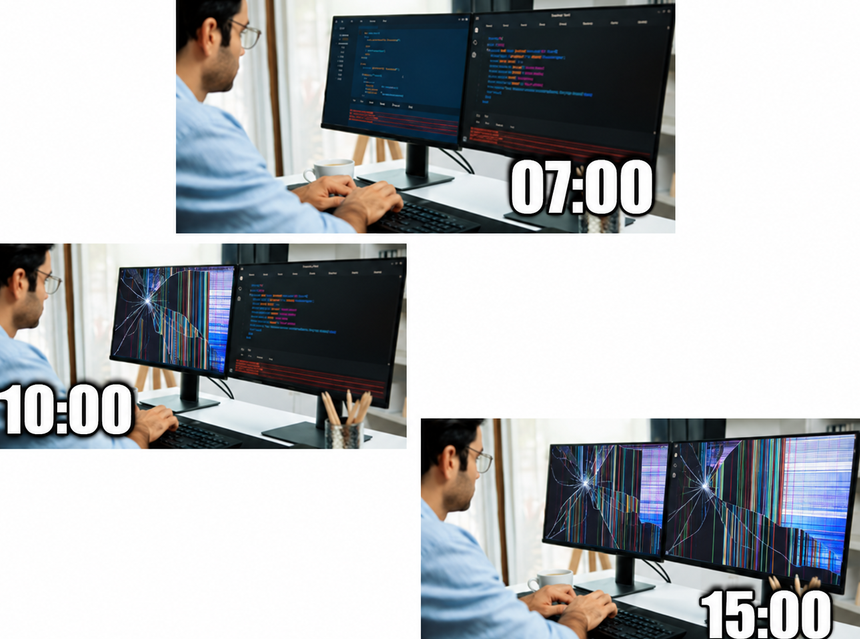
Start of the day: pristine dual monitor setup, clean code, optimistic vibes. By 10 AM: one monitor's already showing signs of distress with those classic screen artifacts. By 3 PM: both monitors have been absolutely demolished into a glorious mess of broken pixels and shattered dreams. The progression perfectly captures how your sanity deteriorates throughout the workday. That bug you thought would take 5 minutes? Still hunting it down 8 hours later. Your monitors didn't break themselves—they're just physically manifesting your internal state after dealing with legacy code, merge conflicts, and that one function that works in dev but fails in production for absolutely no logical reason. Pro tip: Monitors are cheaper to replace than therapy sessions. Barely.

Literally My Setup, Who Else Is Like This?

Literally My Setup, Who Else Is Like This?
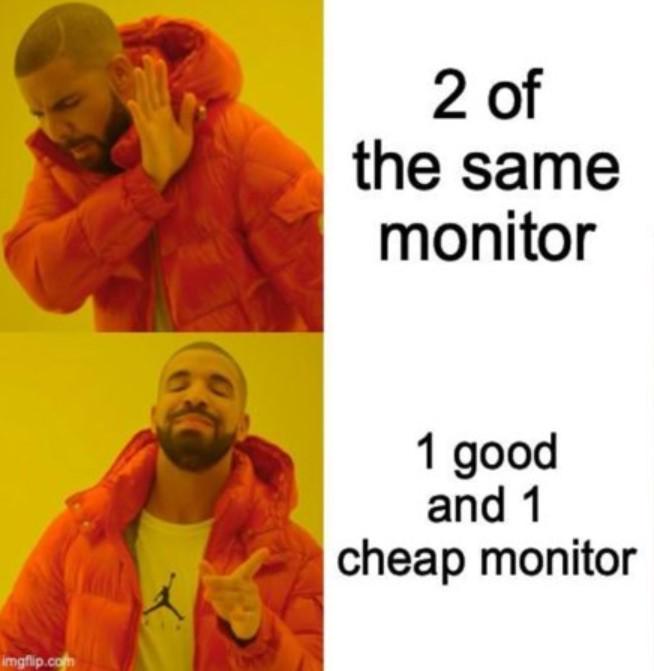
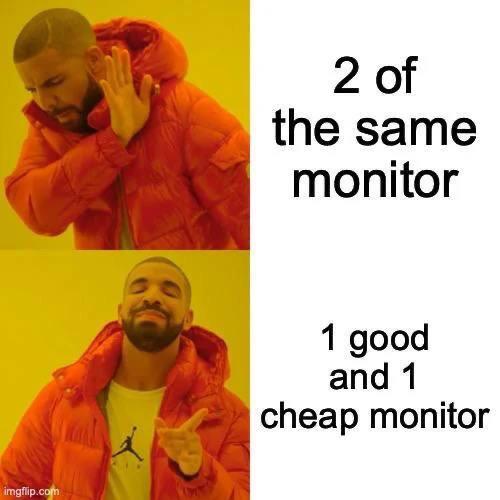
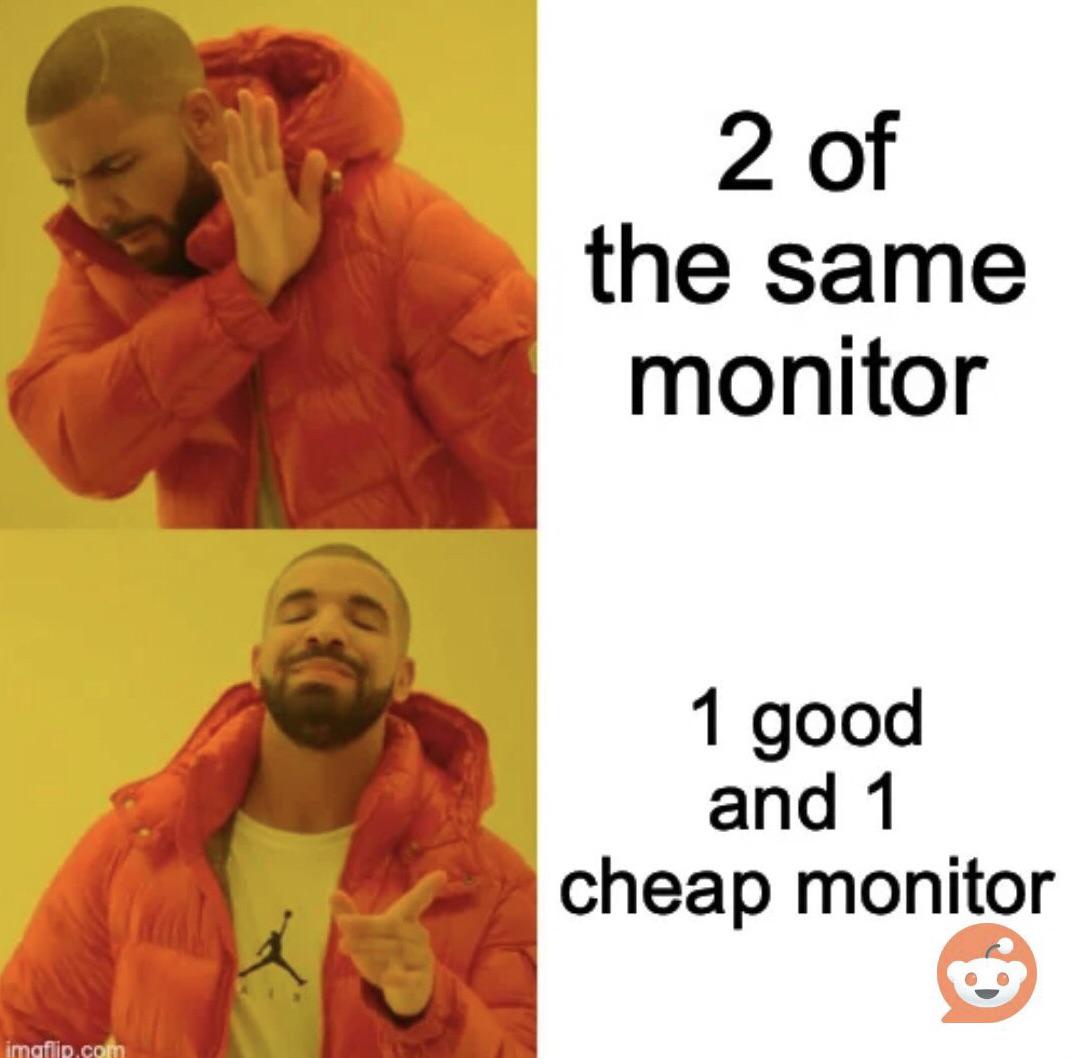
Why spend $1200 on matching monitors when you can have one gorgeous 4K display for your code and one crusty 2009 office monitor for Stack Overflow and Spotify? The asymmetry is *chef's kiss* and your neck gets a nice workout turning to read the pixelated text on the cheap one. Bonus points if the color temperature doesn't match and your eyes have to constantly adjust between warm and cool tones. It's not a bug, it's a feature called "budget optimization."

Setup Reality

Setup Reality
Look, I get it. You see those YouTubers with their perfectly symmetrical dual monitor setups and think "yeah, that's gonna be me." But then you remember rent exists and suddenly that $800 second monitor doesn't seem as essential. So you dig up that crusty 1080p display from 2012 that has one dead pixel and slightly yellow tint, pair it with your nice main monitor, and call it "character." The neck angle you develop from constantly looking at different height screens? That's just part of the developer aesthetic. Your chiropractor thanks you for the business.

Essential Upgrade

Essential Upgrade
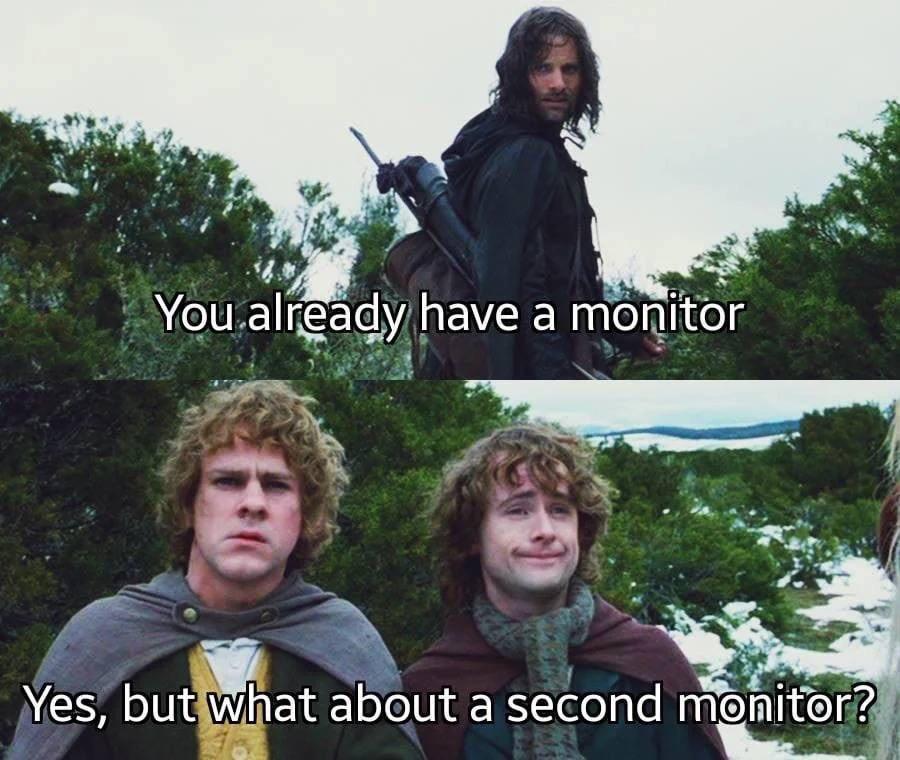
You know you've crossed the threshold into true developer territory when one monitor becomes physically inadequate. It's not about luxury—it's about survival. One screen for your IDE, one for Stack Overflow. One for the terminal output that's definitely about to break everything, one for Slack so you can pretend you're responsive. The logic is airtight. Your neck might disagree after six months of constant swiveling, but your productivity dashboard doesn't lie. Besides, once you go dual monitor, going back feels like trying to code on a TI-84 calculator.

I Got Your Monitors Missing 0.01 Hz And I'm Not Giving It Back

I Got Your Monitors Missing 0.01 Hz And I'm Not Giving It Back
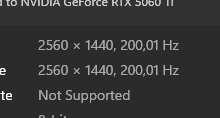
You know that feeling when you set up dual monitors and one is running at 200.01 Hz while the other is stuck at 200.00 Hz? Yeah, the GPU is basically holding that extra 0.01 Hz hostage. It's like having two perfectly matched monitors, same model, same specs, bought on the same day... and somehow the universe decided one deserves slightly more refresh rate than the other. The NVIDIA driver just sits there smugly, refusing to sync them up. You'll spend 45 minutes in display settings trying to manually set them to match, only to realize the option simply doesn't exist. That 0.01 Hz difference? It's the GPU's now. Consider it rent for using dual monitors. And yes, you absolutely WILL notice the difference. Or at least you'll convince yourself you do.

Redragon K686 PRO SE 98 Keys Wireless Gasket RGB Gaming Keyboard, 3-Mode Anime Mechanical Keyboard w/Hot-Swap Socket, Dedicated Knob Control & 5-Layer Noise Dampening, Custom Hi-Fi Linear Switch

Redragon K686 PRO SE 98 Keys Wireless Gasket RGB Gaming Keyboard, 3-Mode Anime Mechanical Keyboard w/Hot-Swap Socket, Dedicated Knob Control & 5-Layer Noise Dampening, Custom Hi-Fi Linear Switch
Redragon Anime Girl OUT - Here comes the adorable and reliable ally of Redragon, personalized waifu character Eisa reporting! 5 sides Dye-Sub PBT keycaps covered with themed patterns and elements off…

Dual Monitor Setups Be Like

Dual Monitor Setups Be Like
You spend $800 on a fancy ultrawide with perfect color calibration for your main display, then grab that dusty 1080p TN panel from 2009 with the dead pixel and 60Hz refresh rate for the second monitor. The color temperature doesn't match, the bezels are different sizes, and one sits 2 inches higher than the other. But hey, at least you can keep Stack Overflow open on the garbage monitor while you pretend to code on the good one. Budget optimization at its finest.

I Don't Think I Can Go Back Guys

I Don't Think I Can Go Back Guys
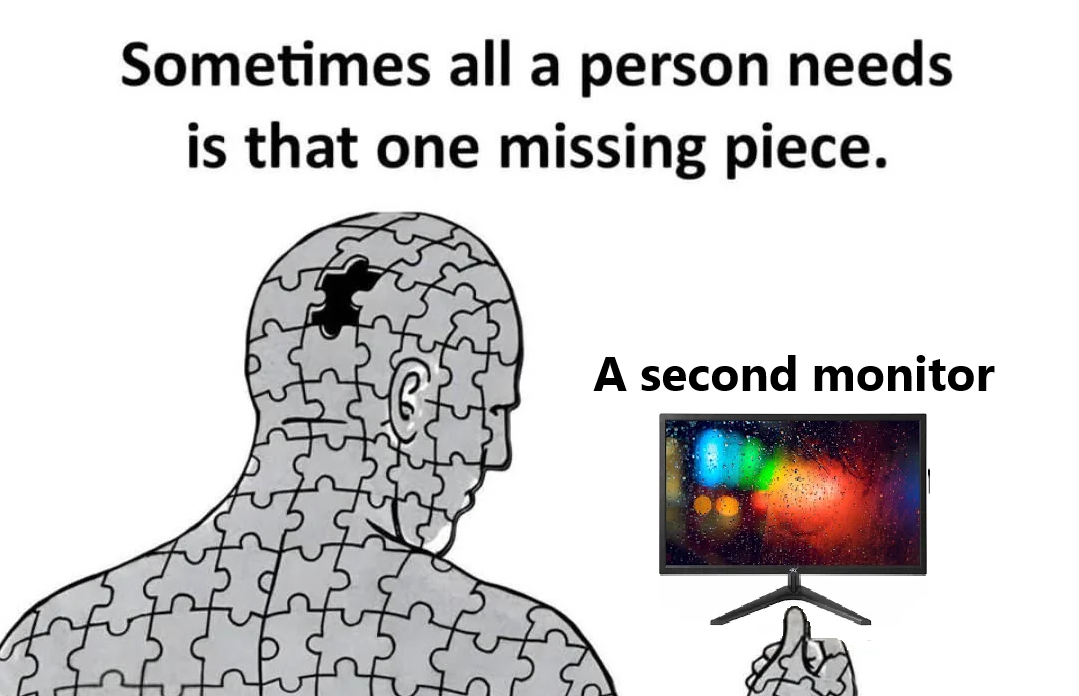
That glorious moment when you finally cave and buy a second monitor, and suddenly your entire existence transforms from a pathetic single-screen peasant to DUAL-MONITOR ROYALTY! The missing puzzle piece in your developer soul wasn't love or purpose—it was 1920 more pixels of pure, unadulterated screen real estate! Once you've tasted the forbidden fruit of dragging windows between monitors instead of alt-tabbing like a caveman, there's absolutely NO GOING BACK. Your productivity has increased by approximately 4000% (or at least that's what you tell yourself to justify the expense).