Windows problems Memes

Posts tagged with Windows problems
Update And Shutdown, Yeah, Right

Update And Shutdown, Yeah, Right
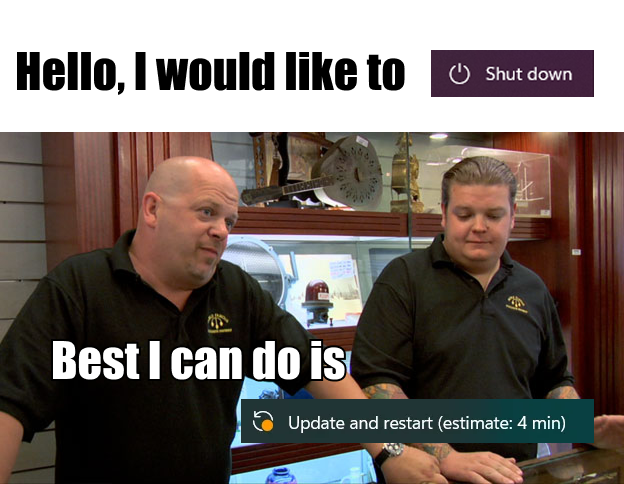
You: "I need to leave in 5 minutes, let me just shut down real quick." Windows: "How about I make you late for literally everything instead?" You politely ask for a shutdown like a civilized human being, and Windows just looks you dead in the eye and goes "Best I can do is update and restart (estimate: 4 min)" - which is Windows-speak for "see you in 45 minutes, your meeting is toast, and I'm gonna restart at least three times just for funsies." That 4-minute estimate has the same energy as "I'll be ready in 5 minutes" from someone who hasn't even picked out their outfit yet. The audacity! The betrayal! You wanted a clean shutdown, not a whole Windows Update saga with multiple plot twists.

I Just Wanted To Read A Single Document Man

I Just Wanted To Read A Single Document Man
Oh no. OH NO. You've done it now. You clicked a PDF without setting your default app, and Microsoft Edge has risen from its cursed slumber like some eldritch horror you forgot existed. You just wanted to glance at a receipt or tax document for 2 seconds, but instead you've summoned the ANCIENT ONE – the browser that Microsoft desperately wants you to use but literally nobody asked for. Edge opens with the speed and grace of a freight train, consuming your RAM like it's at an all-you-can-eat buffet, just to display a single page PDF that any lightweight reader could've handled in 0.2 seconds. The worst part? It's now your default PDF viewer until you go dig through seventeen layers of settings to fix it. Congratulations, you played yourself.

Thanks For The Help

Thanks For The Help
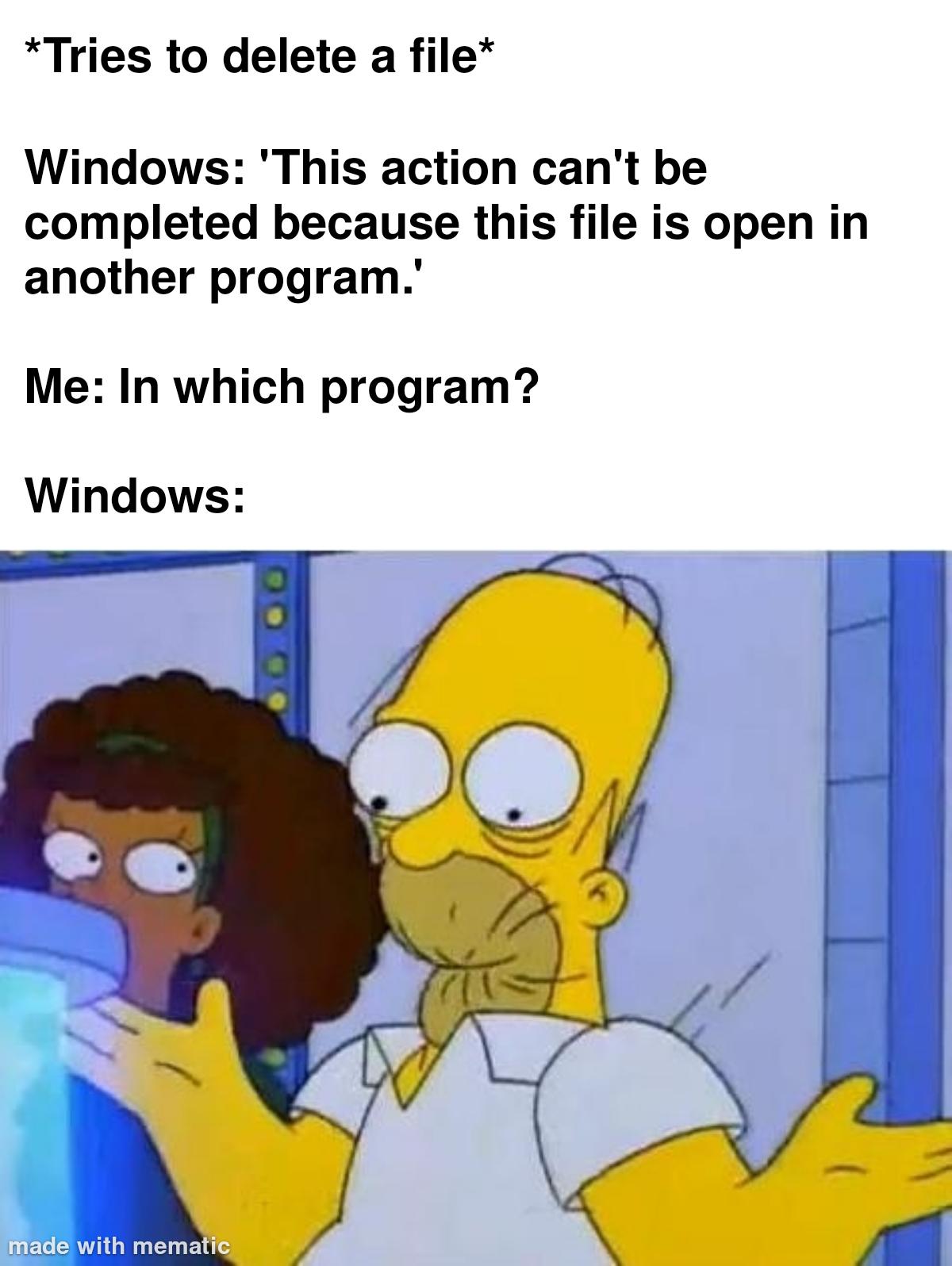
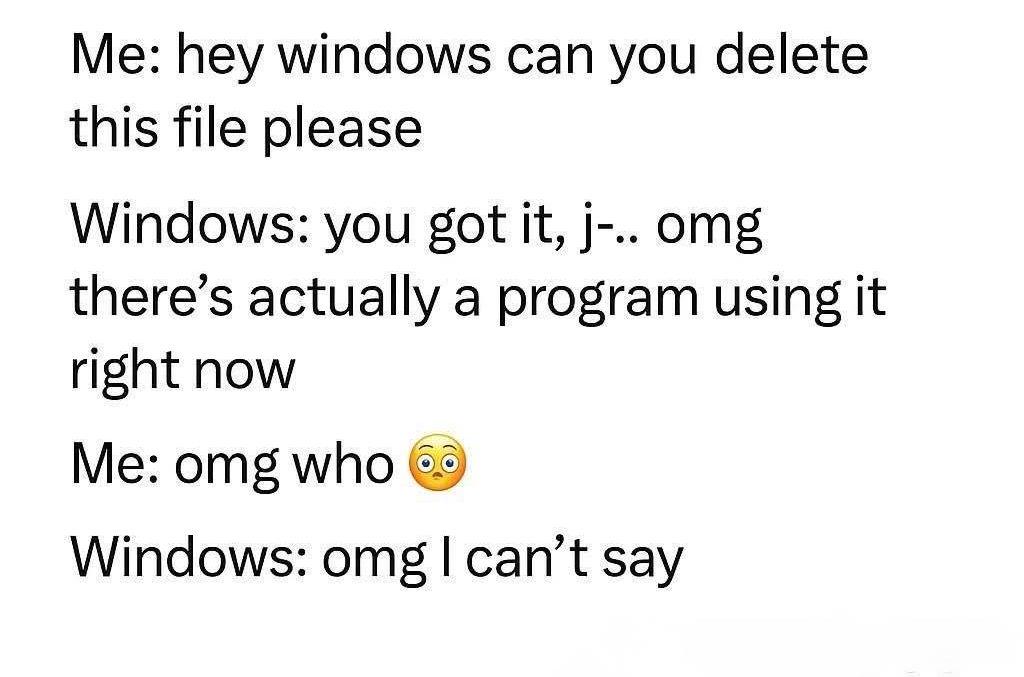
Windows file locking is the gift that keeps on giving. You want to delete something? Cool, but first let me tell you it's open somewhere. Where exactly? That's classified information. Maybe it's your IDE. Maybe it's Windows Explorer itself holding a grudge. Maybe it's a ghost process from 2019. Who knows? The best part is when you close literally everything on your screen and Windows still insists the file is open. At that point you're just rebooting or busting out Process Explorer like some kind of digital detective. Meanwhile, Linux users are over there with rm -rf living their best life.

Just About Anything Vs. Windows

Just About Anything Vs. Windows
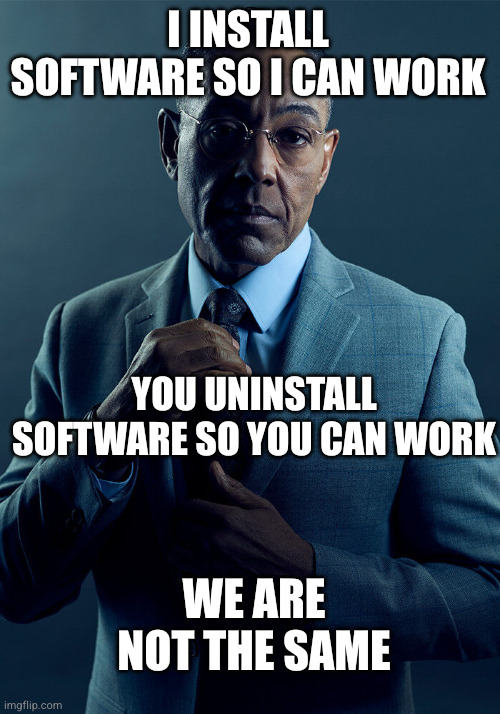
Oh, the absolute AUDACITY of Windows to pretend that installing and uninstalling software are equivalent operations! Like, sweetie, on literally every other OS, you install something to make it work, and you uninstall it to... stop it from working. Revolutionary concept, I know! But Windows? Honey, you need to uninstall that random driver you installed three years ago just to get your printer working again. You need to uninstall bloatware so your CPU stops having a meltdown. You need to uninstall that one program that's been hogging 4GB of RAM in the background since 2019. Installing software is optional; uninstalling it is MANDATORY MAINTENANCE. It's like Windows thinks "working" means "barely functional with 47 background processes you didn't ask for." The drama! The chaos! The sheer disrespect!

Select An App To Open

Select An App To Open
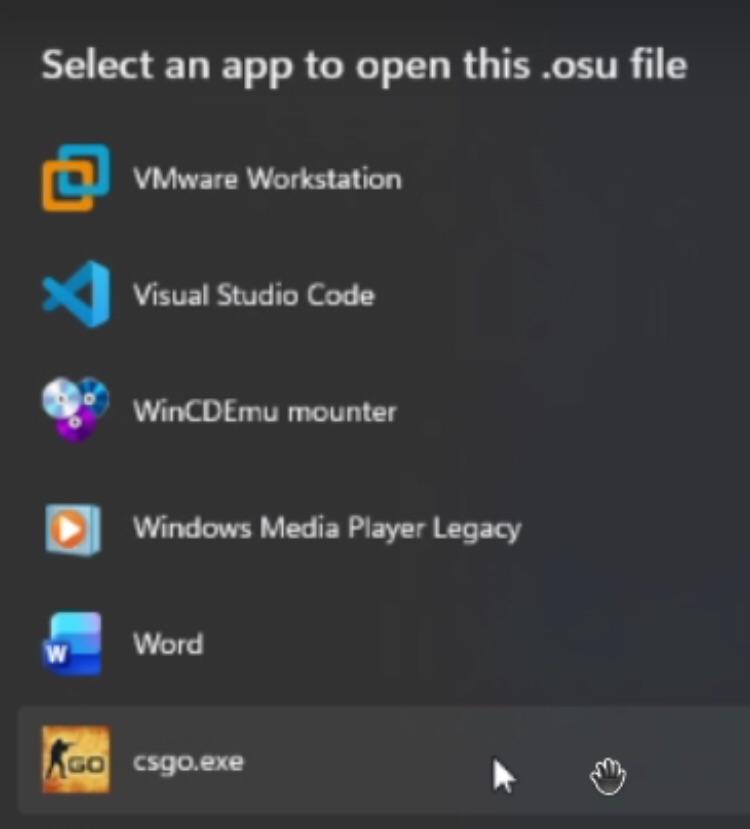
Windows is out here suggesting you open a .osu rhythm game file with literally everything except the actual game. VMware? Sure, why not virtualize your beatmap. VS Code? Great idea, let's edit those timing points manually like savages. WinCDEmu mounter? Because clearly this is an ISO file. Windows Media Player Legacy? Maybe it'll play the song at least. Microsoft Word? Perfect for documenting your skill issues. But the real galaxy brain move here is csgo.exe at the bottom. Nothing says "I can't aim in osu!" quite like switching to Counter-Strike instead. Windows file associations have always been a special kind of broken, but this is peak chaos energy.

Pretty Much

Pretty Much
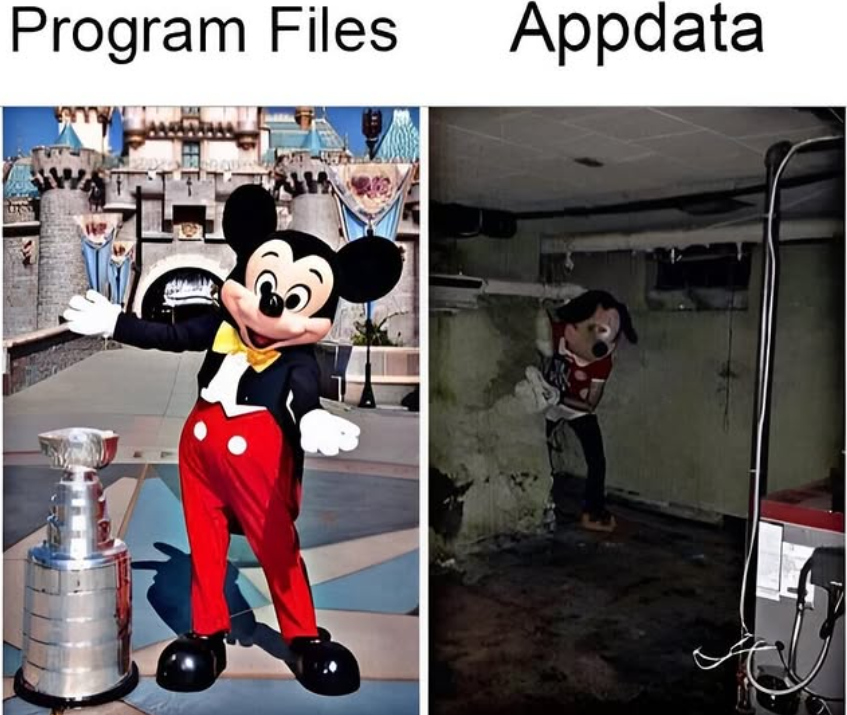
Your Program Files folder: clean, organized, pristine installations living in harmony at C:\Program Files. Meanwhile, your AppData folder is basically a digital crime scene—a dark, moldy basement where applications dump their configs, cache, logs, and existential crises when they think nobody's watching. You know what's wild? AppData grows like a Chia Pet on steroids while you're just trying to browse the web. Every app you've ever installed leaves its mark there, even after uninstalling. It's where Electron apps go to store 47 different versions of Chromium, where your IDE keeps 8GB of indexing data, and where that random app from 2015 still has a folder because Windows uninstallers are basically suggestions. The real kicker? Try explaining to a non-technical person why their C: drive is full when they "barely have any programs installed." Good luck finding AppData without showing hidden folders first.

Let Him Cook

Let Him Cook
You know that moment when a Windows installer says "The wizard will now install your software" and you're like "wait, I didn't configure anything yet"? That's when you realize you're about to speedrun through 47 screens of settings you'll never get to customize. Gandalf here represents every developer who's ever frantically tried to stop an installer mid-flight because they forgot to uncheck "Install McAfee" or change the installation directory from C:\Program Files. The wizard doesn't wait for mere mortals. It installs when it's ready, not when YOU'RE ready. Also love how he's using a MacBook to deal with Windows installer problems. The irony is chef's kiss.

Beelink SER3 Mini PC AMD Ryzen 3200U Mini Computers, 8G DDR4 256G PCIe3.0 SSD, Dual 4K 60HZ Display, 4xUSB3.2 Home Office Business Entertainment PC

Beelink SER3 Mini PC AMD Ryzen 3200U Mini Computers, 8G DDR4 256G PCIe3.0 SSD, Dual 4K 60HZ Display, 4xUSB3.2 Home Office Business Entertainment PC
【Beelink SER3 Mini PC】 Equipped with an AMD Ryzen 3 3200U Processor (up to 3.5GHz, 2C/4T) and Radeon Vega 3 Graphics. Its performance shows a 45% improvement compared to the i5-7200U. Perfect for use…

So Accurate

So Accurate
You know that special Windows feature where it won't let you delete a file because "something" is using it, but refuses to tell you what that something is? Classic Windows move right there. It's like asking your roommate to stop eating your leftovers and they're like "oh no someone's definitely eating those" while actively chewing. The best part is when you open Task Manager, close literally everything, and Windows still gaslights you into believing some phantom process needs that random .txt file from 2019. After 15 years of dealing with this, I've learned the solution is either rebooting or just accepting that file lives there forever now.

It's Like It Knows

It's Like It Knows
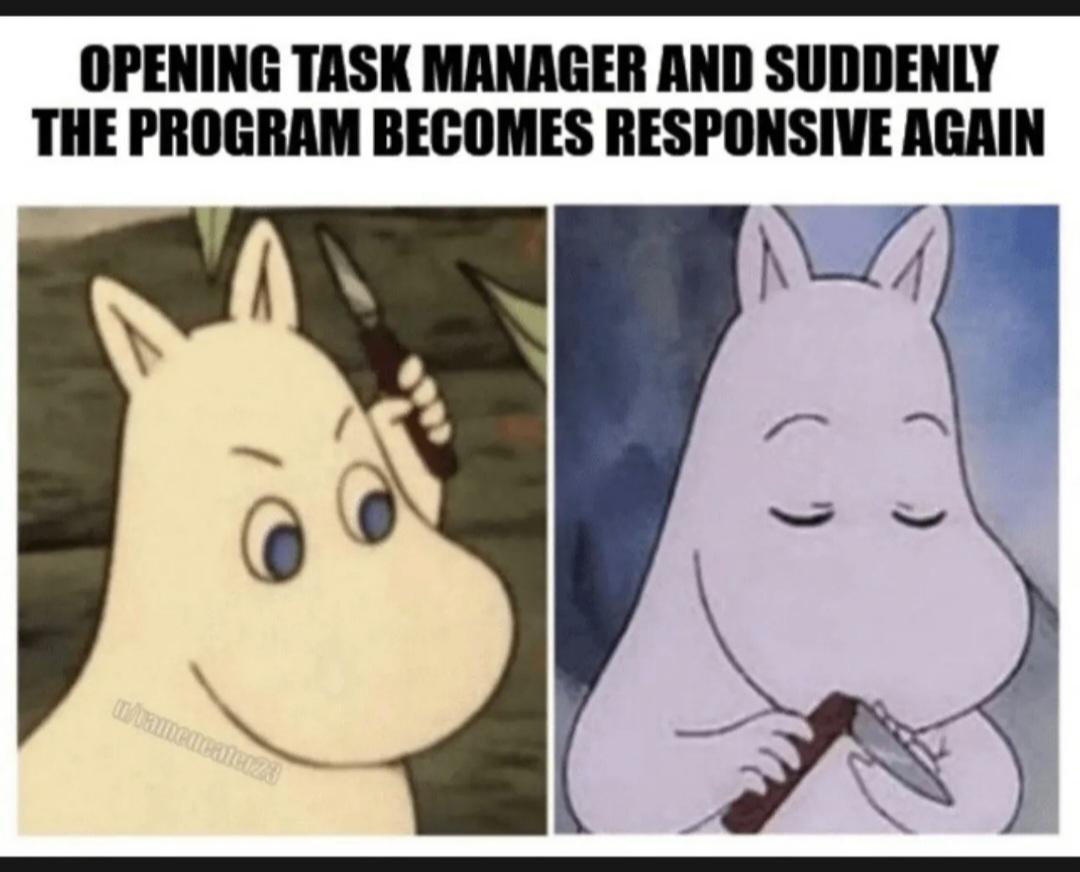
You know that moment when your program is frozen solid, completely unresponsive, basically dead to the world? So you do what any rational person does—you open Task Manager to deliver the final blow. But WAIT. The second that Task Manager window appears, your program suddenly springs back to life like it just chugged three espressos and remembered it has a job to do. It's sitting there all smug and responsive now, as if it wasn't just pretending to be a corpse for the last five minutes. It's the digital equivalent of your car making that weird noise for weeks until you finally take it to the mechanic, and then it runs perfectly. Your program somehow SENSES the threat of termination and decides that maybe, just maybe, it should start behaving. The sheer audacity of it all! Like some kind of Schrödinger's application—simultaneously frozen and perfectly functional until observed by Task Manager.

Well, You Tried

Well, You Tried
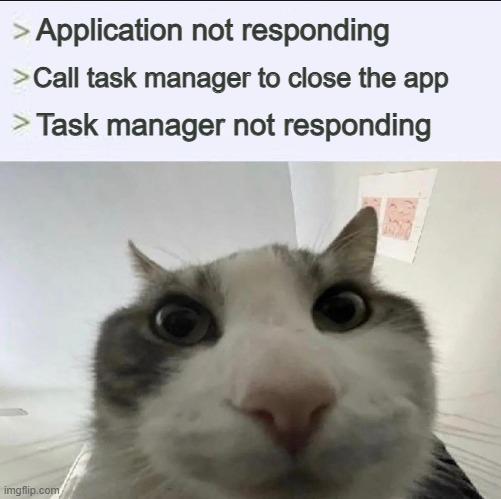
So your application freezes, and like a rational human being, you reach for Task Manager to end its misery. Except Task Manager decides this is the perfect moment to join the rebellion and also stops responding. It's like calling the fire department and they show up on fire. The confused cat just staring at you captures that exact moment when you realize you're now stuck in an infinite loop of non-responsiveness and your only option left is the hard reset button. Or just... staring at the screen until one of them decides to cooperate. Windows at its finest.

How Windows Mfs Feel When They Use The Search Bar And It Actually Works Instead Of Pulling Up Bing

How Windows Mfs Feel When They Use The Search Bar And It Actually Works Instead Of Pulling Up Bing
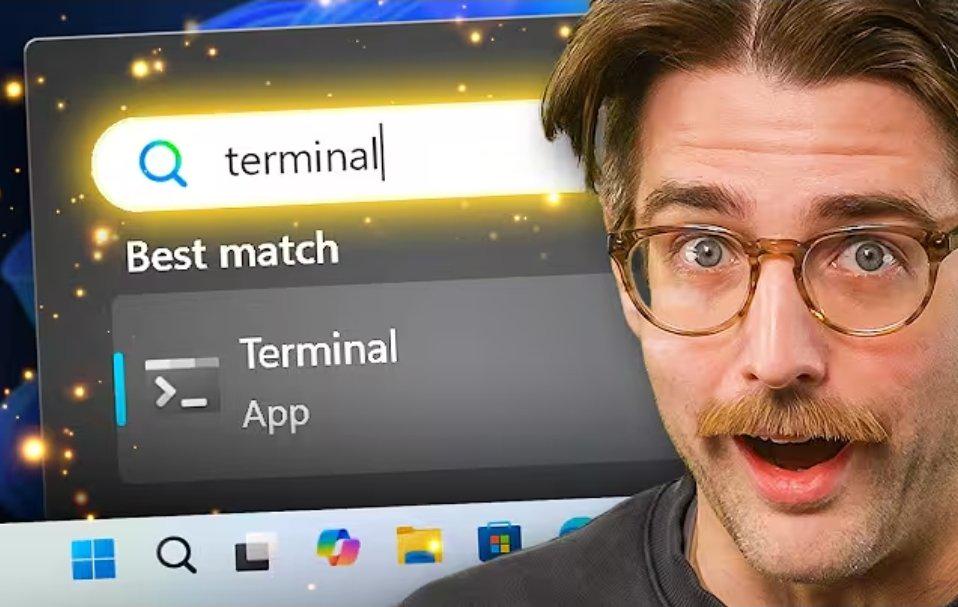
You know your OS has trust issues when finding an actual app on your own machine feels like winning the lottery. Windows Search has this beautiful talent for turning "terminal" into a web search about airport terminals instead of, you know, launching the Terminal app that's literally installed on your system. It's like asking your roommate where the milk is and they hand you a phone book. The shock and disbelief when it actually returns the correct result? Pure dopamine. Bonus points if it didn't take 47 seconds to index your entire existence first.

Windows Search

Windows Search
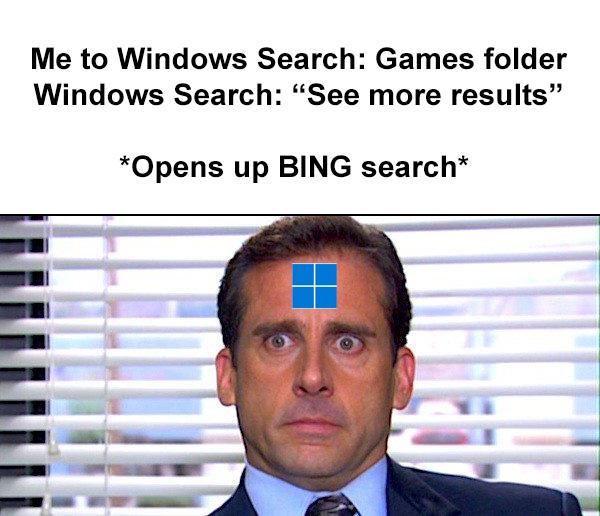
You're literally searching for a folder on your own machine, something that's probably in C:\Program Files or wherever you installed your games, and Windows Search is like "hmm, never heard of it, but let me check the entire internet for you." Because apparently Microsoft thinks you're more likely to find your local Games folder on Bing than on your own hard drive. The audacity of clicking "See more results" expecting, you know, more local results , only to be greeted with a web search is truly a Windows experience™. It's like asking someone where your keys are and they hand you a phone book.