Position-absolute Memes

Posts tagged with Position-absolute

C Ss

C Ss
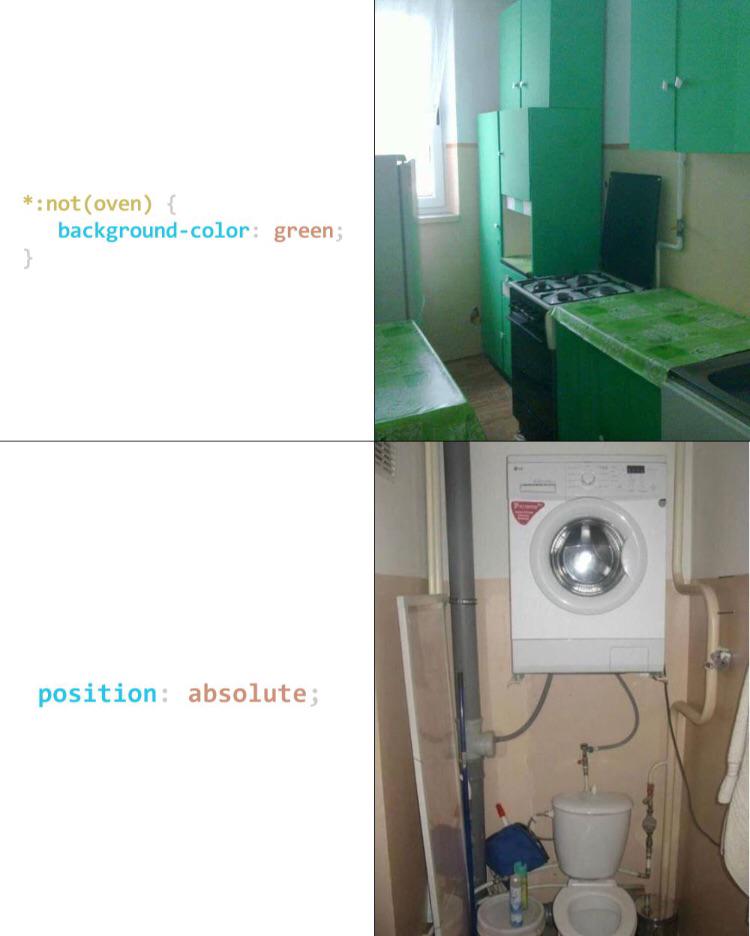
CSS selectors meet their real-world equivalents, and honestly, the resemblance is uncanny. The *:not(oven) selector literally says "everything in this kitchen except the oven gets a green background," and behold—every cabinet, wall, and surface is aggressively green while the oven stands there in its original black glory like it's exempt from the stylesheet. Then we've got position: absolute; illustrated by a washing machine mounted above a toilet like it's been yanked out of the normal document flow and positioned with zero regard for its neighbors. That's exactly what position: absolute does—removes an element from the normal flow and places it wherever you want, consequences be damned. Whoever designed these interiors clearly took "semantic HTML" way too literally.

CSS Gardening

CSS Gardening
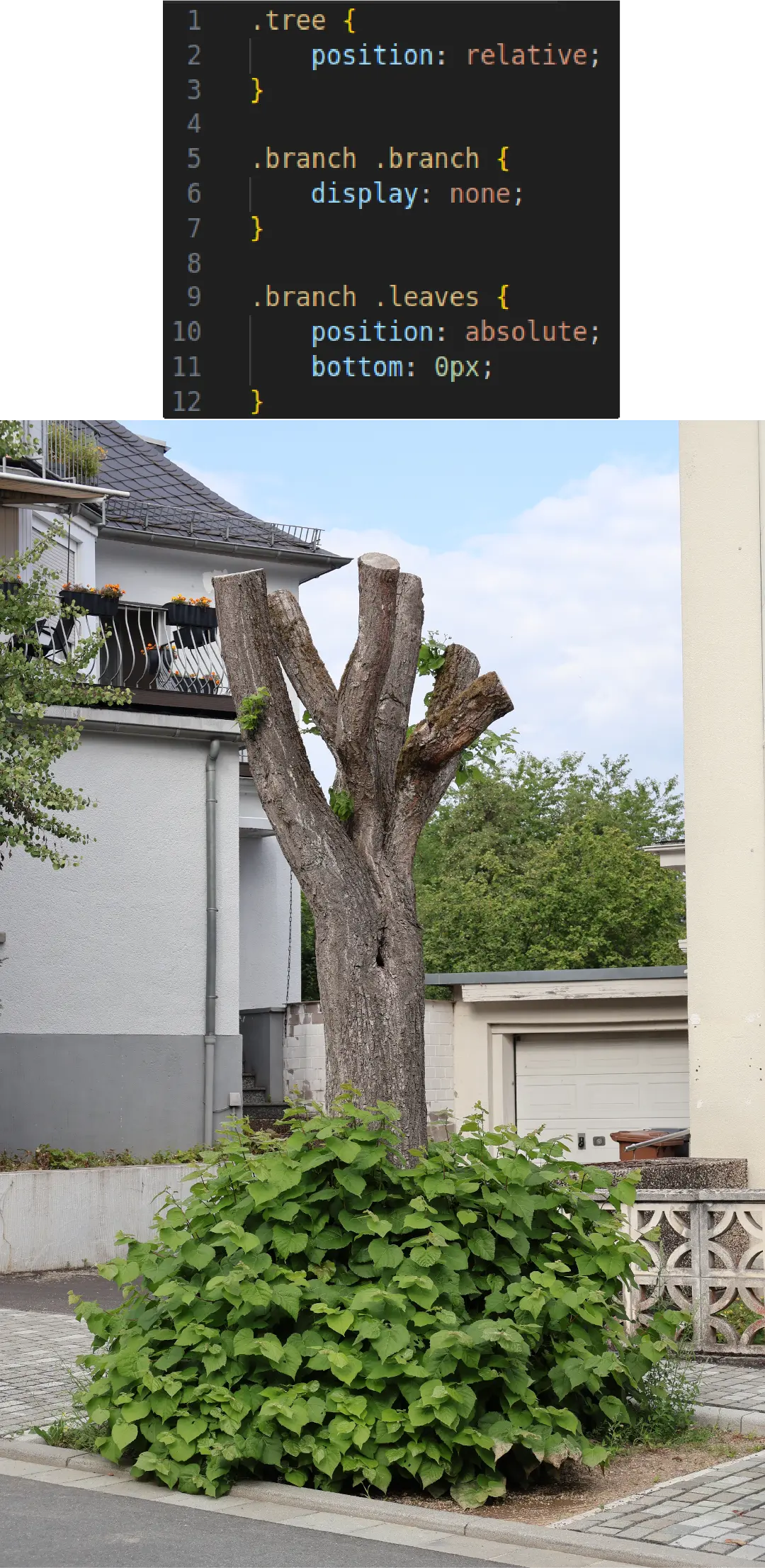
Finally, a gardener who understands CSS! The tree has position: relative (it's staying put), the branches have display: none (they've been chopped off), and the leaves are position: absolute; bottom: 0px (stubbornly growing only at the base). It's what happens when you let a frontend developer loose with pruning shears. Nature doesn't stand a chance against someone who's spent years fighting with flexbox.

Position Absolute Chaos

Position Absolute Chaos
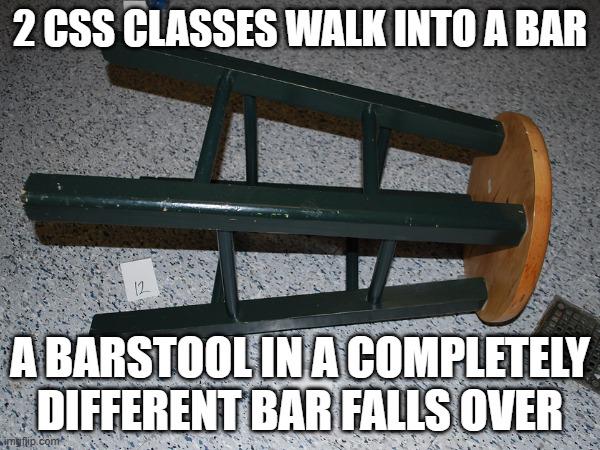
The classic "walks into a bar" joke format gets a brilliant CSS twist! When you use position: absolute in CSS, elements completely ignore the normal document flow and position themselves wherever they want—often causing total layout chaos. Just like how these CSS classes walked into one bar while somehow managing to knock over furniture in a completely different establishment. Frontend developers know this pain all too well—one misplaced absolute positioning and suddenly your navbar is floating in the middle of your contact form and your footer is somewhere in the stratosphere.

Fix Something In Css

Fix Something In Css
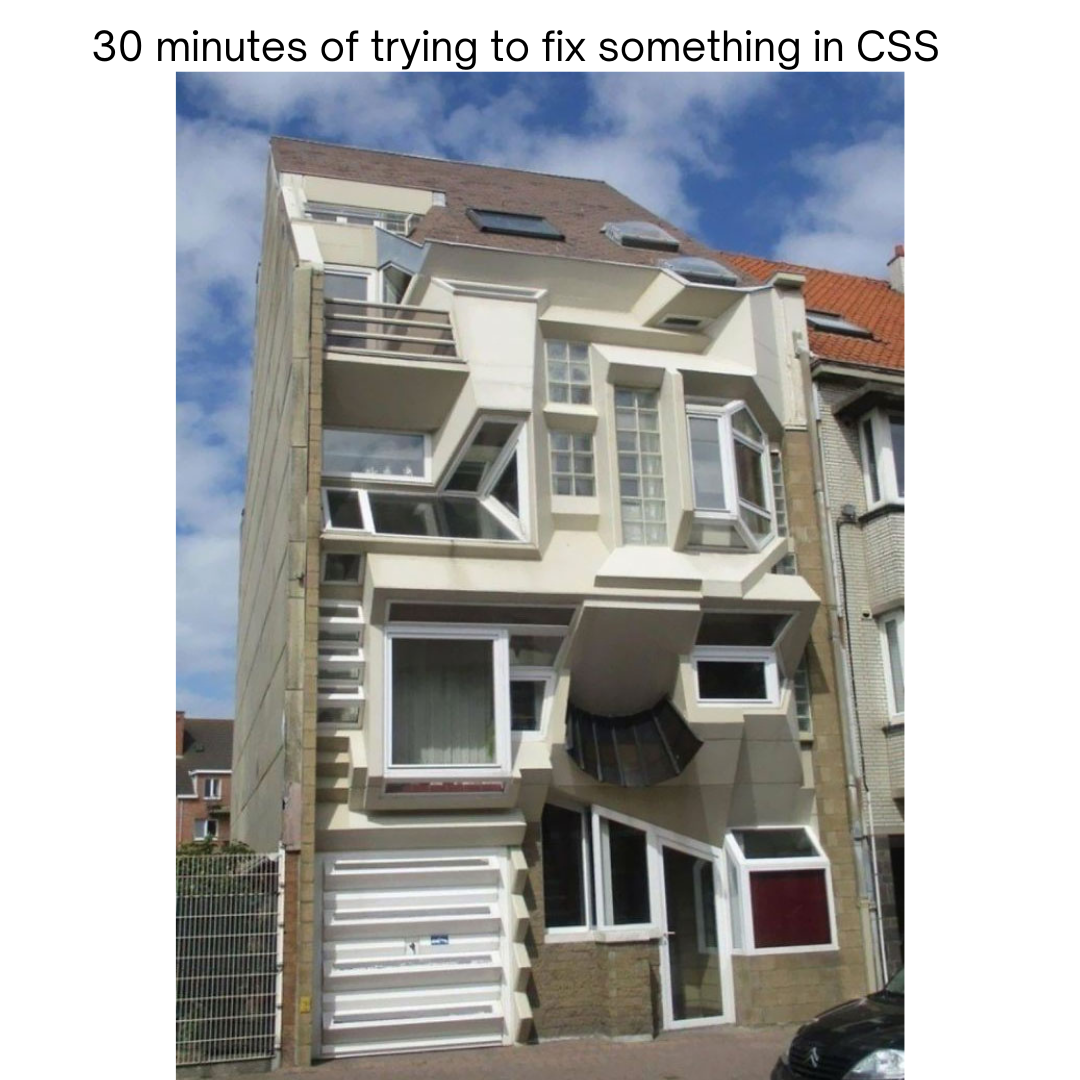
This is what happens when you use position: absolute on everything and refuse to learn Flexbox. That building is basically what your webpage looks like after you've spent 30 minutes randomly adjusting CSS values by single pixels, hoping something magically aligns. The architect clearly used !important way too many times and then just shipped it anyway. Classic "it works on my machine" energy right there. The windows are like divs that escaped their container and now live wherever they want - complete CSS anarchy. This is why senior devs drink.