Motion blur Memes

Posts tagged with Motion blur
Why Do They Insist On Post-Processing?

Why Do They Insist On Post-Processing?
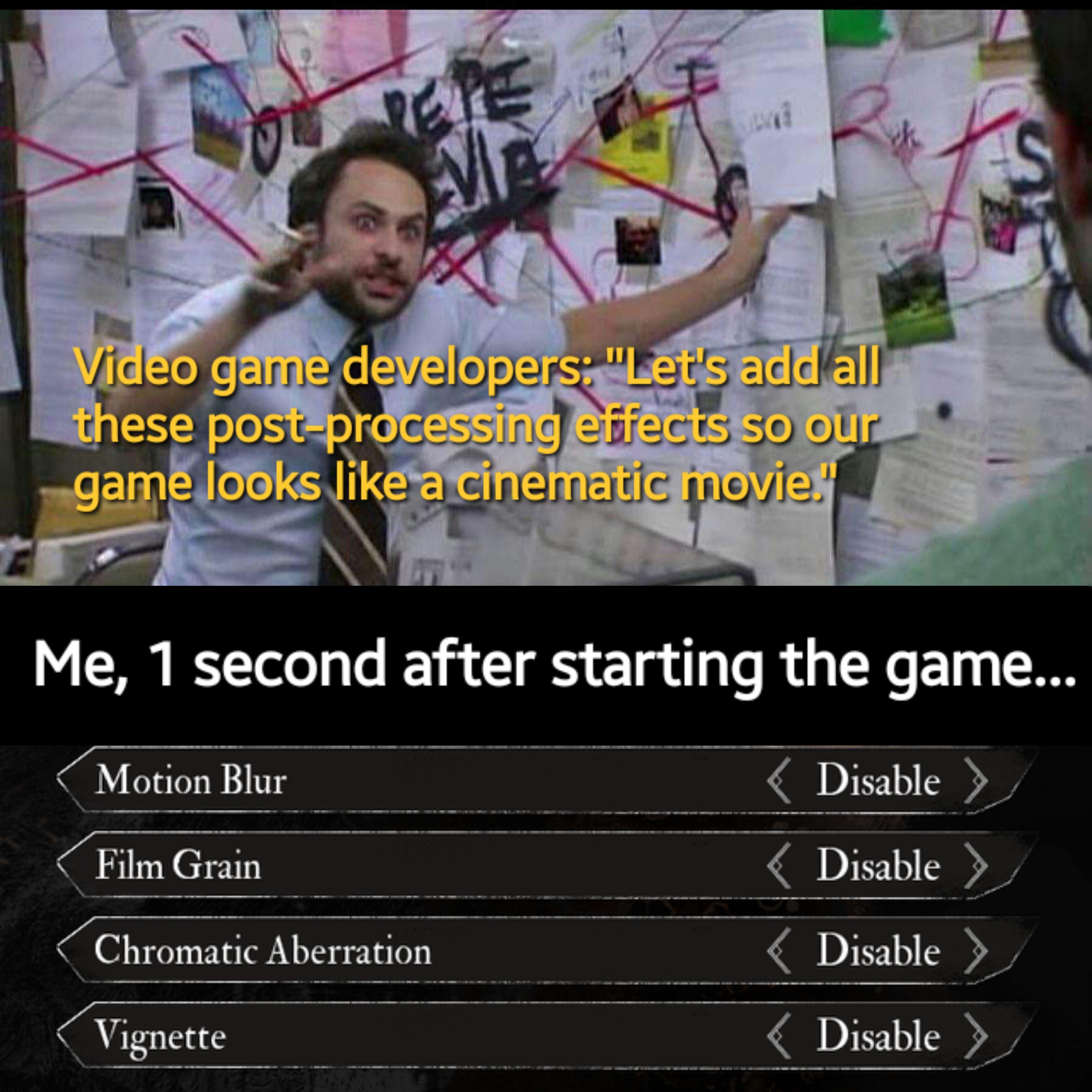
Game devs: "Let's make it look like a Christopher Nolan film with motion blur, film grain, chromatic aberration, and vignette!" Players: *immediately disables all of it because they actually want to see what they're doing* Nothing says "cinematic experience" quite like making your game look like it was filmed through a dirty lens while someone's shaking the camera. Sure, it looks great in trailers, but when you're trying to spot enemies or read UI elements, suddenly that artistic vision becomes a migraine generator. The first thing any self-respecting gamer does is dive into the settings menu and nuke every post-processing effect back to the stone age. Motion blur? Gone. Film grain? Deleted. Chromatic aberration? What even is that, and why would I want my screen to look like a broken TV? Developers spend months perfecting these effects. Players spend 1 second disabling them. Tale as old as time.

Gamers Worst Enemy's

Gamers Worst Enemy's
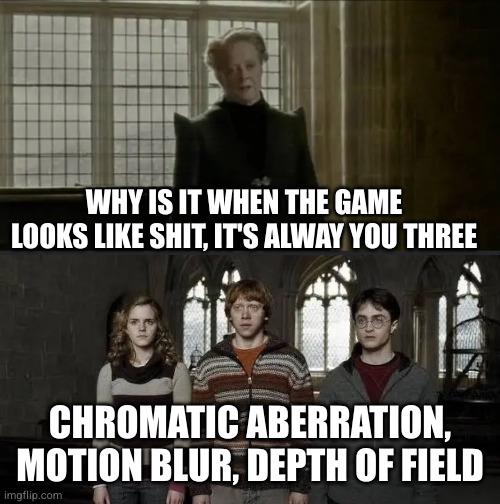
Game developers spend months optimizing their masterpiece, only for players to complain about visual artifacts that sound like they came straight from a cinematography textbook. Film grain? That grainy texture overlay devs add for "cinematic realism." Chromatic aberration? Those annoying color fringes on edges that simulate lens distortion. Depth of field? Blurring everything except what the game thinks you should focus on. And motion blur? The unholy abomination that turns every camera movement into a smeared mess. First thing any self-respecting gamer does: open settings, graphics tab, scroll down, and systematically execute every single one of these "features." Because nothing says immersion like actually being able to see what you're shooting at. Devs call it artistic vision. Gamers call it FPS tax. The war continues.

PC Gamers When They're Watching A Movie And They Realize They Can't Disable Motion Blur, Chromatic Aberration, Or Film Grain

PC Gamers When They're Watching A Movie And They Realize They Can't Disable Motion Blur, Chromatic Aberration, Or Film Grain
You spend hours in the settings menu tweaking every single graphics option, disabling motion blur because it makes you nauseous, turning off chromatic aberration because it's just lens distortion pretending to be "cinematic," and removing film grain because why would you want artificial noise on your $2000 GPU output? Then you sit down to watch a movie and your brain short-circuits when you realize there's no F12 key to bring up the settings menu. The irony? All those "post-processing effects" that gamers immediately disable are literally baked into every Hollywood film. Directors spent millions to add that film grain you hate. That motion blur? It's just how cameras work. But try explaining that to someone who's spent 200 hours optimizing their Cyberpunk settings for maximum visual clarity at 144fps. The real kicker is when you catch yourself mentally searching for the "disable depth of field" option during an artsy indie film. Brother, that's called cinematography.

When I Enter The Game

When I Enter The Game
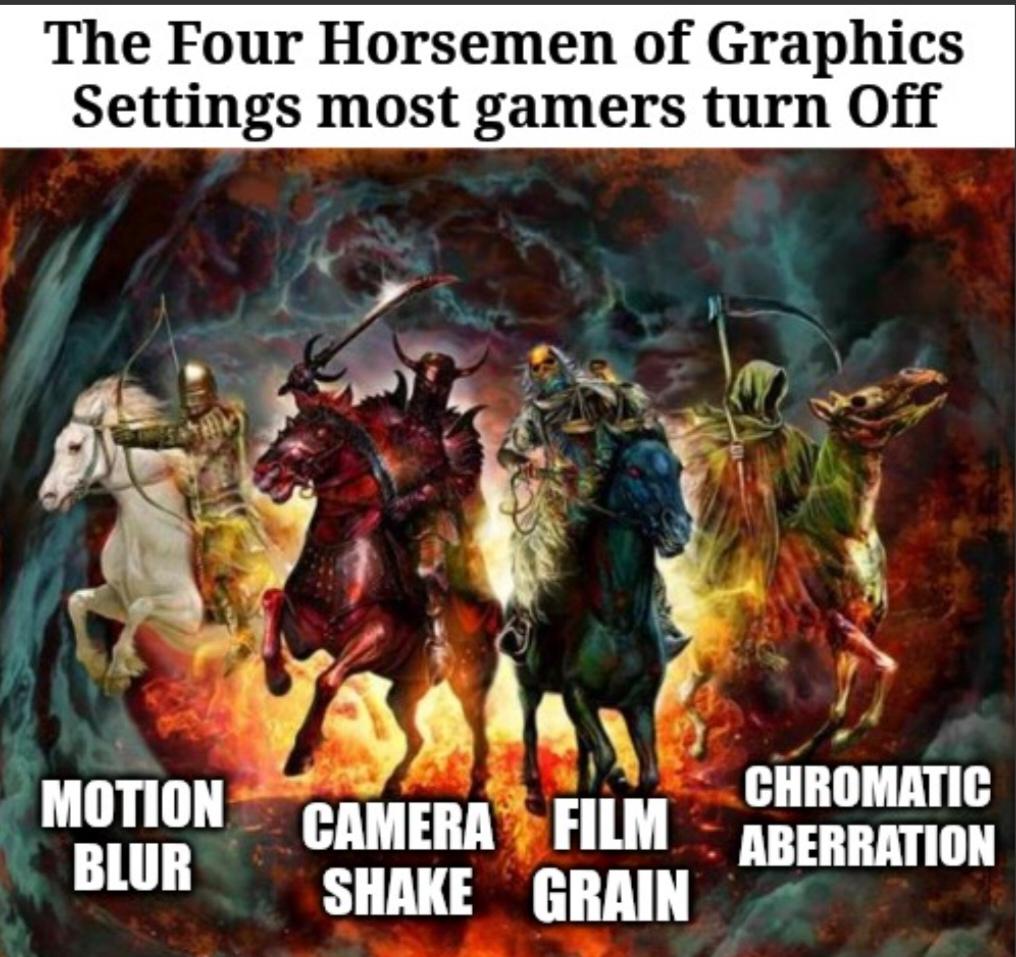
Nothing announces "I have a potato for a PC" quite like immediately disabling Motion Blur, Camera Shake, Film Grain, and Chromatic Aberration the moment you boot up a game. These four visual effects are basically the apocalypse for anyone running anything less than a NASA supercomputer. Game devs love adding them to make things look "cinematic," but most of us just want our frame rate to stay above slideshow territory. Motion blur makes everything look like you're playing through Vaseline, camera shake gives you motion sickness, film grain is just... noise, and chromatic aberration is what happens when a graphics designer discovers lens distortion and gets way too excited about it. So yeah, these settings get sacrificed faster than a junior dev during a production outage. Your GPU will thank you.

First Things I Rush To Turn Off In The Settings

First Things I Rush To Turn Off In The Settings
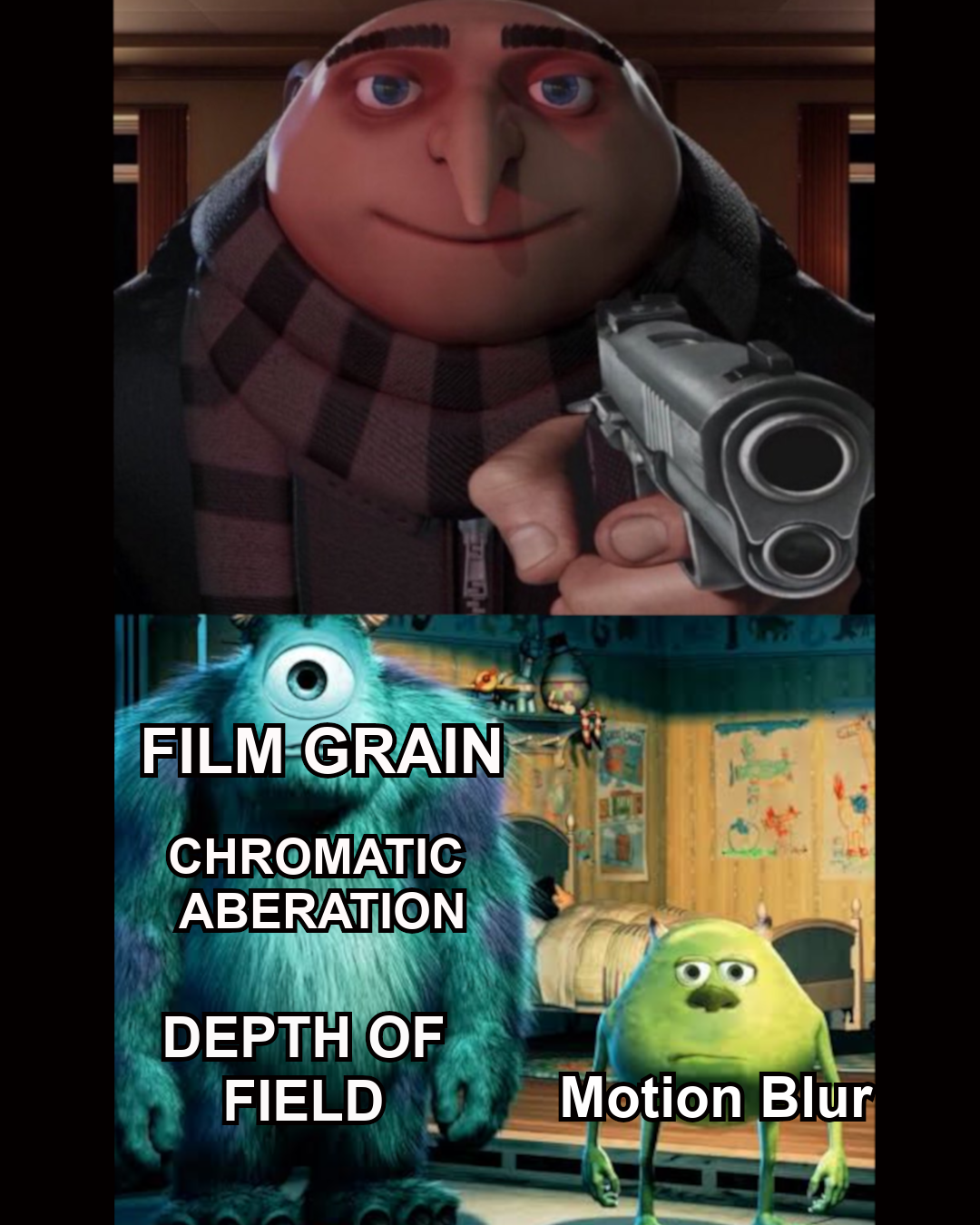
Every game developer somehow thinks we all want our screens to look like we're playing through a vaseline-smeared kaleidoscope. The first 20 minutes of any new game is just me frantically hunting through settings menus to turn off those unholy visual "enhancements." Nothing says immersion like not being able to see the enemy because the game decided your character needs glasses. After 15 years of game development progress, we've gone from "can we make this look good?" to "how much visual garbage can we add before players revolt?"

UGREEN NAS DH2300 2-Bay Desktop NAS, Support Capacity 64TB (Diskless)

UGREEN NAS DH2300 2-Bay Desktop NAS, Support Capacity 64TB (Diskless)
Entry-level NAS Personal Storage:UGREEN NAS DH2300 is your first and best NAS made easy. It is designed for beginners who want a simple, private way to store videos, photos and personal files, which …

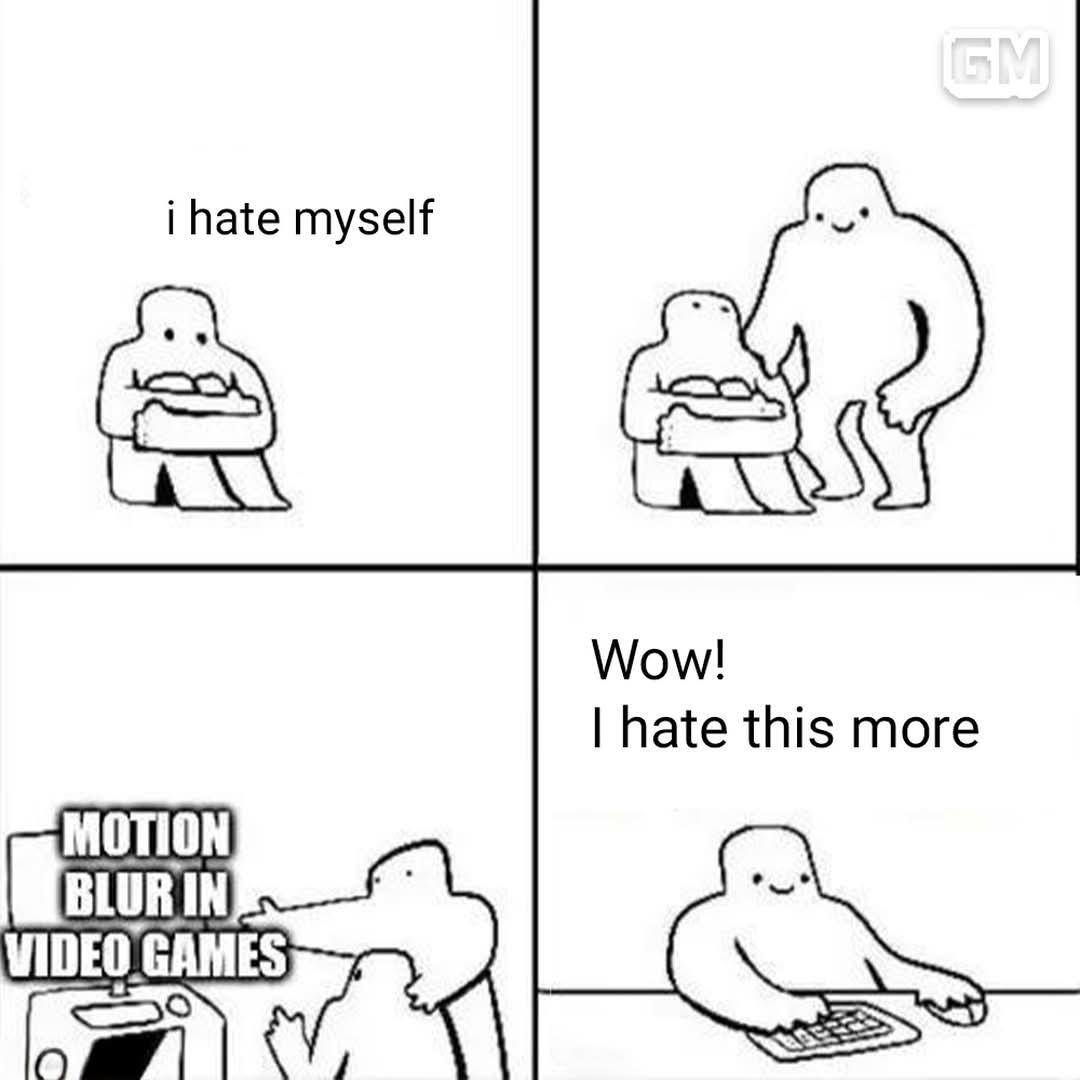
It Helps Me Raise My Self Esteem

It Helps Me Raise My Self Esteem
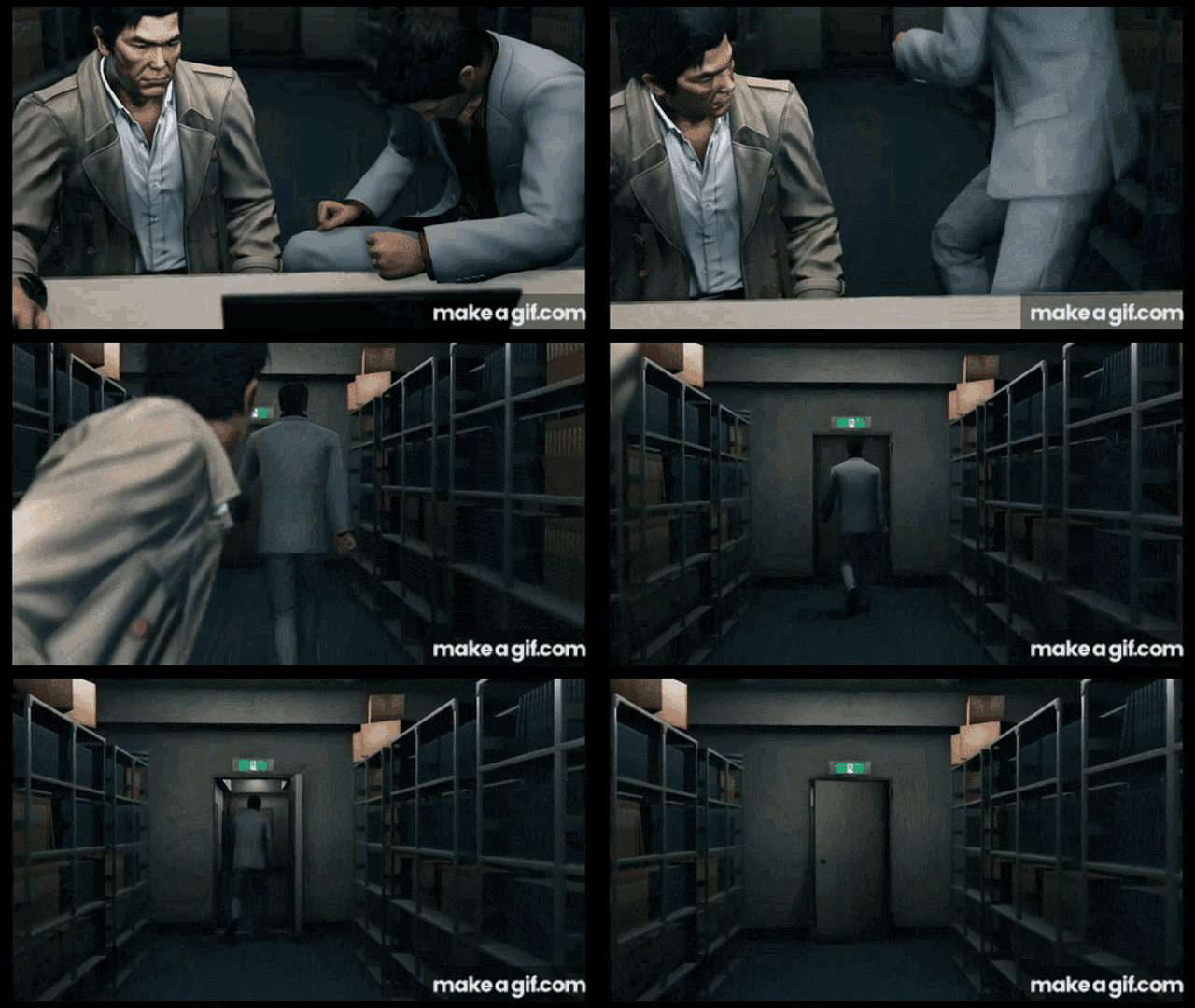
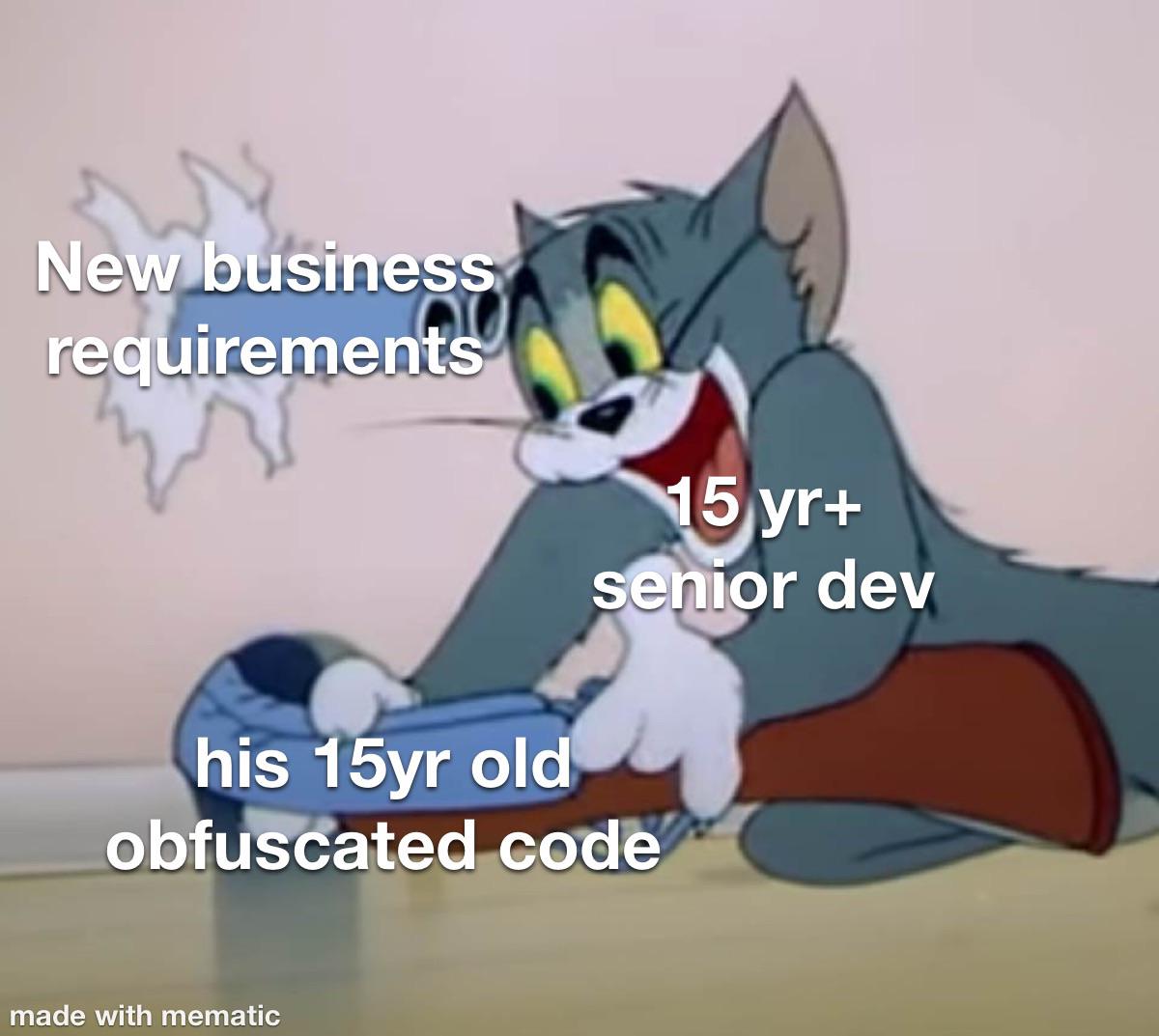
Nothing boosts a programmer's self-worth like finding something they hate more than their own code. Motion blur in games? That's the digital equivalent of stepping on a Lego while debugging at 3 AM. Game devs spend weeks perfecting realistic physics, then slap on motion blur that makes you feel like you're coding after four energy drinks. The sweet validation of knowing your spaghetti code isn't the worst thing in tech after all. Nothing says "I'm actually not that bad" like redirecting your self-loathing to a different target.

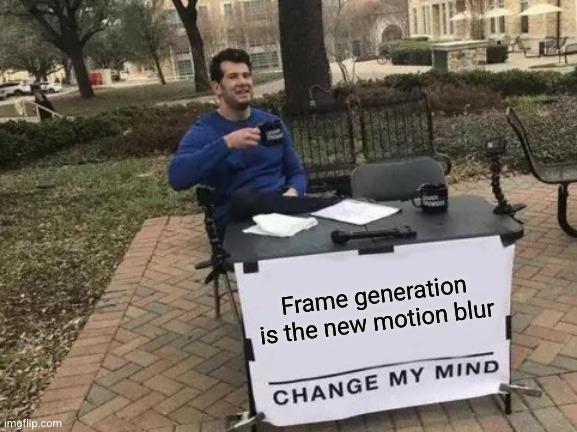
Frame Generation Is The New Motion Blur

Frame Generation Is The New Motion Blur
Frame generation is just motion blur with extra steps and marketing. Both promise smoother gameplay but deliver different flavors of disappointment. At low FPS, frame gen creates bizarre artifacts that make your character look like they're melting in a Salvador Dali painting. At high FPS, it's as useful as installing a spoiler on a shopping cart. The worst part? We've collectively spent billions on GPUs powerful enough to run this pointless feature when we could have just... you know... enjoyed our games without overthinking every pixel. But hey, gotta justify that $1200 graphics card somehow!

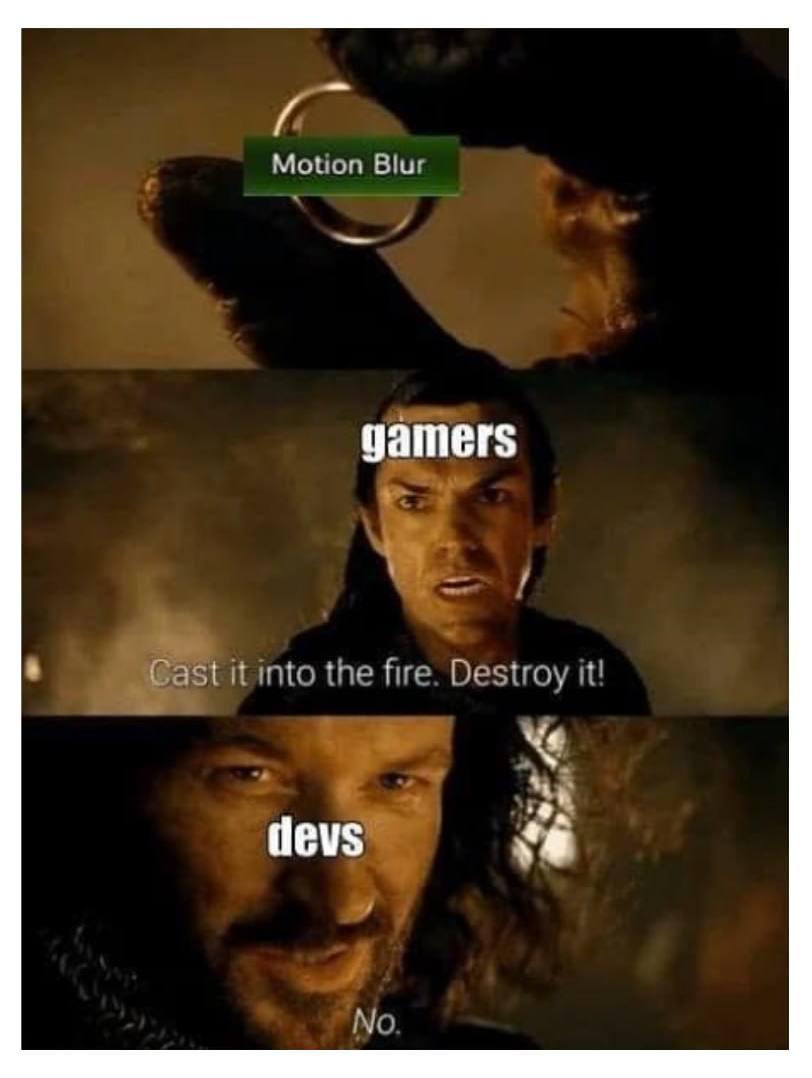
Motion Blur

Motion Blur
Oh my gosh, the eternal battle between gamers and devs over motion blur! 😂 Gamers are like "BURN IT WITH FIRE" while developers are just smugly like "Nope, it stays." Motion blur is that graphics setting that makes fast movement look... well, blurry. Gamers hate it with the passion of a thousand suns because it can make competitive gameplay harder and sometimes causes nausea. Meanwhile, devs keep adding it to games because it hides frame rate issues and makes games look more "cinematic." First thing every hardcore gamer does with a new game? Frantically search the settings menu to turn that blur off! The struggle is real!