

Disk management Memes

Posts tagged with Disk management

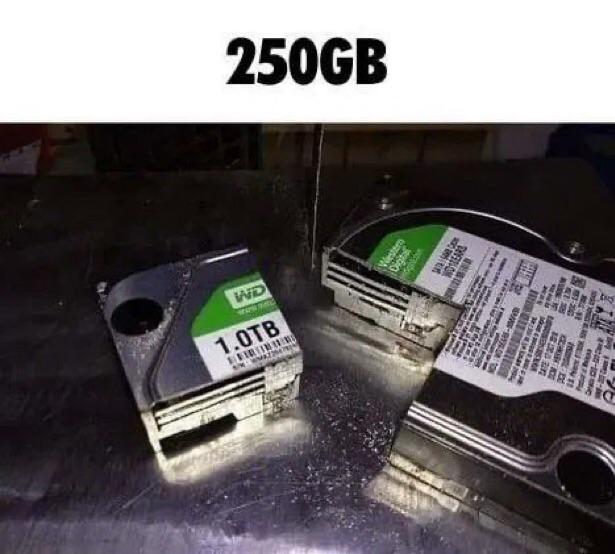
Partitions Explained

Partitions Explained
You bought a 1TB drive thinking you'd have all that glorious storage space, but then you decide to partition it and suddenly you've got multiple smaller chunks that somehow feel more cramped than before. The physical metaphor here is *chef's kiss* – literally sawing a hard drive into pieces to create partitions. Because that's exactly what it feels like when you're trying to dual-boot Linux and Windows, and you realize you gave Windows 200GB but your `/home` partition only got 50GB and now you can't install that one game you wanted. The best part? No matter how you slice it (pun absolutely intended), you'll always regret your partition sizes three months later. Should've given more to `/var`. Should've made that EFI partition bigger. The grass is always greener on the other partition.

M$ Now Downloads Models Straight To Your Disk!!!!

M$ Now Downloads Models Straight To Your Disk!!!!
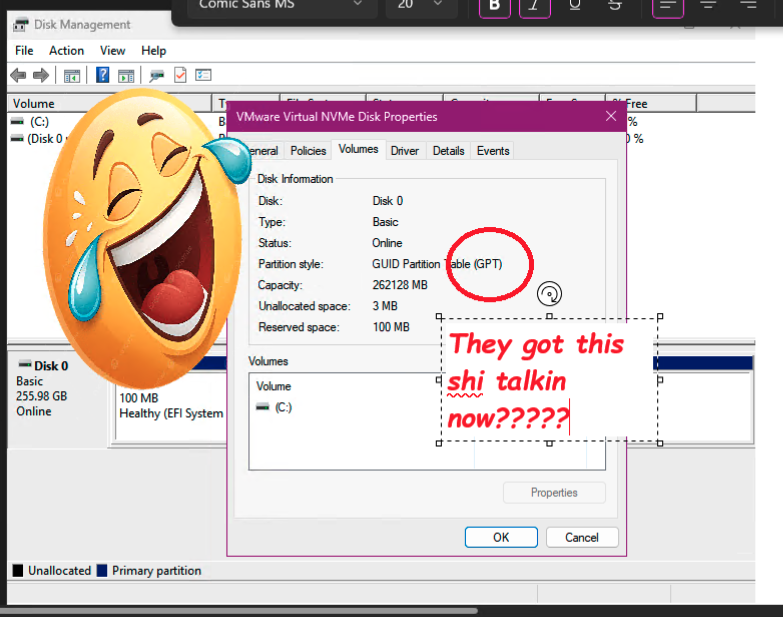
Microsoft just casually yeeted an AI model onto someone's disk and named the partition "Healthy (EFI System)" like that's supposed to make it sound legitimate. The sheer audacity of calling a 262GB mystery partition with 100MB labeled as "shi talkin" healthy is peak Microsoft energy. Someone opened Disk Management expecting a normal day and found out their computer has been conscripted into the AI revolution without their consent. The laughing emoji perfectly captures the "you gotta be kidding me" moment when you realize Microsoft's AI ambitions are literally eating your storage space. Nothing says "user choice" quite like waking up to find a quarter terabyte of your disk occupied by models you never asked for. At least they were polite enough to use GPT partition style—very on-brand for the AI era.

Formatting External Disks On Linux Without Wiping Own Machine

Formatting External Disks On Linux Without Wiping Own Machine
The eternal Linux disk formatting dilemma in one perfect image. One wrong letter in your device path and suddenly you're not formatting that USB drive but wiping your entire system drive instead. That moment of panic when you realize /dev/sda is your boot drive and /dev/sdb is the external drive you actually wanted to format. The cold sweat. The racing heart. The "oh god what have I done" realization. This is why seasoned Linux admins triple-check every destructive command. We've all been one typo away from an unplanned weekend rebuild.