Developer setup Memes

Posts tagged with Developer setup
What Do You Need Such A Wide Screen For?

What Do You Need Such A Wide Screen For?
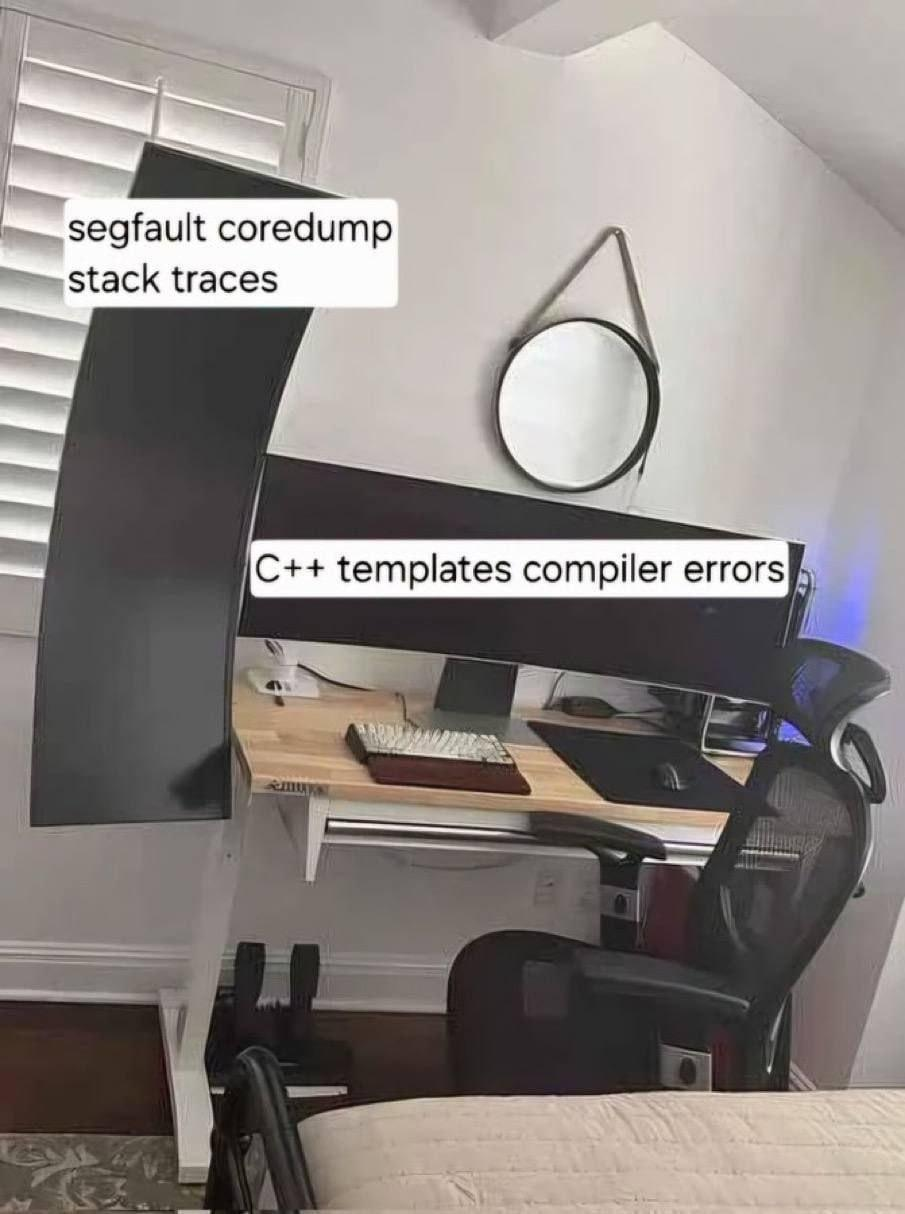
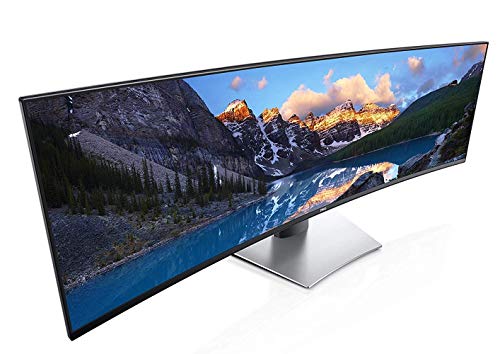
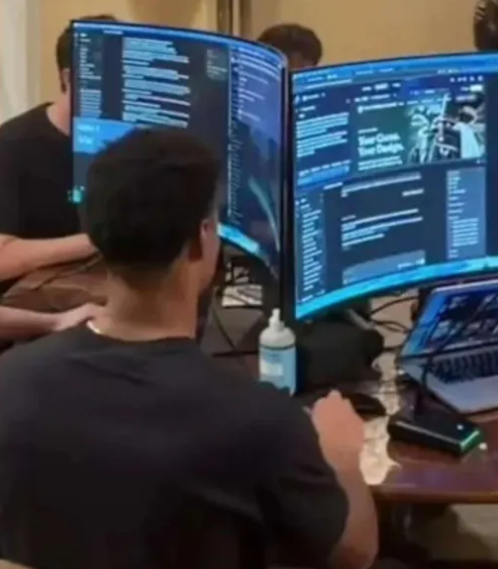
When someone asks why you need an ultrawide monitor, just show them this setup. That vertical monitor? That's for your segfault coredump stack traces—because nothing says "productive debugging session" like scrolling through 47 nested function calls to find out you dereferenced a null pointer on line 2. The ultrawide though? That's reserved exclusively for C++ template compiler errors. You know, those beautiful 500-character single-line error messages that start with error: no matching function for call to 'std::vector<std::map<std::string, std::shared_ptr<... and continue horizontally into the next dimension. Even with a 49-inch screen, you'll still need to scroll right to see where the actual problem is. The real question isn't why you need this setup—it's how C++ developers survived before ultrawide monitors existed. They probably just gave up and rewrote everything in Python.

Literally My Setup, Who Else Is Like This?

Literally My Setup, Who Else Is Like This?
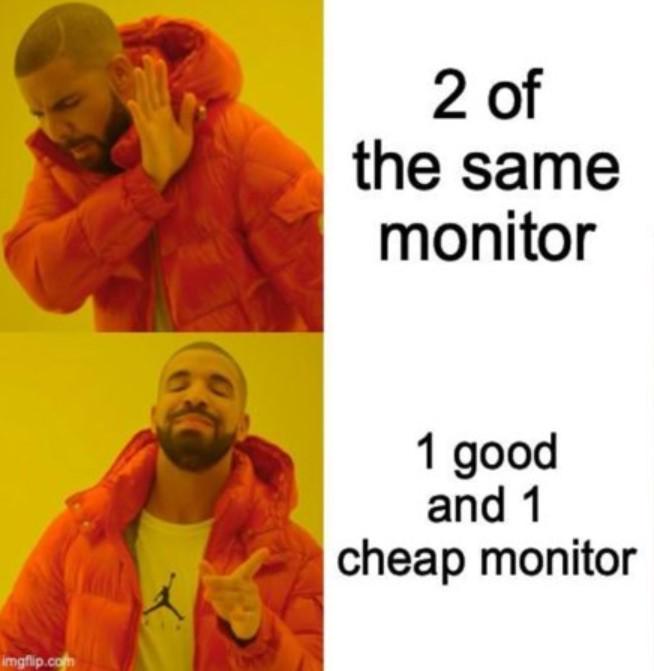
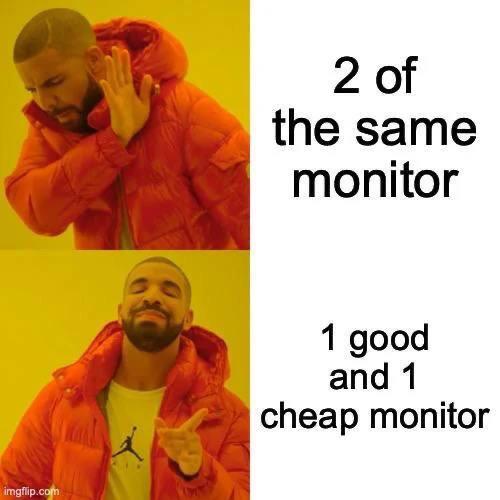
Why spend $1200 on matching monitors when you can have one gorgeous 4K display for your code and one crusty 2009 office monitor for Stack Overflow and Spotify? The asymmetry is *chef's kiss* and your neck gets a nice workout turning to read the pixelated text on the cheap one. Bonus points if the color temperature doesn't match and your eyes have to constantly adjust between warm and cool tones. It's not a bug, it's a feature called "budget optimization."

Put Down A Good Soldier Today

Put Down A Good Soldier Today
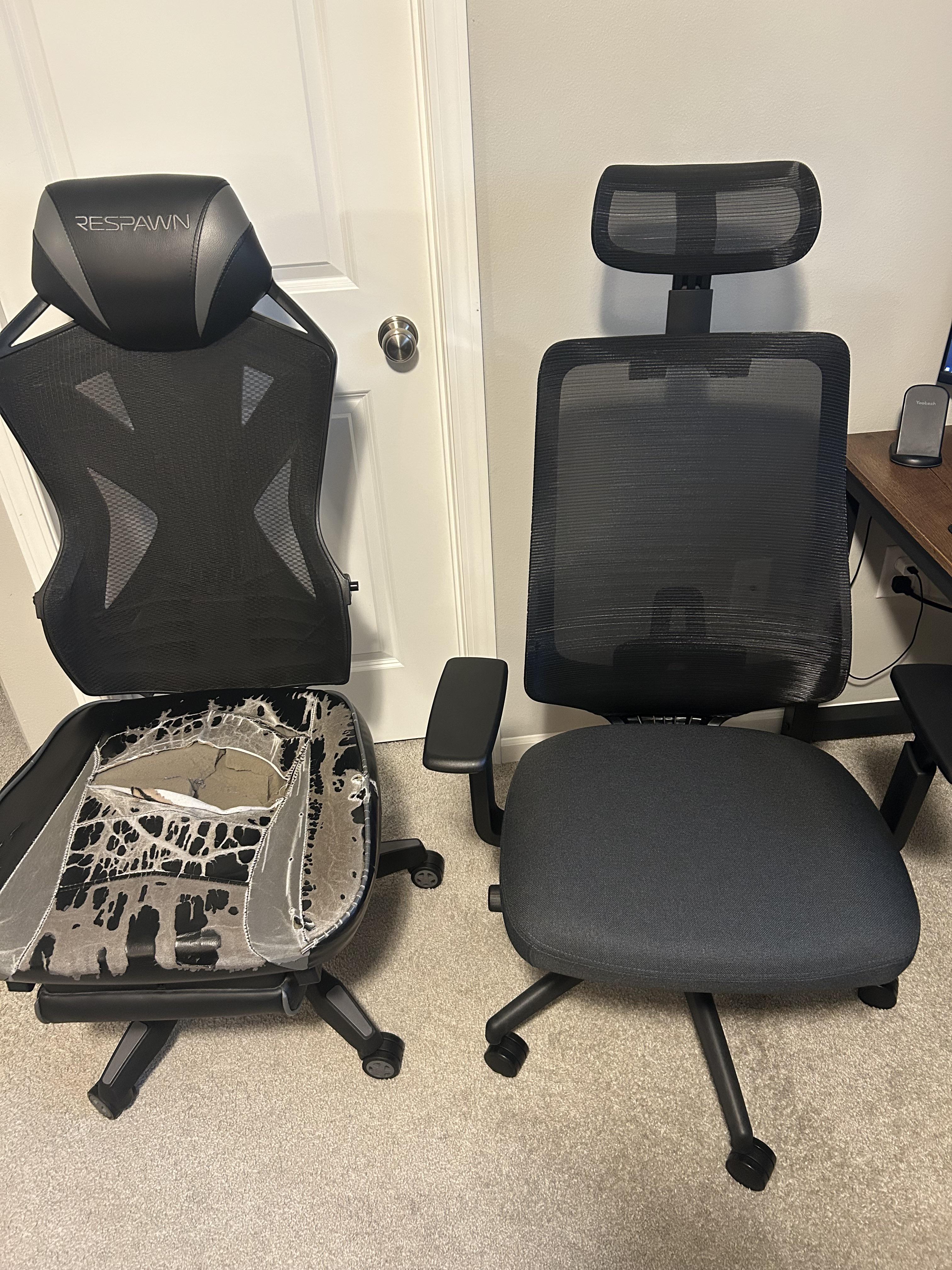
That gaming chair fought valiantly through countless sprints, debugging marathons, and production incidents. It supported you during your darkest hours—literally and figuratively—when you were hunting down that memory leak at 2 AM or refactoring legacy code that made you question your career choices. The mesh has disintegrated into what looks like a failed attempt at distributed systems architecture, and the cushion has compressed more than a badly optimized database query. But hey, at least you upgraded to something that won't leave foam particles all over your workspace like deprecated dependencies in a package.json file. Pour one out for the Respawn chair. It may have lost structural integrity, but it never lost uptime. o7

I Love Vibe Coding

I Love Vibe Coding
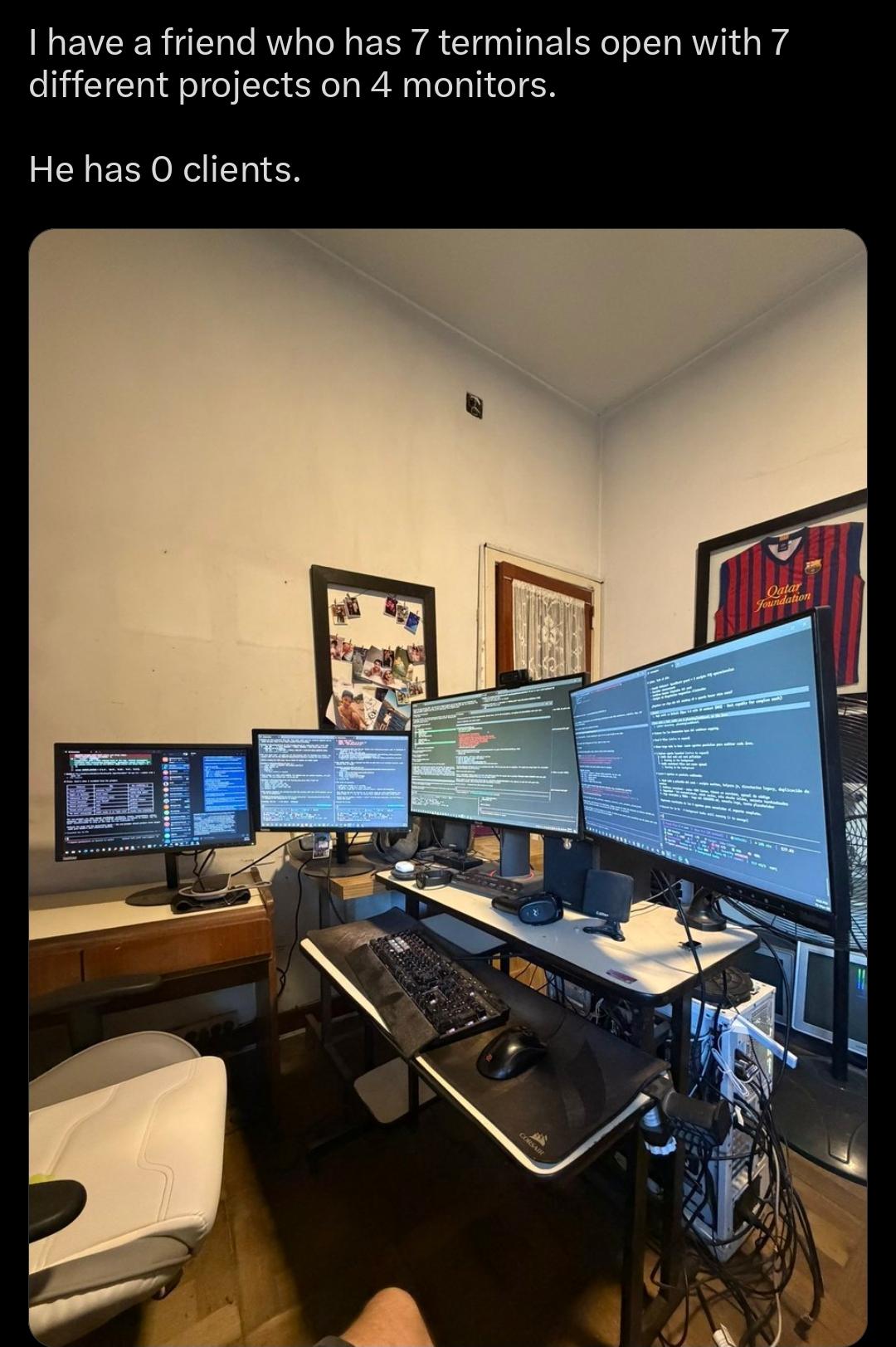
We've all met this person. The one with the NASA mission control setup, juggling seven side projects simultaneously, context-switching like it's an Olympic sport. Meanwhile, they haven't shipped a single thing or landed a single client. It's the developer equivalent of buying a $3000 gaming PC to play Minecraft. The brutal punchline here is that all that hardware, all those terminals, all that "productivity" setup—it's just elaborate procrastination with RGB lighting. You know what successful developers have? One laptop and actual users. But hey, at least the vibes are immaculate while they're refactoring their personal blog for the 47th time. Pro tip: If your monitor budget exceeds your revenue, you might be optimizing the wrong metrics.

Setup Reality

Setup Reality
Look, I get it. You see those YouTubers with their perfectly symmetrical dual monitor setups and think "yeah, that's gonna be me." But then you remember rent exists and suddenly that $800 second monitor doesn't seem as essential. So you dig up that crusty 1080p display from 2012 that has one dead pixel and slightly yellow tint, pair it with your nice main monitor, and call it "character." The neck angle you develop from constantly looking at different height screens? That's just part of the developer aesthetic. Your chiropractor thanks you for the business.

Elgato Stream Deck MK.2 Studio Controller, 15 Macro Keys

Elgato Stream Deck MK.2 Studio Controller, 15 Macro Keys
15 Customizable LCD Keys: instantly control your apps, tools and platforms. · One-Touch Operation: trigger single or multiple actions, launch social posts, adjust audio, mute mic, turn on lights, and…

It Ruins The Immersion

It Ruins The Immersion
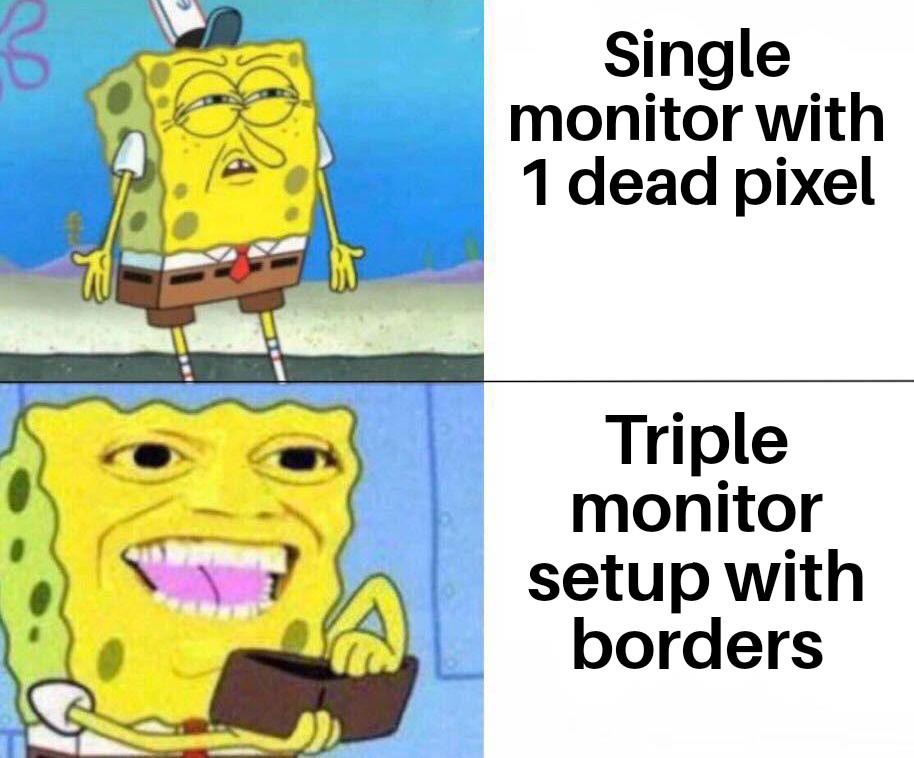
You know what's funny? We'll drop $2000 on a GPU that can render photorealistic graphics at 240fps, but a single stuck pixel will haunt us like a ghost in the machine. Meanwhile, slap three monitors together with those chunky bezels cutting through your workspace like the Berlin Wall, and suddenly you're living your best life. The brain is weird—it'll ignore literal physical barriers bisecting your field of view, but one permanently red pixel? Instant OCD trigger. At least with the borders you can pretend you're looking through fancy windows at different dimensions of your codebase.

What's Stopping You From Coding Like This

What's Stopping You From Coding Like This
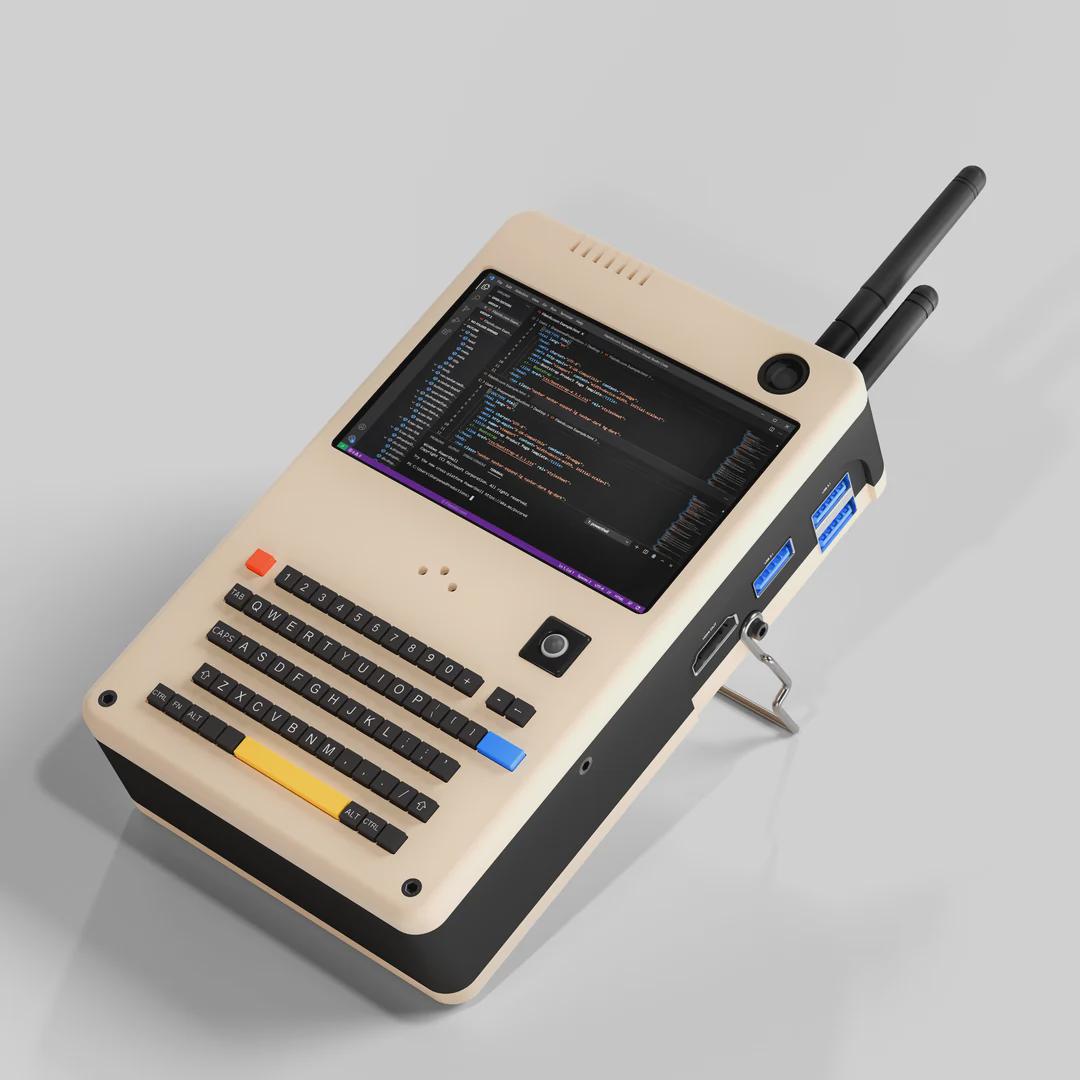
Nothing says "I'm a serious developer" quite like a retro-futuristic cyberdeck that looks like it was rescued from a 1980s sci-fi movie. Someone really looked at their M3 MacBook Pro and thought "you know what this needs? Less portability, more antenna." The answer to what's stopping you? Common sense, mostly. Also the fact that TSA would have a field day with this thing. But credit where it's due—those USB 3.0 ports are doing some heavy lifting, and that physical keyboard probably doesn't have the butterfly mechanism that breaks when you breathe on it wrong. Real talk though: if you showed up to a coffee shop with this beast, you'd either be the coolest person there or immediately flagged as a potential threat to national security. No in-between.

Thoughts On My Pc? Ignore The Cat.

Thoughts On My Pc? Ignore The Cat.
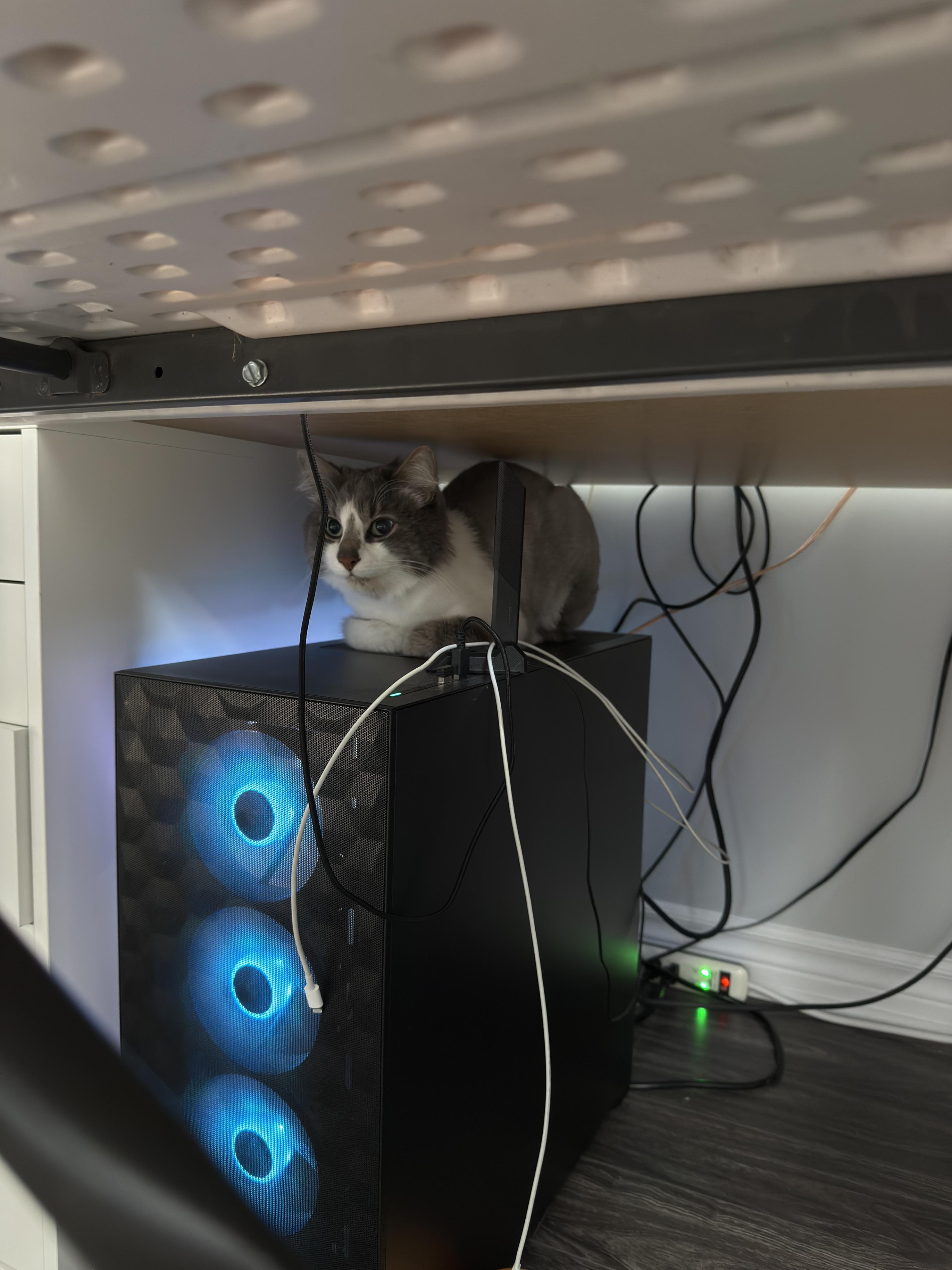
"Ignore the cat" they said, as if anyone could possibly focus on RGB fans when there's a sentient furball perched on top of the setup like a server admin monitoring their production environment. The cat's literally positioned as if it's overseeing the entire operation—probably judging your cable management harder than any code reviewer ever could. That gaming PC with its glowing blue fans is nice and all, but let's be honest: the real hardware upgrade here is the biological heat sensor sitting on top. Cats have this uncanny ability to find the warmest spot in any setup, which means your PC is either running hot or the cat's just claiming dominance over your entire workstation. Either way, that's a feature, not a bug. Also, those cables in the back? Chef's kiss. Nothing says "professional developer setup" like a nest of wires that would make even spaghetti code jealous. But sure, let's pretend we're here to rate the PC and not acknowledge the superior life form supervising your compile times.

Chernobyl At Home

Chernobyl At Home
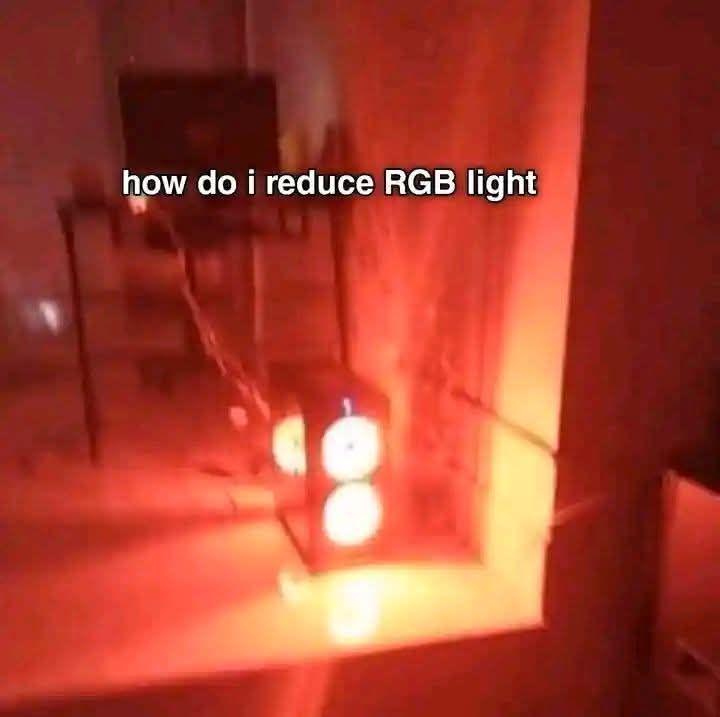
When you ask how to reduce RGB light intensity and someone suggests just removing the blue and green values. Congratulations, you've turned your gaming setup into a nuclear reactor core. That ominous red glow isn't ambiance—it's a radiation warning. Setting RGB to (255, 0, 0) doesn't reduce light, it just makes everything look like you're developing photos in a darkroom or about to launch missiles. Your room now has the same energy as Reactor 4 right before things went sideways. At least your electricity bill matches the vibes. Pro tip: reducing RGB light means lowering the overall brightness values, not creating a monochromatic hellscape. Try (50, 50, 50) instead of becoming a supervillain.

Redragon Mechanical Gaming Keyboard Wired, 11 Programmable Backlit Modes, Hot-Swappable Red Switch, Anti-Ghosting, Double-Shot PBT Keycaps, Light Up Keyboard for PC Mac

Redragon Mechanical Gaming Keyboard Wired, 11 Programmable Backlit Modes, Hot-Swappable Red Switch, Anti-Ghosting, Double-Shot PBT Keycaps, Light Up Keyboard for PC Mac
Brilliant Color Illumination- With 11 unique backlights, choose the perfect ambiance for any mood. Adjust light speed and brightness among 5 levels for a comfortable environment, day or night. The do…

Saw This Major Monitor Post And Thought My Setup Deserves An Extra Spot

Saw This Major Monitor Post And Thought My Setup Deserves An Extra Spot
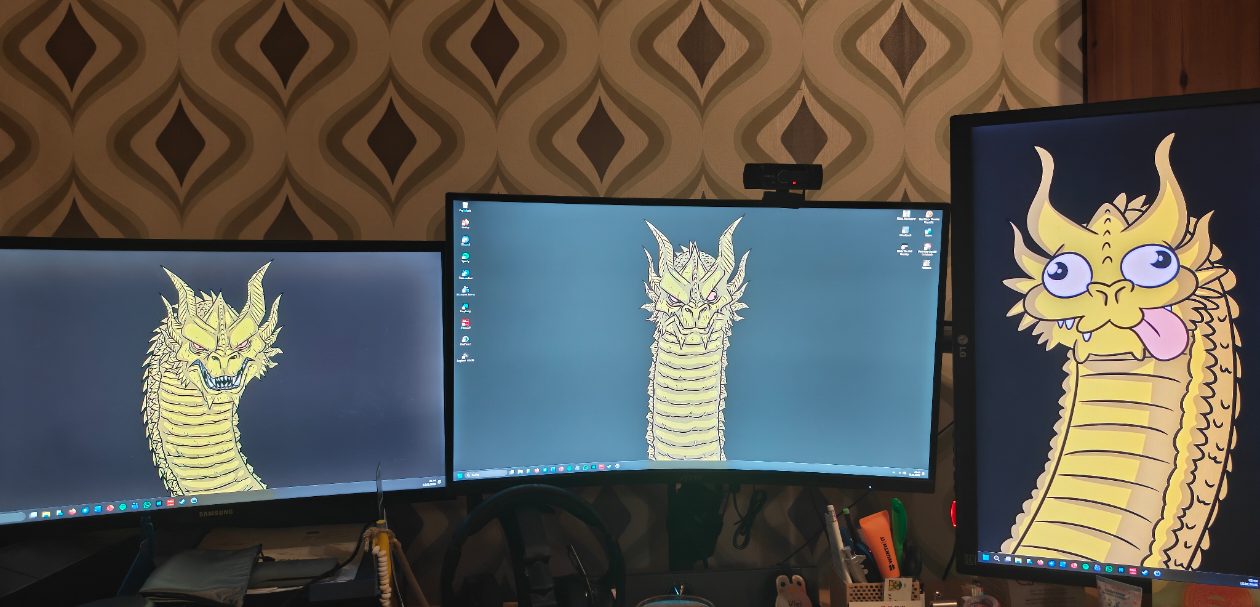
When you're working on a serious project and decide that three monitors just isn't enough screen real estate. Left monitor: the serious work version. Middle monitor: the "let me zoom in and pretend I'm being productive" version. Right monitor: when your code finally compiles and you've lost your damn mind. The progression from intimidating dragon to derpy dragon with googly eyes and its tongue out is basically the journey every developer goes through during a coding session. You start off fierce and focused, then by hour 6 you're just happy to be alive and your brain has turned to mush. Also, respect for actually using all that screen space instead of just having Stack Overflow tabs open on two of them like the rest of us.

The Screen Brothers

The Screen Brothers
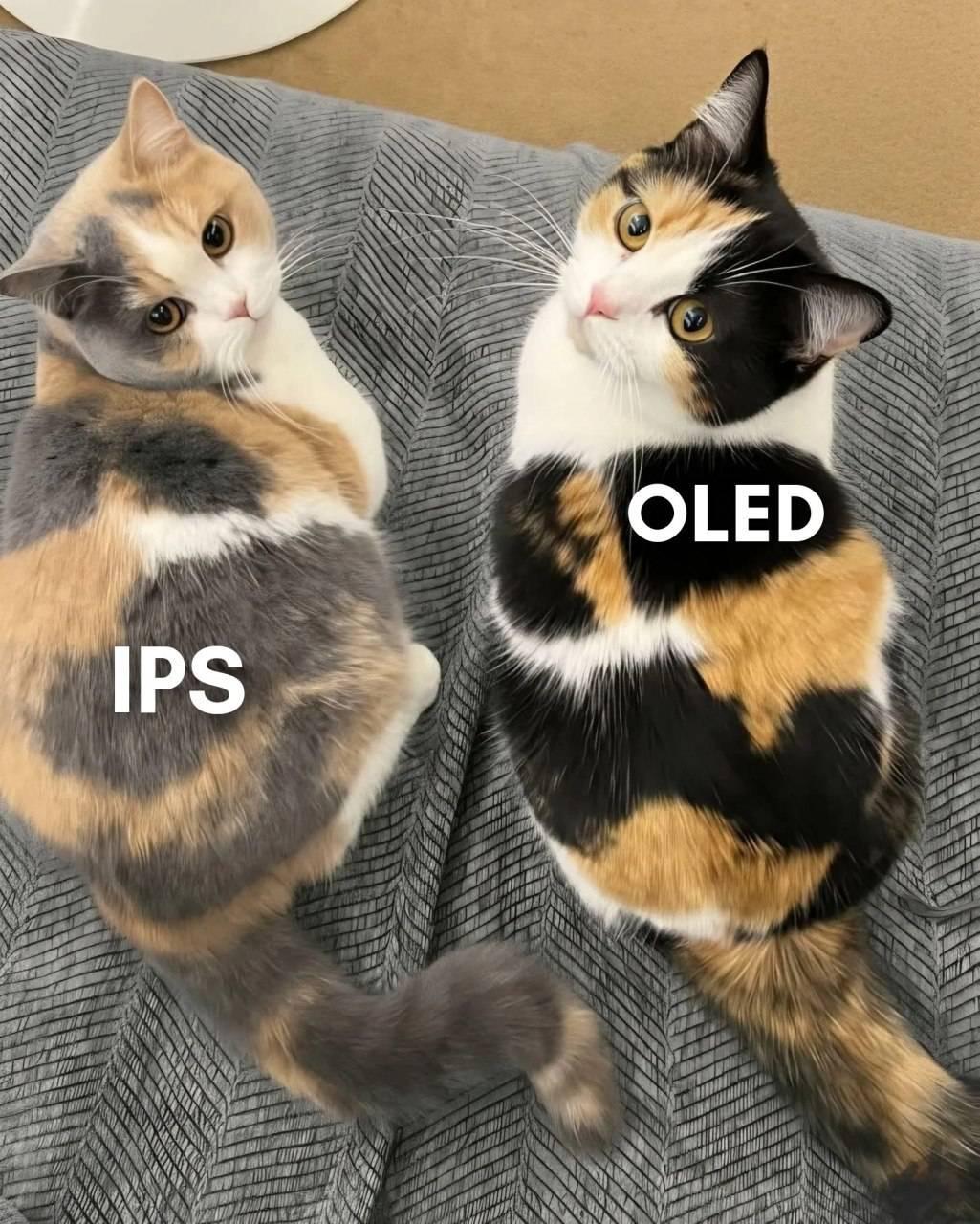
Two calico cats representing the display tech rivalry that keeps tech forums busy. IPS is your reliable workhorse with decent colors and viewing angles that won't betray you when you tilt your head. OLED is the flashy sibling with those perfect blacks and infinite contrast ratio that makes your wallet cry. Both get the job done, but OLED knows it looks better and isn't afraid to show off. The cats' matching patterns but different colorations pretty much nail the "same purpose, different approach" vibe. Also, good luck finding an affordable OLED monitor that doesn't burn-in after displaying your IDE's taskbar for 10,000 hours straight.

Dual Monitor Setups Be Like

Dual Monitor Setups Be Like
You spend $800 on a fancy ultrawide with perfect color calibration for your main display, then grab that dusty 1080p TN panel from 2009 with the dead pixel and 60Hz refresh rate for the second monitor. The color temperature doesn't match, the bezels are different sizes, and one sits 2 inches higher than the other. But hey, at least you can keep Stack Overflow open on the garbage monitor while you pretend to code on the good one. Budget optimization at its finest.