

Private-keys Memes

Posts tagged with Private-keys

Begin Privatekey

Begin Privatekey
When you're setting up SSH keys or SSL certificates and you see that beautiful "-----BEGIN PRIVATE KEY-----" header, it hits different. The Count from Sesame Street teaching kids to count the number 4 becomes a perfect metaphor for developers proudly displaying their private keys in public repos, Slack channels, or—my personal favorite—hardcoded in the frontend JavaScript. The joke writes itself: "One private key committed to GitHub! Two private keys in the .env file! Three private keys in the Docker image! Four private keys leaked to production! Ah ah ah!" Meanwhile, security teams everywhere are having aneurysms. Fun fact: GitHub scans for accidentally committed credentials and will actually send you a notification faster than your CI/CD pipeline can deploy. They've probably prevented more breaches than all the security training videos combined.

Scary Halloween Costume

Scary Halloween Costume
Wearing your private keys on your chest is basically the tech equivalent of walking around with your social security number tattooed on your forehead. The real horror here isn't the costume—it's imagining someone accidentally committing this to a public GitHub repo at 2 AM after one too many energy drinks. Fun fact: According to research, thousands of API keys and private keys get leaked to GitHub every single day. So yeah, this costume hits different when you've spent a panicked Tuesday morning rotating credentials because someone pushed secrets to main. The scariest part? Those keys probably have production access.

When Your Private Keys Are Accessible Once Per Year

When Your Private Keys Are Accessible Once Per Year
Storing your private keys on paper and locking them in a vault? That's some ancient wisdom right there. Sure, it's technically air-gapped and immune to ransomware, but good luck rotating those keys or responding to a breach at 3 AM. The confidence of "my data safe af" while holding what's essentially a medieval security solution is chef's kiss. Nothing says "modern DevSecOps" quite like treating your encryption keys like they're the Declaration of Independence. Just hope you don't need to access them during an incident, because that vault is only open during business hours... once a year... when Mercury is in retrograde.

Private Key

Private Key
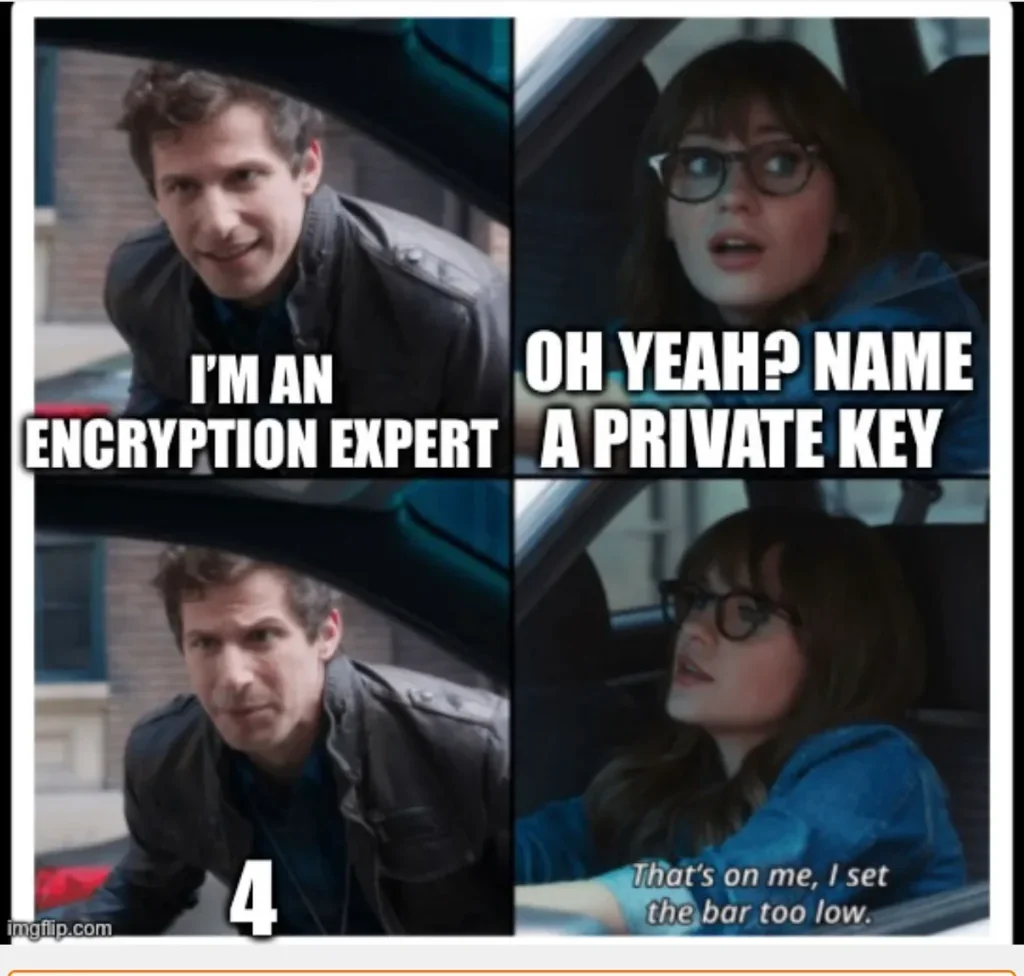
Every "encryption expert" until someone asks them to actually name a single private key they know. Turns out most of us just copy-paste from the .pem file and pray it works. The beauty of modern cryptography is that you can be an expert without actually knowing any of your keys—they're all just blobs of base64 nonsense living rent-free in your ~/.ssh folder. Setting the bar at "name 4 private keys" is like asking a chef to name 4 individual grains of rice in their pantry.

E Mudhra Employee Of The Month

E Mudhra Employee Of The Month
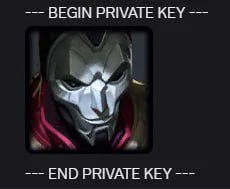
When you literally put your private key between "BEGIN PRIVATE KEY" and "END PRIVATE KEY" markers and commit it to a public repo, you've basically handed the villain their mask. E Mudhra (an Indian digital signature provider) had someone do exactly this—exposing cryptographic private keys that should've been guarded like nuclear launch codes. The image of the masked villain perfectly captures the energy of whoever got their hands on those keys. They didn't hack anything; they just read the manual that was accidentally left on the park bench. Pro tip: private keys belong in environment variables, secret managers, or literally anywhere except your codebase. Also, maybe don't win Employee of the Month for this one.

VSDINSIDE Macro Pad, Streaming Deck Stream Controller Soundboard Keypad, Programmable Keys USB Shortcut Keyboard for Gamer Streamer, Audio Mixer for OBS, YouTube, Office Desk Setup, PC, Mac

VSDINSIDE Macro Pad, Streaming Deck Stream Controller Soundboard Keypad, Programmable Keys USB Shortcut Keyboard for Gamer Streamer, Audio Mixer for OBS, YouTube, Office Desk Setup, PC, Mac
One-Touch Macro Execution & Unlimited Layout Customization: Launch system commands, web actions, apps, files/folders, text input & GIFs instantly - eliminate repetitive tasks with a single press. GIF…

How The Key Was Actually Created

How The Key Was Actually Created
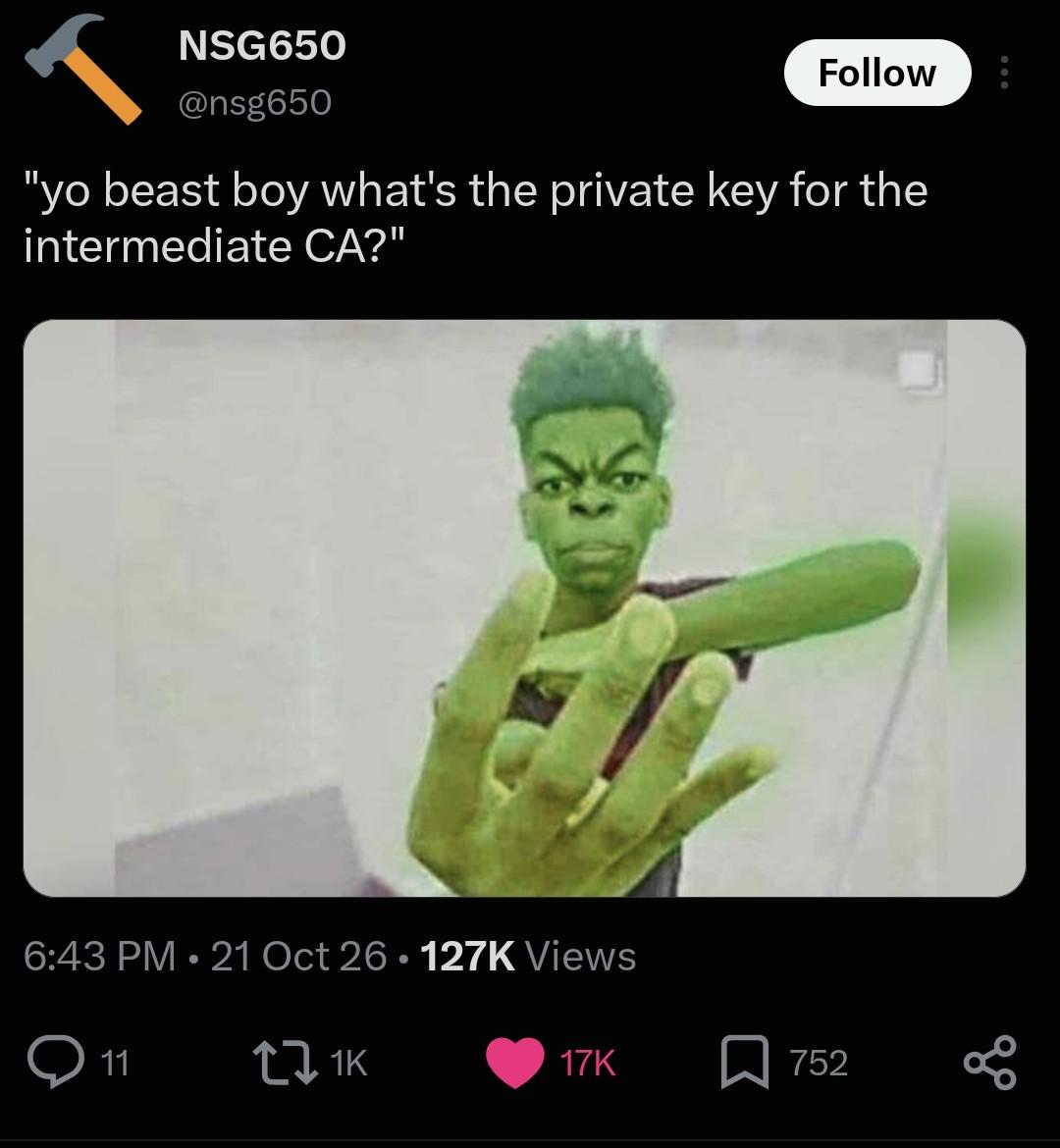
Someone casually asking for the intermediate CA's private key is like asking for the nuclear launch codes at a pizza party. The person responding with aggressive keyboard smashing perfectly captures the appropriate level of rage when someone doesn't understand the entire point of PKI infrastructure. For context: In certificate chains, the intermediate Certificate Authority's private key is literally the crown jewels. If that gets leaked, you can forge certificates for any domain and basically break the entire trust model of the internet. It's not just "please don't share this" – it's "this should be in an HSM in a bunker guarded by lasers." The "yo beast boy" energy combined with the fundamental misunderstanding of security principles is *chef's kiss*. Nothing says "I'm about to have a very bad day" quite like someone treating root-level cryptographic material like a WiFi password.

Chosen By A Fair Dice Roll

Chosen By A Fair Dice Roll
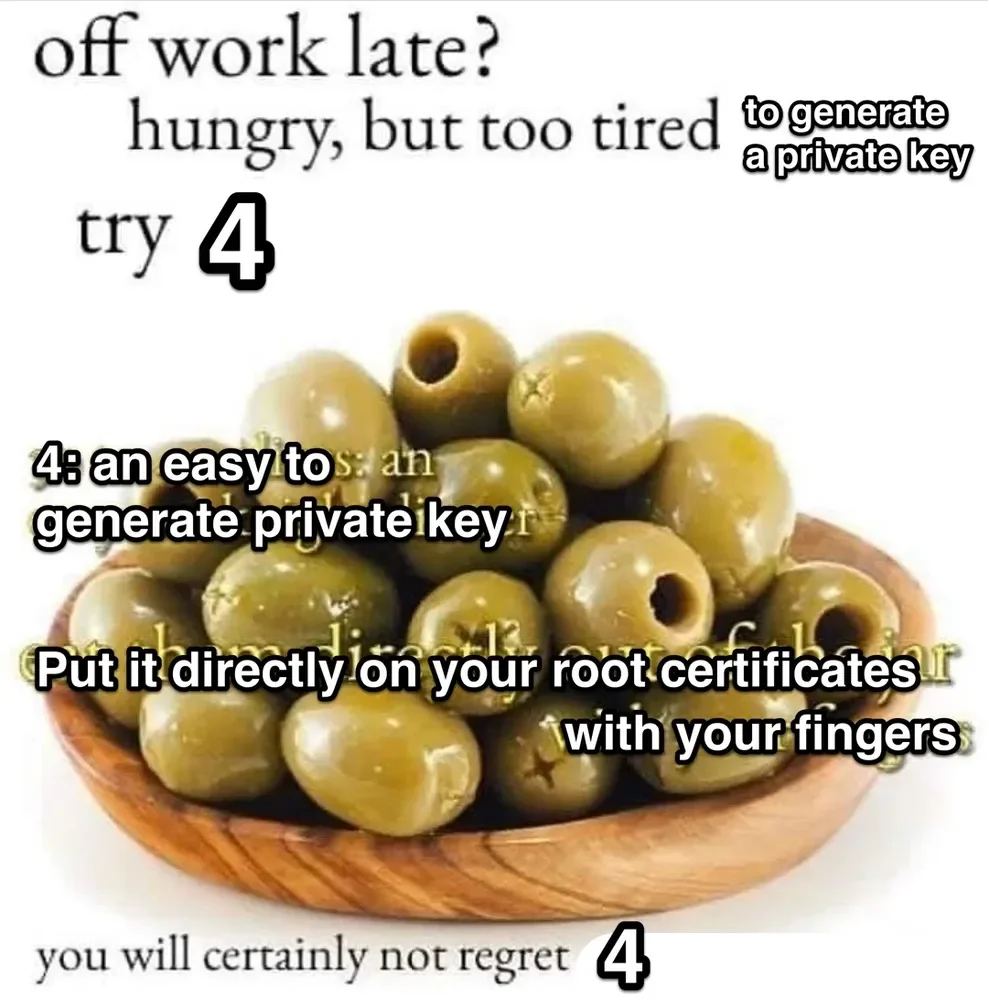
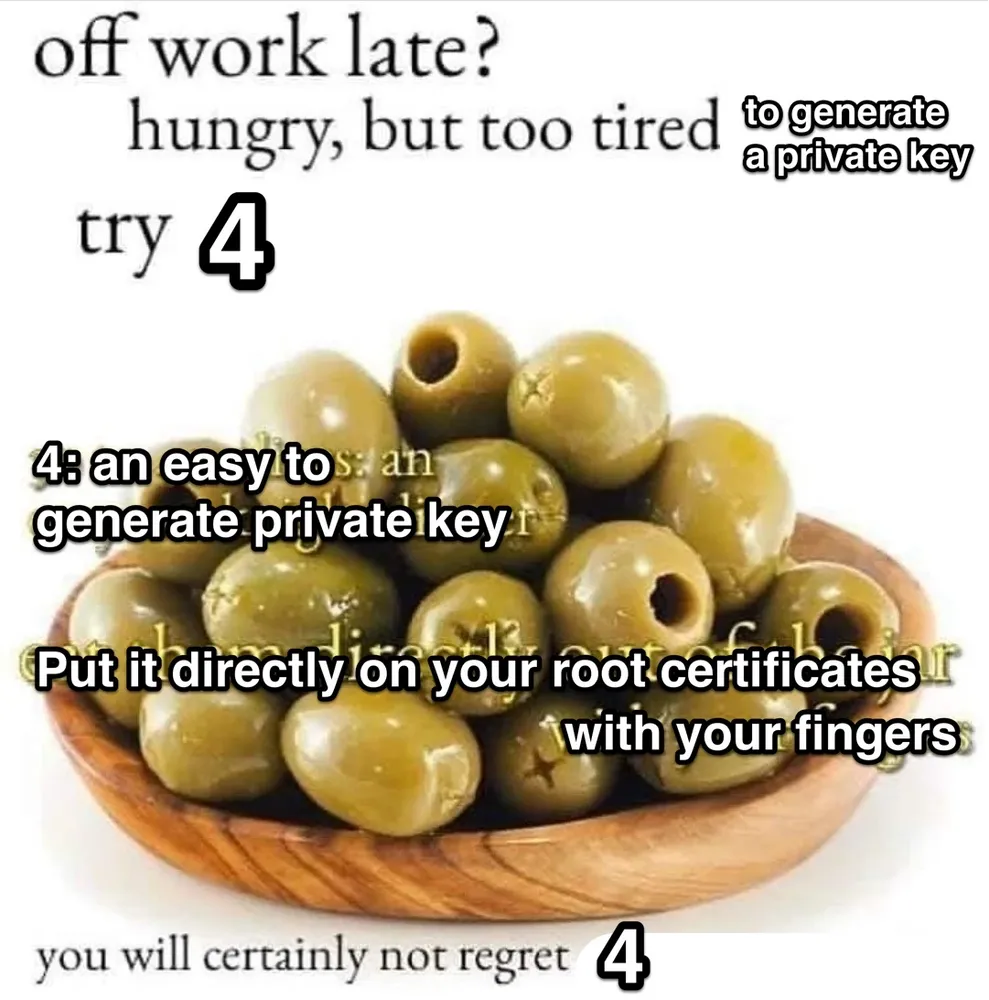
When you're so exhausted that rolling a dice to make decisions seems like peak productivity, and naturally you land on the WORST possible option for your cybersecurity. Nothing says "I've given up on life" quite like using a random number generator (your brain is too tired for that) to decide how to handle your cryptographic keys, and then proceeding to manually copy-paste your private key into your root certificates directory like you're spreading butter on toast. Because who needs security best practices when you've got VIBES and HUNGER? The beautiful irony? The number 4 supposedly being "an easy to generate private key" when generating secure keys requires actual randomness and complexity, not just... the number four. And then storing it by literally touching your root certs with your greasy fingers? Chef's kiss of catastrophic security failures. You will certainly not regret this until your entire infrastructure gets compromised at 3 AM and you're even MORE tired.

It's Quick It's Easy And It's Free

It's Quick It's Easy And It's Free
When you're too exhausted to properly generate SSH keys or deal with certificate authorities, just mash that keyboard and manually type your private key directly into your root certificates. What could possibly go wrong? The "4" here is doing some heavy lifting as both a number and the most cursed security advice imaginable. It's like those life hack videos that tell you to fix a cracked phone screen with ramen noodles, except this one will get your entire infrastructure compromised before you finish your sad desk dinner. Nothing screams "I understand cryptography" quite like finger-painting your private keys onto production certificates. Your security team will definitely not regret this. Neither will the hackers who are already in your system.