Peripherals Memes

Posts tagged with Peripherals
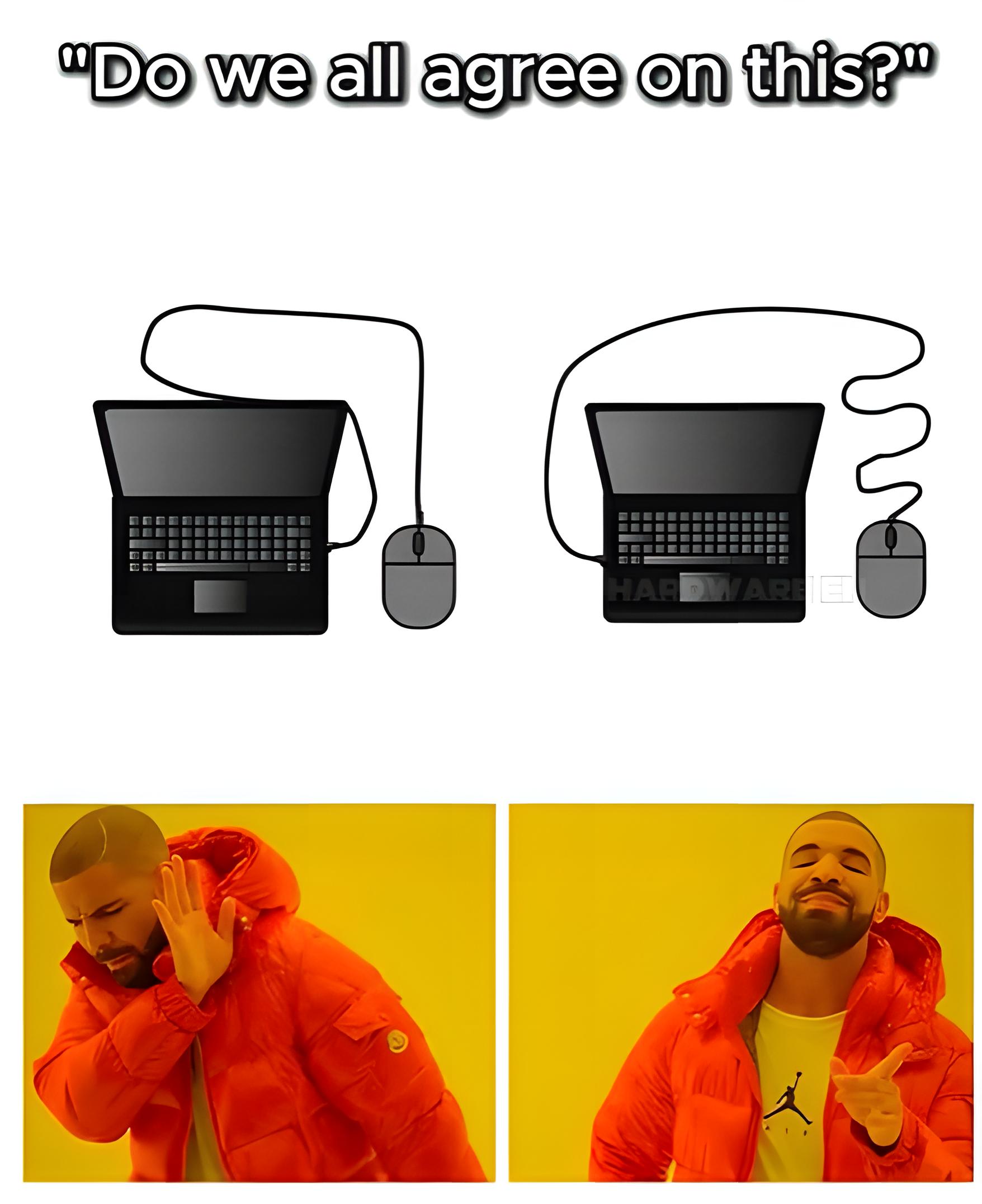
The Only Thing This Entire Sub Will Ever Agree On

The Only Thing This Entire Sub Will Ever Agree On
You can argue about tabs vs spaces, vim vs emacs, or whether JavaScript is a real language until the heat death of the universe. But show a programmer a mouse cable that's too short versus one that's comically tangled and long? Instant unity. The short cable is pure torture—you're constantly fighting physics just to move your cursor. Meanwhile the long cable is just... vibes. Sure, it's a mess, but at least you can actually reach where you need to go without your mouse getting yanked back like a dog on a leash. It's the one universal truth that transcends all programming languages, frameworks, and operating systems: cable length > cable aesthetics. Every. Single. Time.

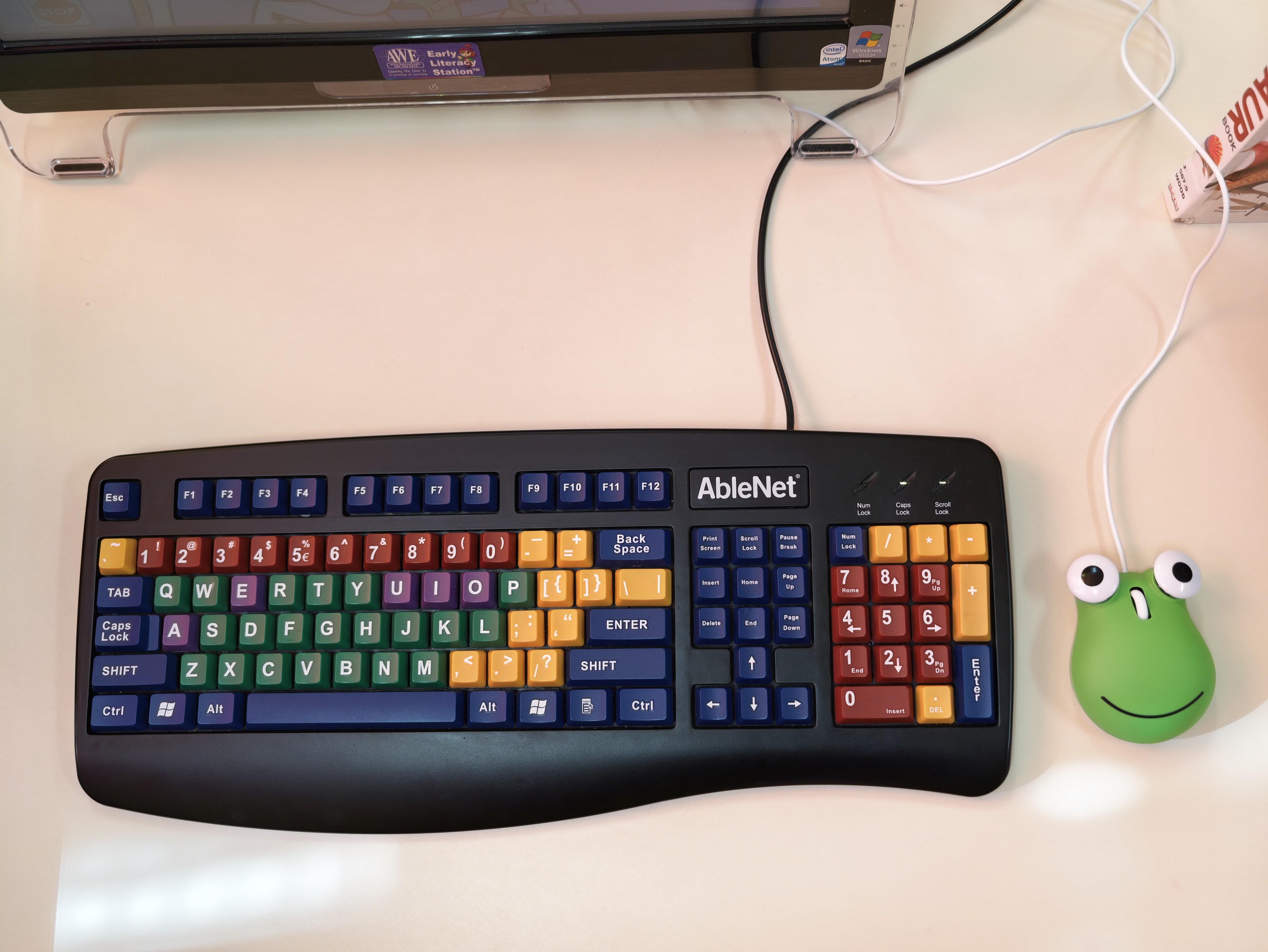
With Everything Being So Expensive, I Had To Skimp On My Peripherals....

With Everything Being So Expensive, I Had To Skimp On My Peripherals....
Budget cuts hit different when you're rocking a full-size ergonomic keyboard with more colors than a pride parade, paired with what appears to be a literal frog-shaped stress ball as your "mouse." The AbleNet keyboard screams "accessibility device from an elementary school computer lab circa 2003" while the green amphibian companion whispers "I gave up on precision cursor movement entirely." Nothing says "senior developer priorities" quite like investing in a specialized keyboard that probably costs more than some people's entire setup, then pairing it with a decorative frog because actual mice are apparently where we draw the financial line. At least your wrist ergonomics are on point while you're clicking with Kermit's distant cousin. The real question is: does it support drag-and-drop, or just ribbit-and-drop?

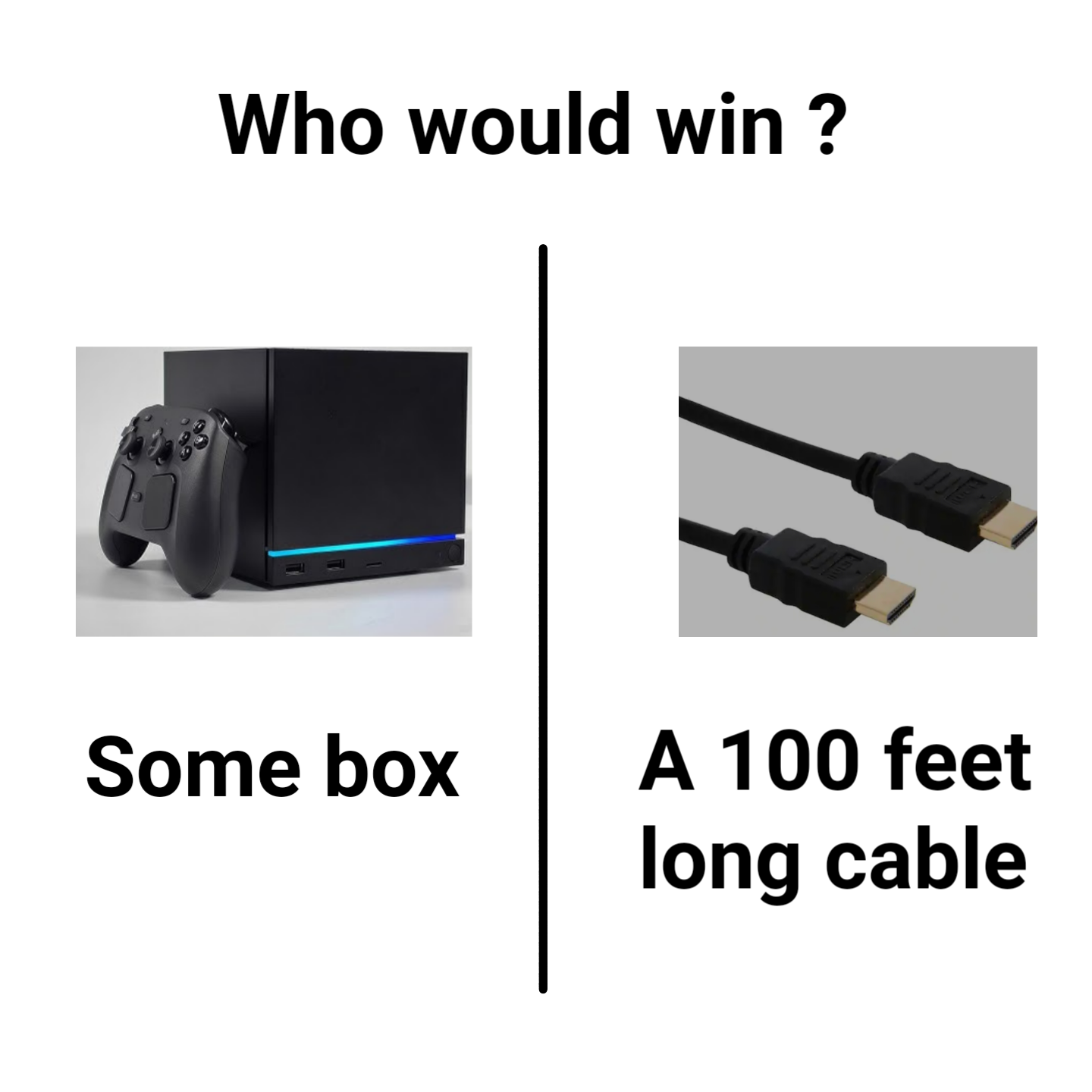
That's A Tough One

That's A Tough One
Every developer knows the pain: you've got a brand new gaming console (or dev machine, let's be honest) with all its fancy RGB lighting and processing power, but then there's that one HDMI cable that refuses to cooperate. The cable always wins. Doesn't matter if it's a $500 console or a $3000 workstation—if that cable decides it's had enough, you're staring at a black screen wondering if you should've just become a farmer instead. The cable's secret weapon? Signal degradation over distance, poor shielding, or just being manufactured on a Tuesday. Meanwhile, the console is sitting there with teraflops of computing power, completely helpless. It's like having a Ferrari that won't start because of a faulty $2 spark plug. The hardware-software relationship in a nutshell: the most expensive component is always at the mercy of the cheapest one.

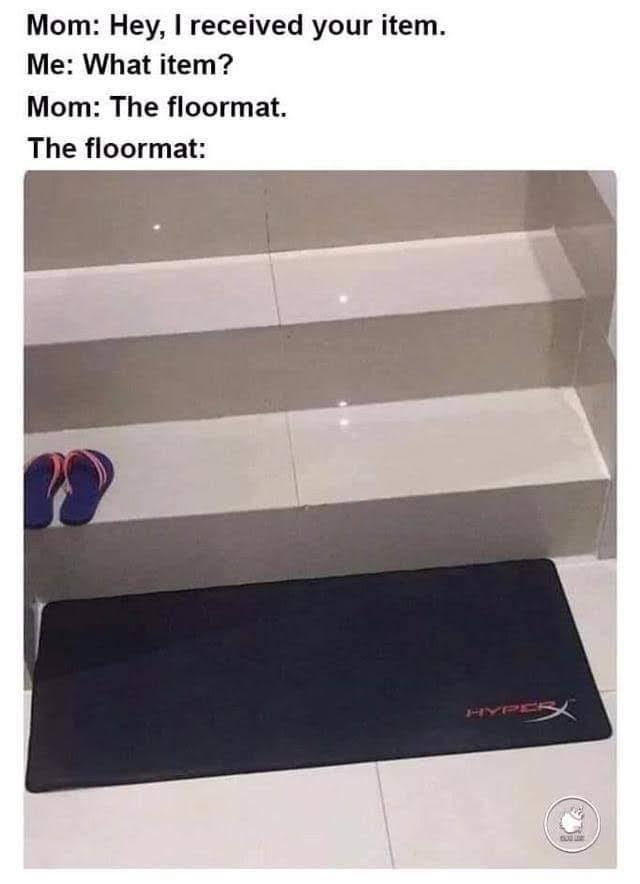
I'm Scared My Mom Is Going To Receive My Next Package

I'm Scared My Mom Is Going To Receive My Next Package
Your mom opens the package and finds what she thinks is a "floormat." Meanwhile, you're sweating bullets because that's your $80 HyperX gaming mousepad that you absolutely needed for "better precision" and "reduced friction." She's now using your meticulously engineered, RGB-compatible desk accessory to wipe her feet on the stairs. The same mousepad you spent 45 minutes researching reviews for. The one with "optimized surface texture for both speed and control." At least she didn't find your mechanical keyboard. That would've become a doorstop.

Just Play The Game Bro

Just Play The Game Bro
Gamers will drop $400 on an RGB keyboard with 8000Hz polling rate, custom actuation points, and hall effect switches that can register a keypress before you even think about it. Meanwhile, the average gamer is still getting destroyed in ranked because they have the reaction time of a sleepy sloth. Your $20 membrane keyboard isn't why you're hardstuck silver, my friend. It's the decision-making. But sure, blame the hardware—we've all been there. At least your desk looks cool while you're losing.

Still Waiting...

Still Waiting...
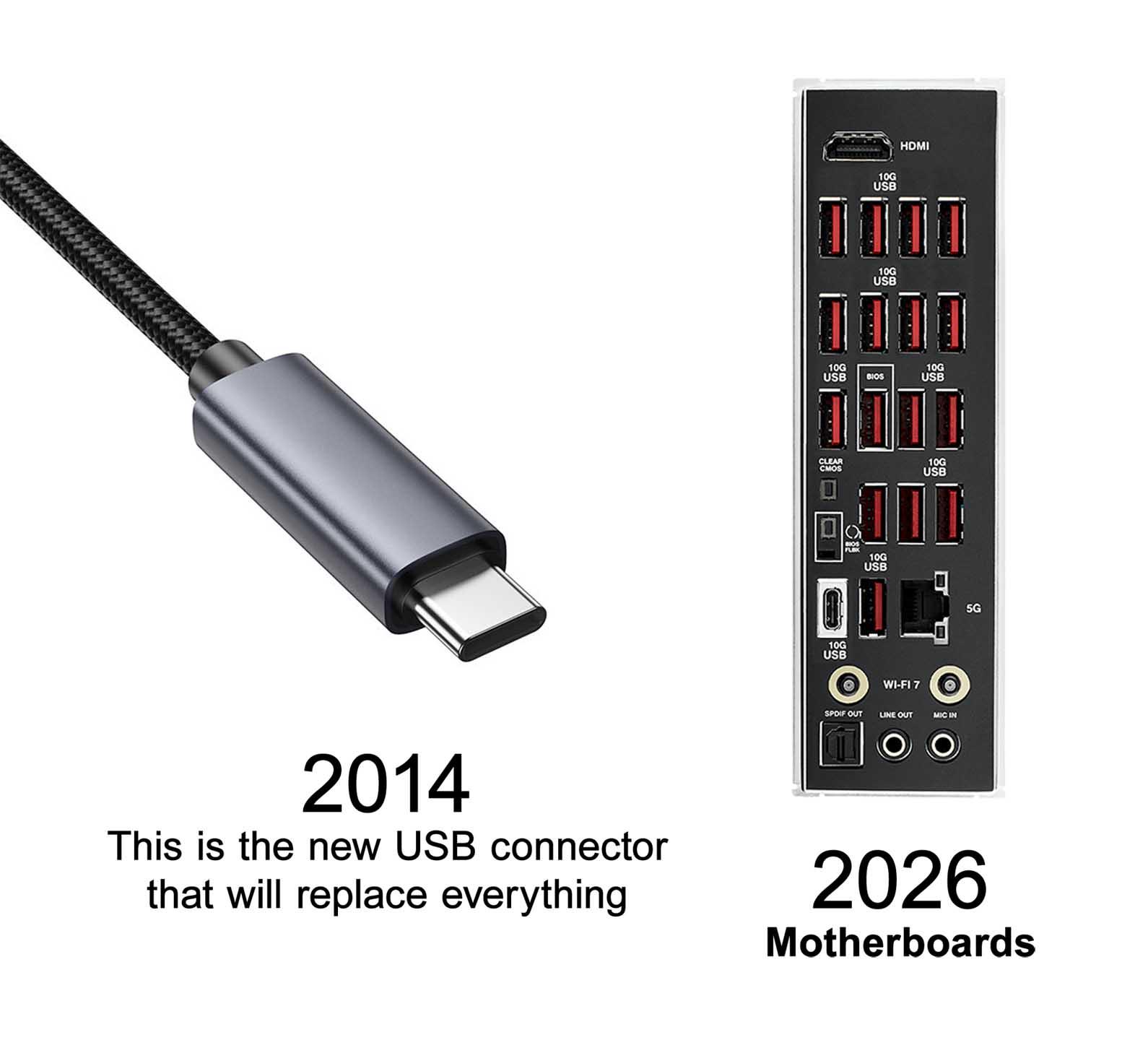
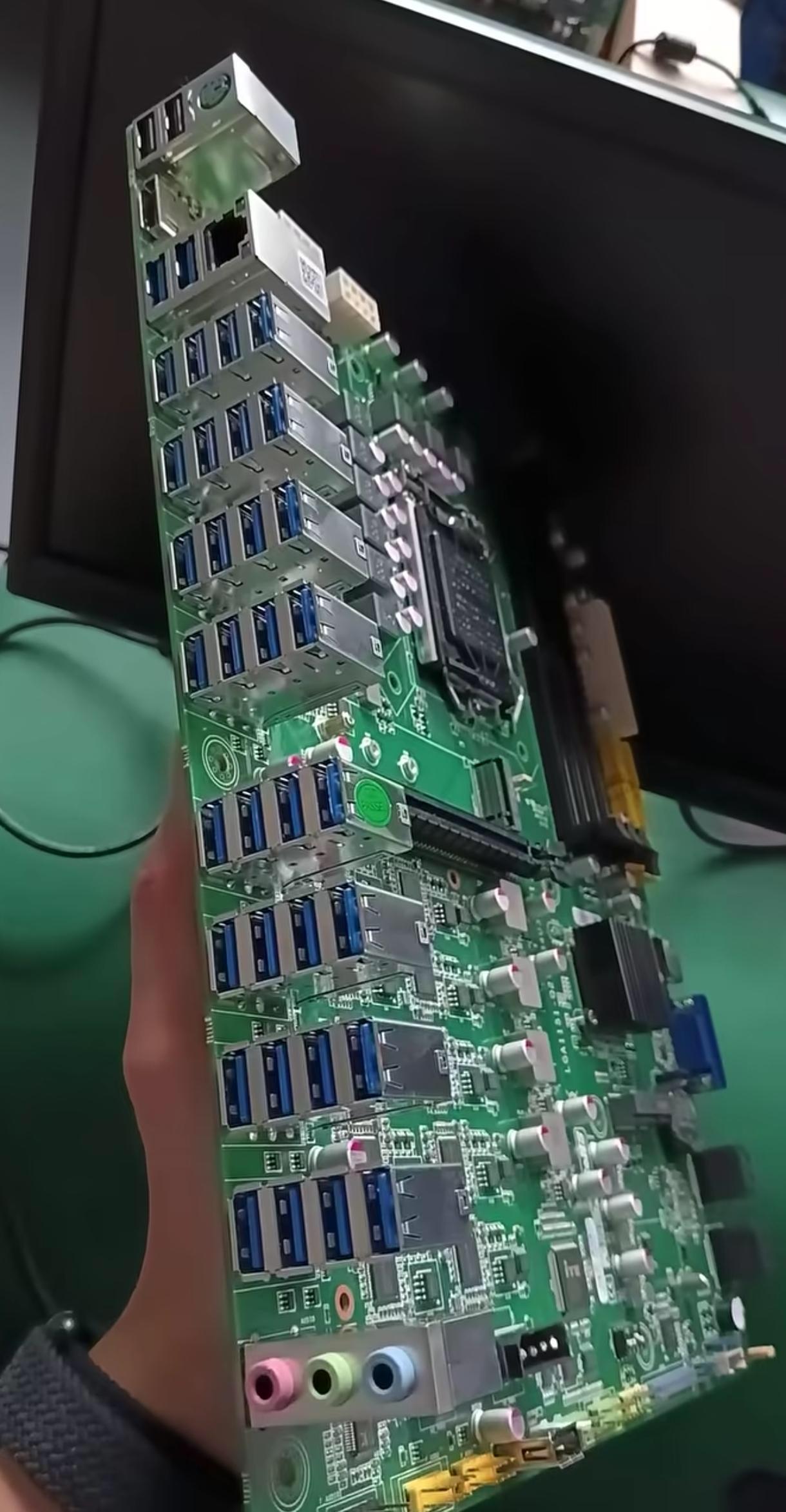
When USB-C was announced back in 2014, the tech world promised us a glorious future where one cable would rule them all. Fast forward to 2026, and motherboards are still rocking more USB-A ports than a 2010 gaming rig. The "universal" connector that was supposed to replace everything is now just... another port we need to carry adapters for. Turns out backward compatibility is both a blessing and a curse. Sure, your new laptop has USB-C, but good luck finding a motherboard that doesn't have like 15 USB-A ports because manufacturers know you've got a drawer full of peripherals from the Obama administration that you're not ready to let go of yet. The eternal struggle between innovation and "but my keyboard from 2008 still works perfectly fine."

Always Use Original Product

Always Use Original Product
When your mouse looks like it survived the Jurassic period and you're pairing it with a pristine Microsoft keyboard. Someone clearly has their priorities sorted—invest in the keyboard for those epic typing sessions, but the mouse? Nah, that ancient potato-shaped relic held together by prayers and dust will do just fine. The contrast here is chef's kiss: one peripheral living its best life in 2024, the other literally decomposing on your desk. But hey, if it still clicks, it ships. Why waste money on a new mouse when you can just... suffer? Peak developer energy right here—we'll optimize our code to perfection but won't replace hardware that looks like an archaeological find.

Thermaltake Tower 250 Black Mini-ITX Mini Tower; 2x120mm CT Fans Included; 360mm Radiator Support; 360mm GPU Clearance; Dual Chamber; CA-1Z9-00S1WN-00

Thermaltake Tower 250 Black Mini-ITX Mini Tower; 2x120mm CT Fans Included; 360mm Radiator Support; 360mm GPU Clearance; Dual Chamber; CA-1Z9-00S1WN-00
【Maximize Workspace】 Space-efficient compact vertical design saves valuable desk space. · 【Small Size, Big Performance】 Support GPUs up to 360mm in length with PSU cover removed / CPU cooler hieght u…

I Have Beef With These People

I Have Beef With These People
Ah yes, the "nice setup" people. First they lure you in with their fancy battlestations on r/programming, all RGB lights and ultrawide monitors. Then you notice it—they're using a $3000 rig with no mousepad, dragging their $150 gaming mouse directly on the desk like psychopaths. It's like seeing someone drive a Ferrari with the parking brake on. The longer you work in tech, the more you realize these are the same folks who use production as their testing environment.

One G502 Per Child

One G502 Per Child
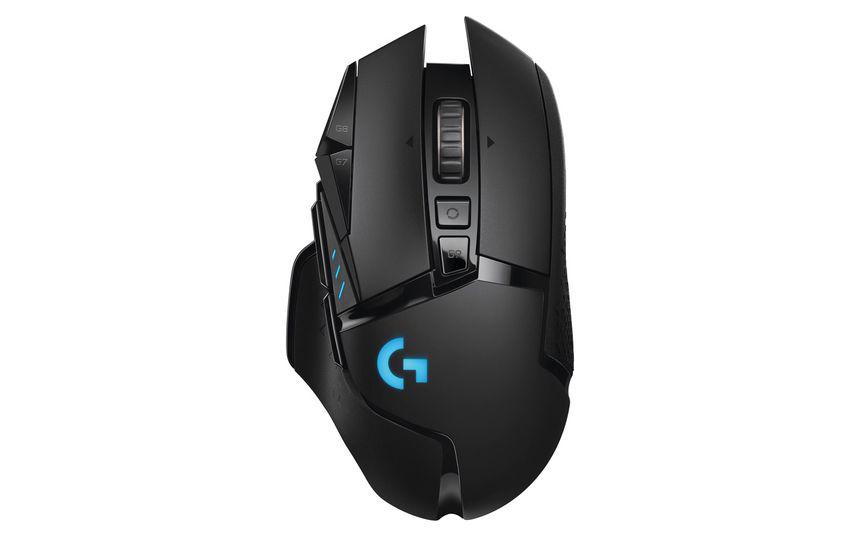
Forget fun-size Snickers, this programmer's handing out Logitech G502 mice for Halloween! The G502 is practically the unofficial mouse of programmers everywhere - that infinite scroll wheel has saved more carpal tunnels than ergonomic keyboards. Ten years from now these kids will be thanking this house when they're crushing leetcode interviews while their peers are still using trackpads like animals. The real trick-or-treat is deciding whether to use all 11 programmable buttons or just stick with the defaults because who has time to read manuals?

The Future Is Here: Liquid-Cooled Input Devices

The Future Is Here: Liquid-Cooled Input Devices
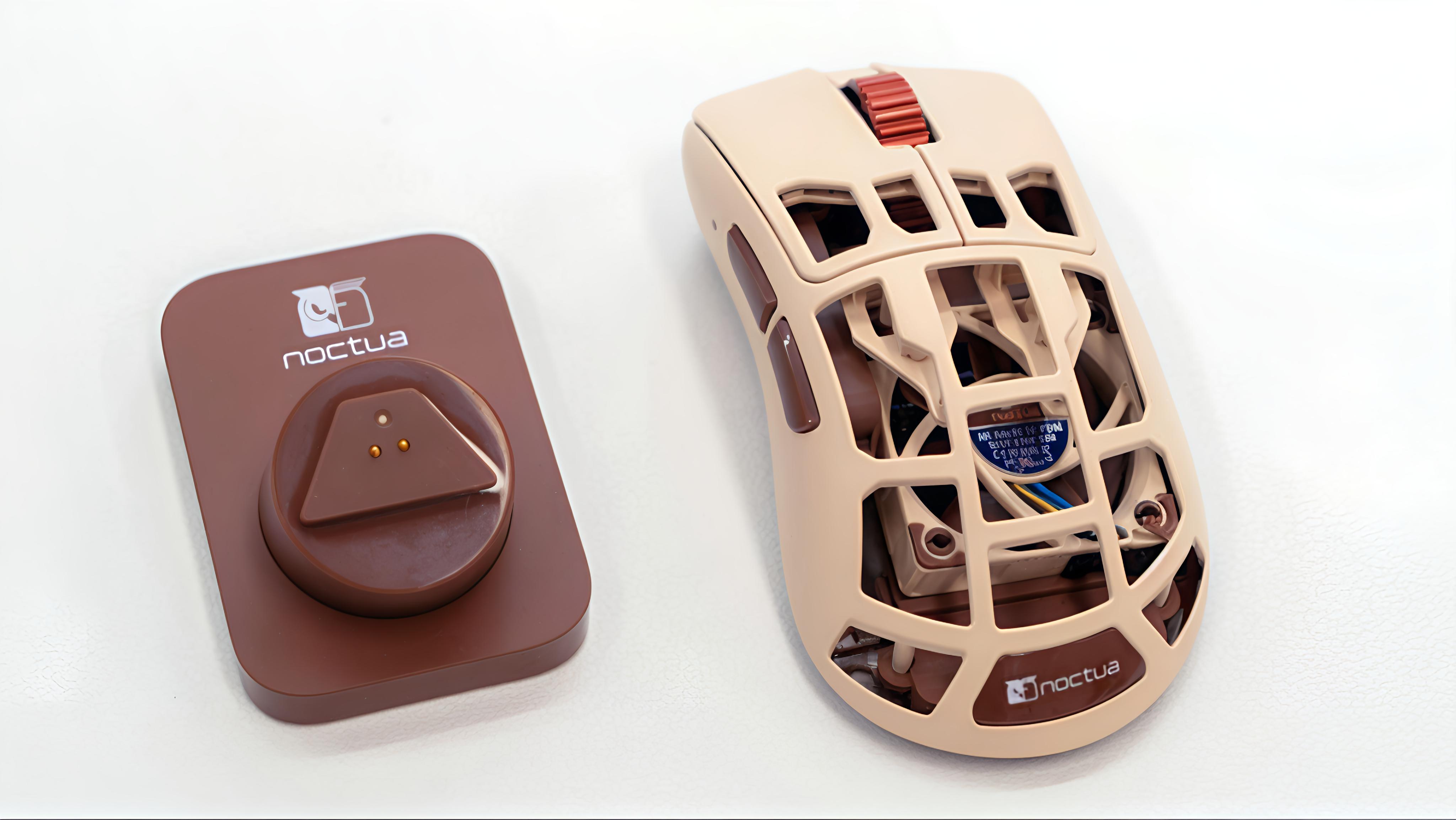
Finally, a mouse that won't overheat during those 8-hour debugging sessions! Noctua, the company famous for making PC cooling fans that look like they belong in a 1970s kitchen, has created the ultimate developer peripheral—a mouse with its own cooling system. Because nothing says "I'm serious about my code" like a peripheral that has more ventilation than my apartment. Next up: a water-cooled keyboard for when you're typing too furiously during code reviews.

What Is Your Favorite Mouse

What Is Your Favorite Mouse
Programmers will spend $150 on a gaming mouse with 15 programmable buttons but only use it to click "Run" and "Copy/Paste Stack Overflow solutions." The irony of owning hardware with more features than your actual code is *chef's kiss*. Sure, those macro buttons could automate your workflow, but why do that when you can just continue your sacred ritual of "ctrl+c, ctrl+v, pray it works"?