Graphics settings Memes

Posts tagged with Graphics settings
PC Gamers When They're Watching A Movie And They Realize They Can't Disable Motion Blur, Chromatic Aberration, Or Film Grain

PC Gamers When They're Watching A Movie And They Realize They Can't Disable Motion Blur, Chromatic Aberration, Or Film Grain
You spend hours in the settings menu tweaking every single graphics option, disabling motion blur because it makes you nauseous, turning off chromatic aberration because it's just lens distortion pretending to be "cinematic," and removing film grain because why would you want artificial noise on your $2000 GPU output? Then you sit down to watch a movie and your brain short-circuits when you realize there's no F12 key to bring up the settings menu. The irony? All those "post-processing effects" that gamers immediately disable are literally baked into every Hollywood film. Directors spent millions to add that film grain you hate. That motion blur? It's just how cameras work. But try explaining that to someone who's spent 200 hours optimizing their Cyberpunk settings for maximum visual clarity at 144fps. The real kicker is when you catch yourself mentally searching for the "disable depth of field" option during an artsy indie film. Brother, that's called cinematography.

Annoying Asf

Annoying Asf
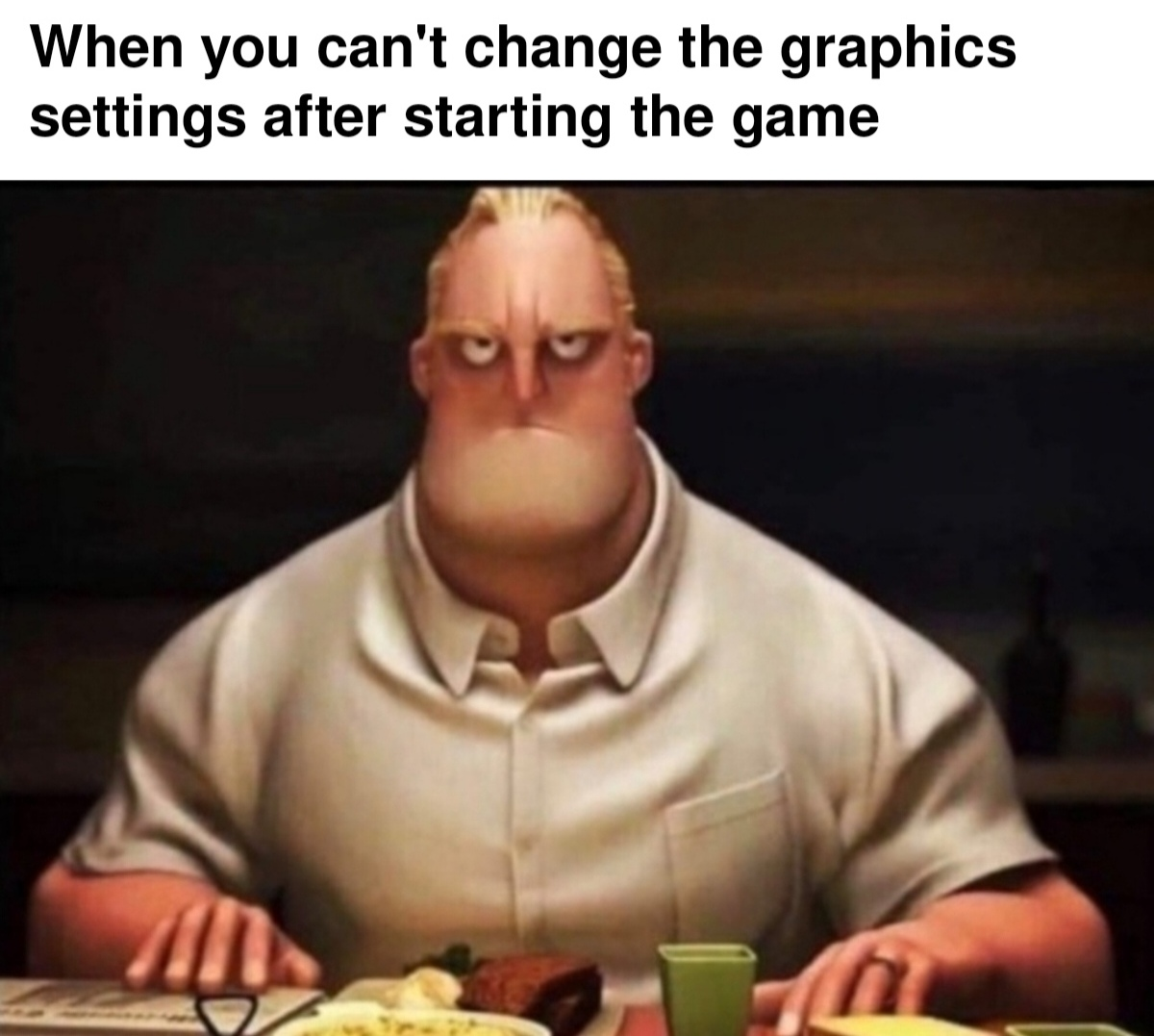
Ah yes, the classic game dev power move: locking graphics settings behind a "you must restart the game" wall. Nothing says "optimized code" quite like forcing players to close everything, relaunch, and pray their potato PC can handle ultra settings. Bonus points if the game takes 10 minutes to load and you picked the wrong resolution, so now you're stuck staring at a distorted mess until you restart... again. The face says it all—pure, unfiltered rage mixed with the acceptance that some game engines were clearly coded by people who think user experience is just a myth.

When I Enter The Game

When I Enter The Game
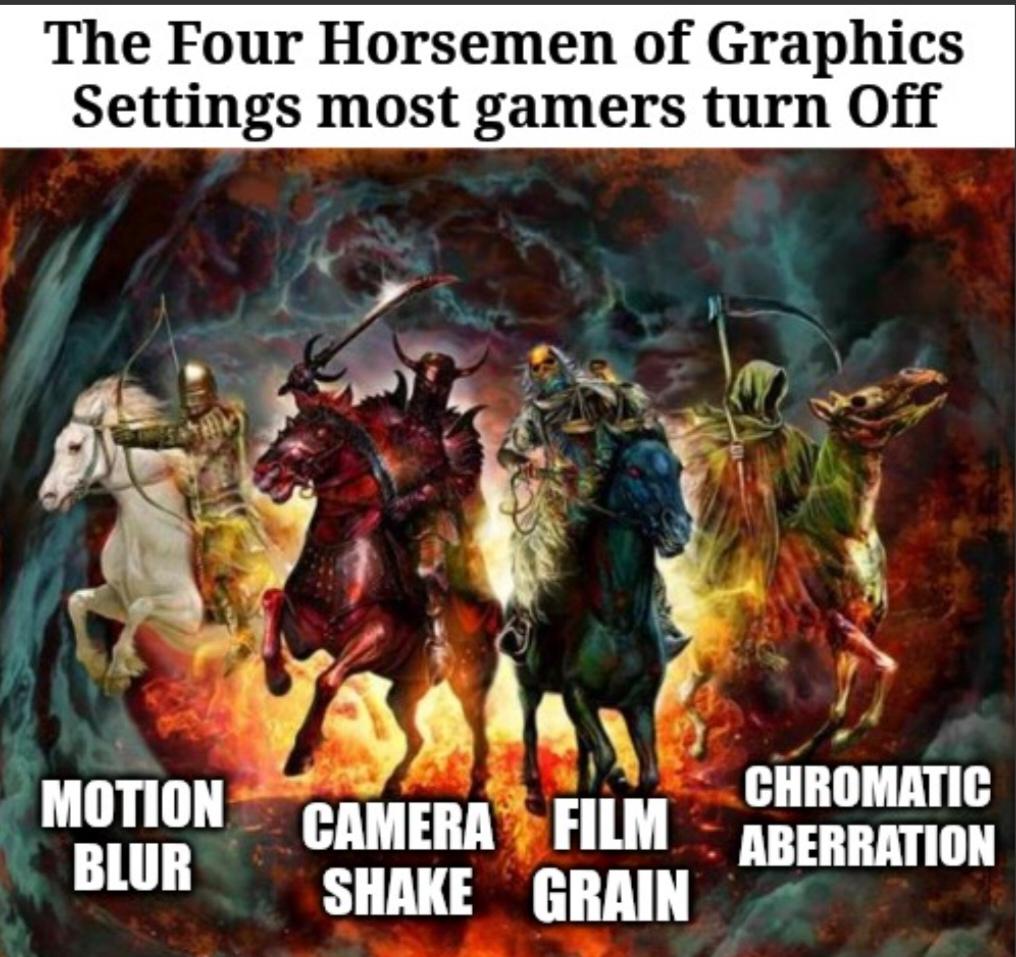
Nothing announces "I have a potato for a PC" quite like immediately disabling Motion Blur, Camera Shake, Film Grain, and Chromatic Aberration the moment you boot up a game. These four visual effects are basically the apocalypse for anyone running anything less than a NASA supercomputer. Game devs love adding them to make things look "cinematic," but most of us just want our frame rate to stay above slideshow territory. Motion blur makes everything look like you're playing through Vaseline, camera shake gives you motion sickness, film grain is just... noise, and chromatic aberration is what happens when a graphics designer discovers lens distortion and gets way too excited about it. So yeah, these settings get sacrificed faster than a junior dev during a production outage. Your GPU will thank you.

This Is The Way

This Is The Way
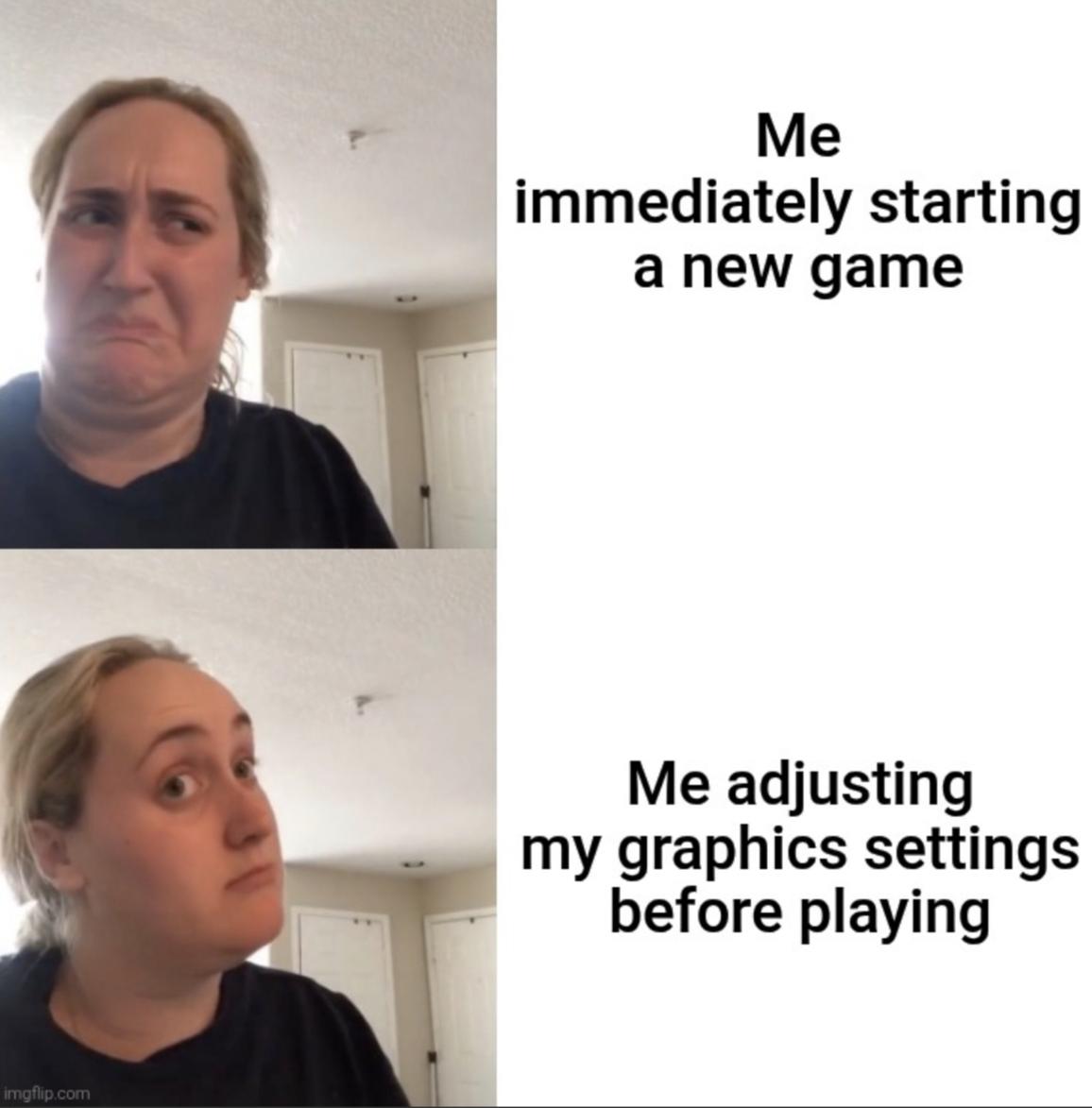
You know you're a true gamer when spending 45 minutes tweaking anti-aliasing, shadow quality, and FOV sliders is more important than actually experiencing the game you just downloaded. The sacred ritual must be performed: boot game, immediately pause, dive into settings, max out everything your GPU can handle (and maybe a few things it can't), benchmark it, adjust again, read three Reddit threads about optimal settings, then finally—FINALLY—you're ready to play. Except now it's 2 AM and you have work tomorrow, so you quit after the tutorial. The optimization was the real game all along.

Logitech K400 Plus Wireless Touch TV Keyboard with Easy Media Control and Built-in Touchpad, HTPC Keyboard for PC-Connected TV, Windows, Android, ChromeOS, Laptop, Tablet - Black

Logitech K400 Plus Wireless Touch TV Keyboard with Easy Media Control and Built-in Touchpad, HTPC Keyboard for PC-Connected TV, Windows, Android, ChromeOS, Laptop, Tablet - Black
Media-Friendly: The K400 Plus wireless touch TV keyboard gives you integrated, comfortable control of your PC-to-TV entertainment, eliminating the clutter of a separate keyboard and mouse · Plug-and-…

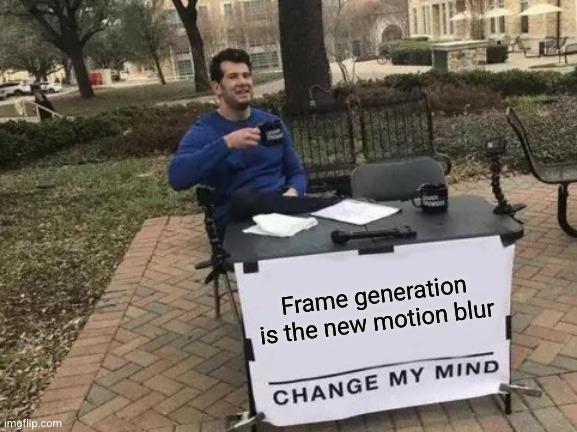
Frame Generation Is The New Motion Blur

Frame Generation Is The New Motion Blur
Frame generation is just motion blur with extra steps and marketing. Both promise smoother gameplay but deliver different flavors of disappointment. At low FPS, frame gen creates bizarre artifacts that make your character look like they're melting in a Salvador Dali painting. At high FPS, it's as useful as installing a spoiler on a shopping cart. The worst part? We've collectively spent billions on GPUs powerful enough to run this pointless feature when we could have just... you know... enjoyed our games without overthinking every pixel. But hey, gotta justify that $1200 graphics card somehow!

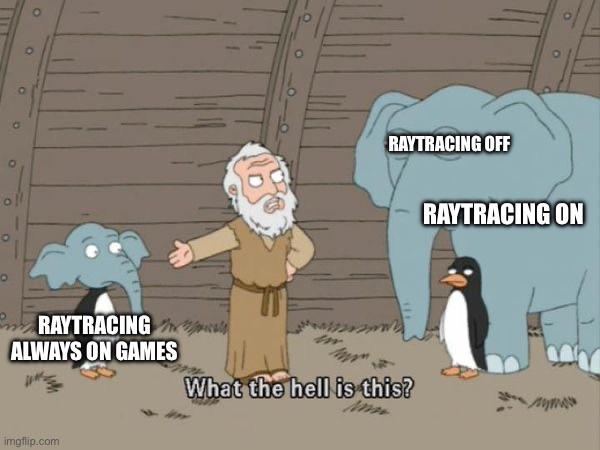
Who The Fuck Asked For Raytracing?

Who The Fuck Asked For Raytracing?
Oh. My. GOD. The AUDACITY of game developers to put raytracing in EVERYTHING! 💅 The meme shows Noah being absolutely FLABBERGASTED by the three types of raytracing animals entering his ark. Like honey, we've gone from "raytracing always on games" (the small elephant) to the DRAMATIC options of "raytracing off" (the big elephant) and "raytracing on" (the penguin). Meanwhile, our graphics cards are LITERALLY MELTING and our electricity bills are having a midlife crisis! But sure, let's make those water puddles look extra reflective while I eat ramen for the fifth night in a row because I spent my life savings on an RTX card. WORTH IT! ✨

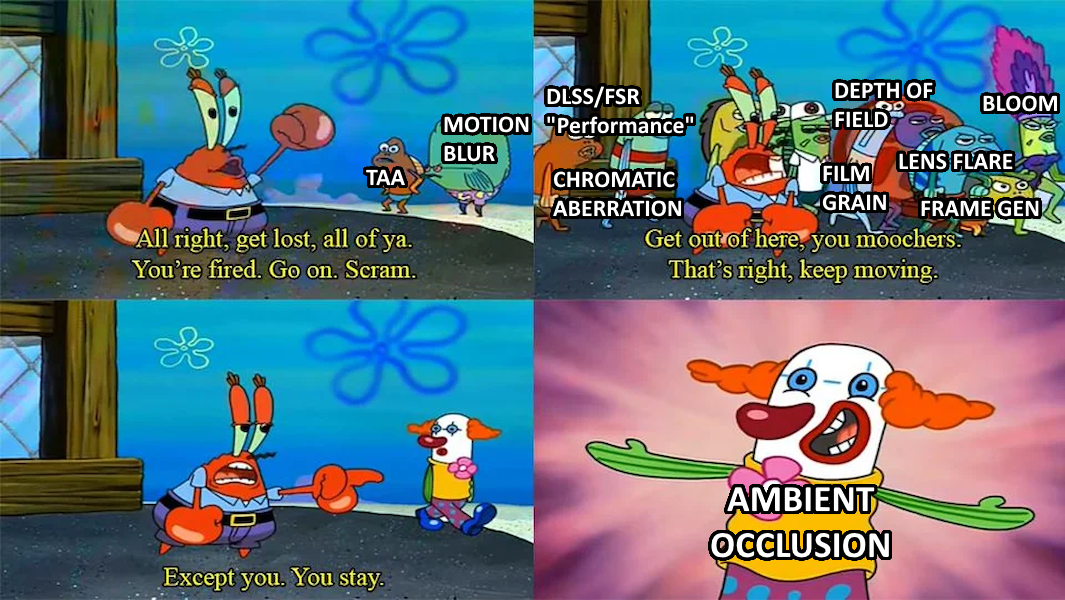
The Chosen Graphics Setting

The Chosen Graphics Setting
When game devs talk about their fancy graphics features, it's like watching Mr. Krabs kick out all the basic effects while keeping the one graphics trick that actually matters. DLSS, motion blur, and chromatic aberration? Get out! But ambient occlusion? "You stay." That one shadow effect that makes everything look 10x better is the chosen one while the rest are just performance-sucking moochers. The perfect visualization of every graphics settings menu where you frantically disable everything except that ONE setting worth keeping.

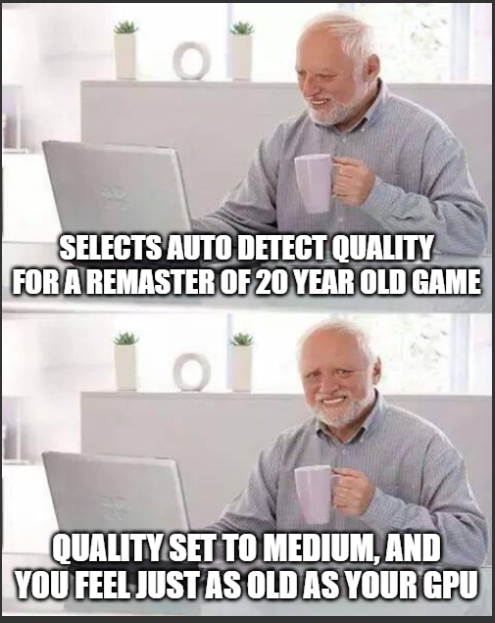
When You Realize How Old Everything Is

When You Realize How Old Everything Is
That moment when your high-end gaming rig with 32GB RAM and RTX 4090 can barely handle a remastered version of a game from 2003. You excitedly select "Auto Detect Quality" expecting it to max out everything, only for the system to take one look at the spaghetti code underneath the shiny new textures and go "Yeah... let's set this to medium." Your $3000 machine just got humbled by legacy code that was written when 512MB of RAM was considered excessive. The real remaster was the existential crisis we gained along the way.

Vilros Raspberry Pi 5-4GB Starter Kit - Turbo Cooled Edition - 32GB Memory (Aluminum Black)

Vilros Raspberry Pi 5-4GB Starter Kit - Turbo Cooled Edition - 32GB Memory (Aluminum Black)
A RASPBERRY PI 5 KIT FROM AN APPROVED RESELLER: This Vilros Complete Starter Kit for Pi 5 Includes Raspberry Pi 5 Board with all the accessories you need to get started. · 9 PART KIT INCLUDES MOST AC…

Motion Blur

Motion Blur
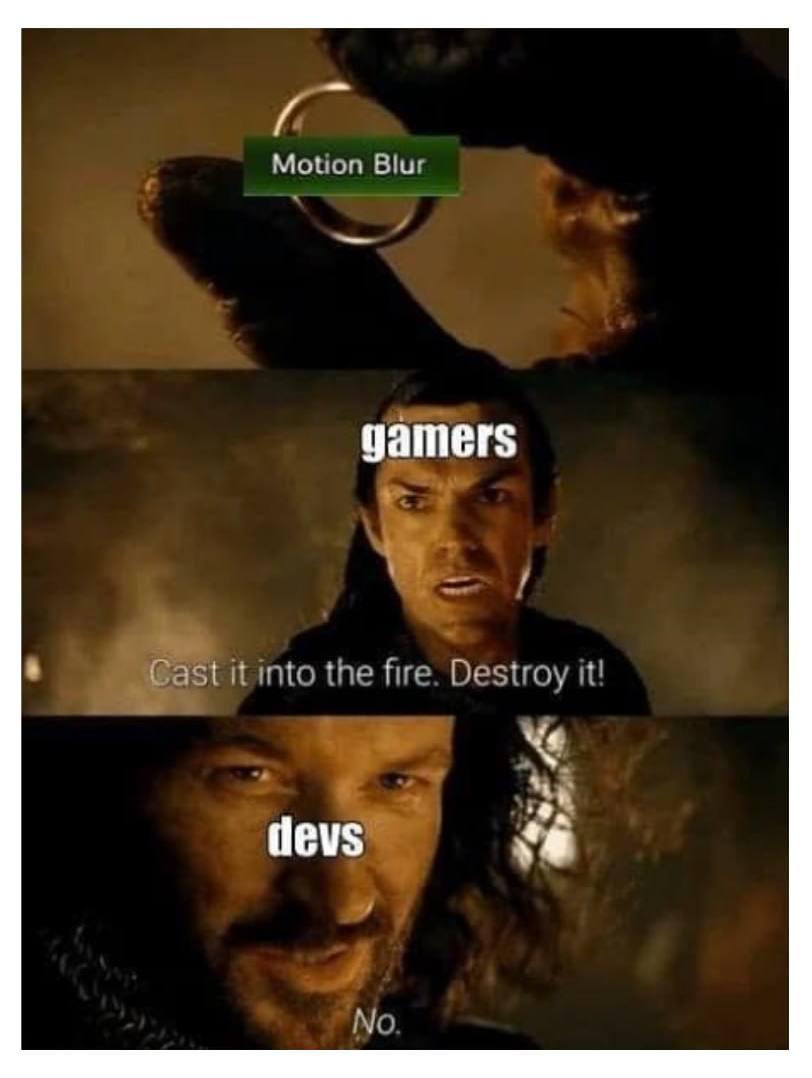
Oh my gosh, the eternal battle between gamers and devs over motion blur! 😂 Gamers are like "BURN IT WITH FIRE" while developers are just smugly like "Nope, it stays." Motion blur is that graphics setting that makes fast movement look... well, blurry. Gamers hate it with the passion of a thousand suns because it can make competitive gameplay harder and sometimes causes nausea. Meanwhile, devs keep adding it to games because it hides frame rate issues and makes games look more "cinematic." First thing every hardcore gamer does with a new game? Frantically search the settings menu to turn that blur off! The struggle is real!