Ctrl v Memes

Posts tagged with Ctrl v
The Last One Is So Me

The Last One Is So Me
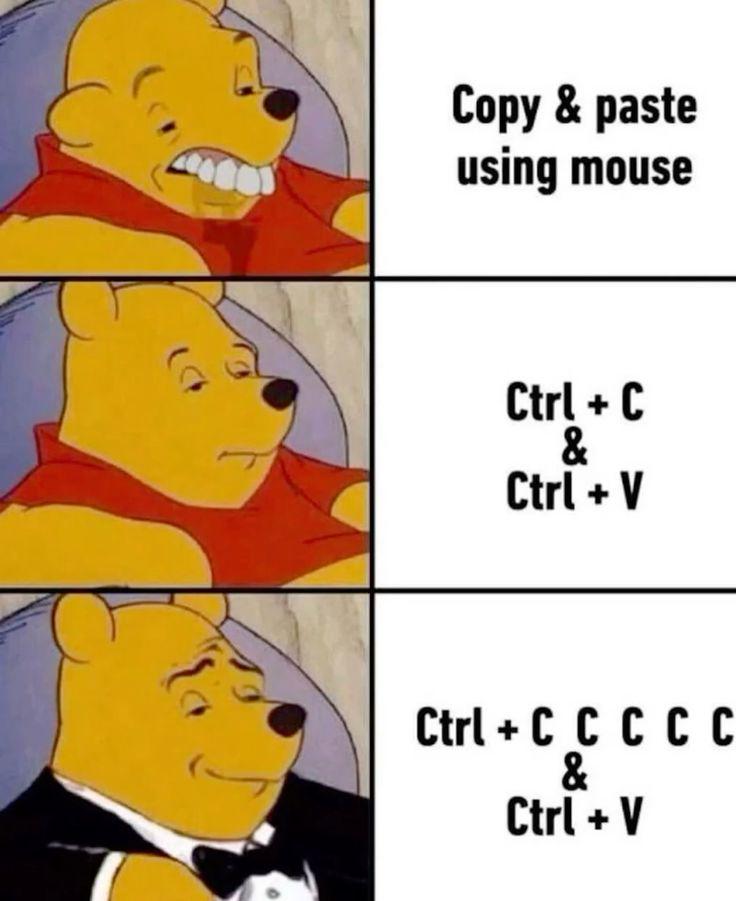
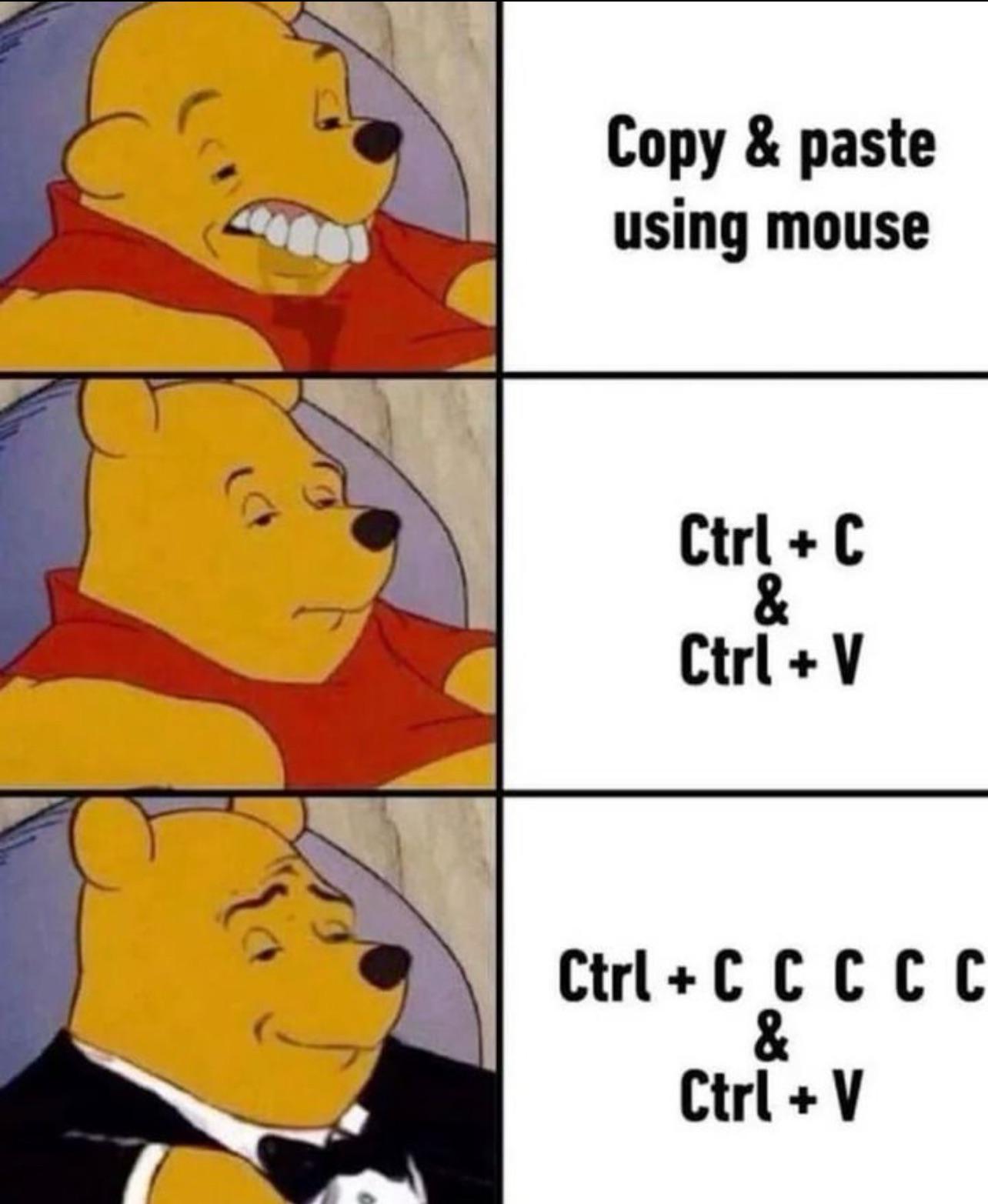
The hierarchy of sophistication in programmer copy-paste etiquette. We start with the peasant who right-clicks like it's 1995, evolve to the keyboard shortcut user who discovered productivity, and finally ascend to the paranoid developer who spam-presses Ctrl+C five times because trust issues with your clipboard are totally justified. That moment of doubt—"Did it actually copy?"—hits different when you're about to paste into production. The multiple C's are basically insurance against the universe's tendency to screw with developers at the worst possible moment.

You Always Hit It 3 Times

You Always Hit It 3 Times
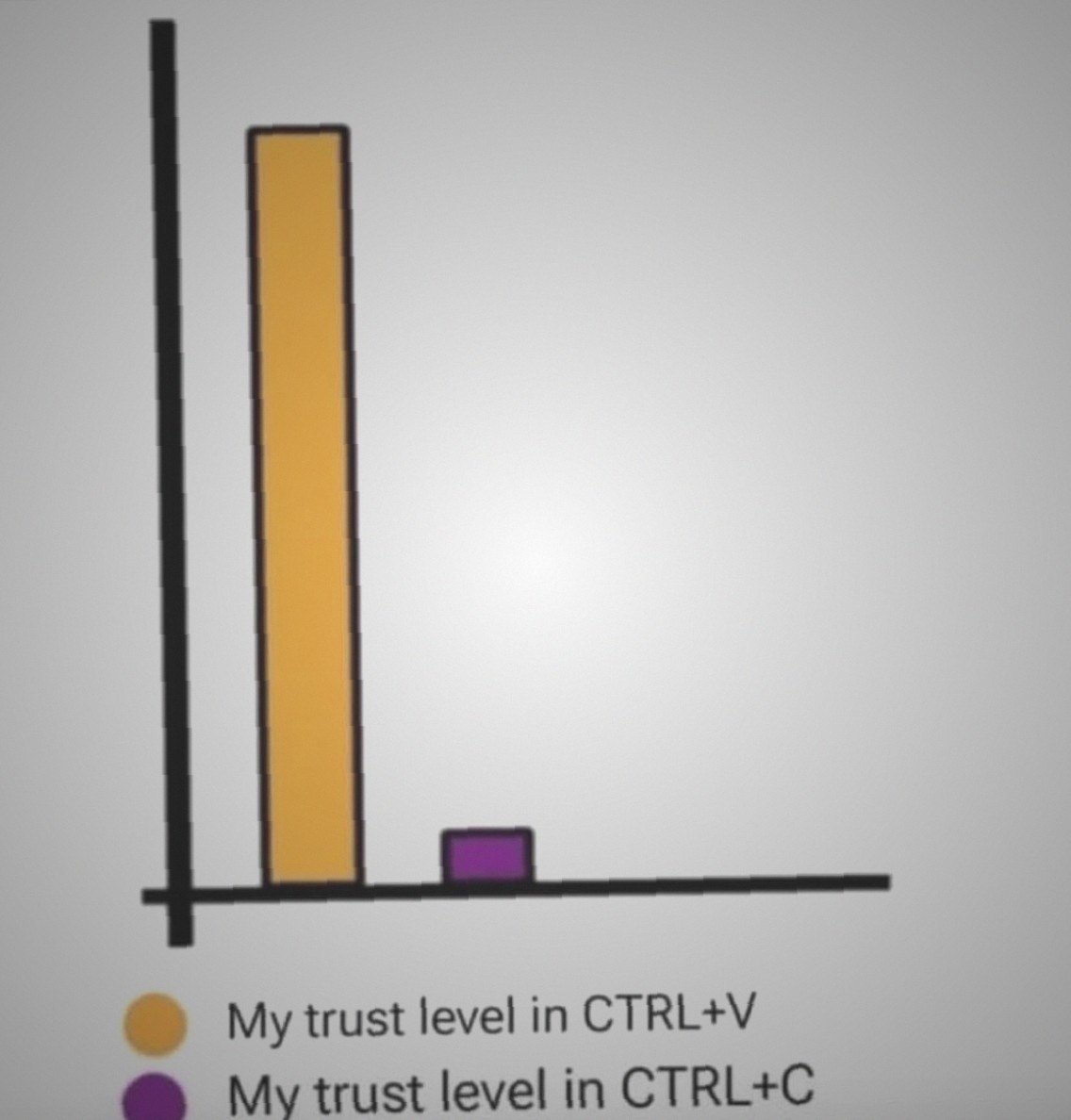
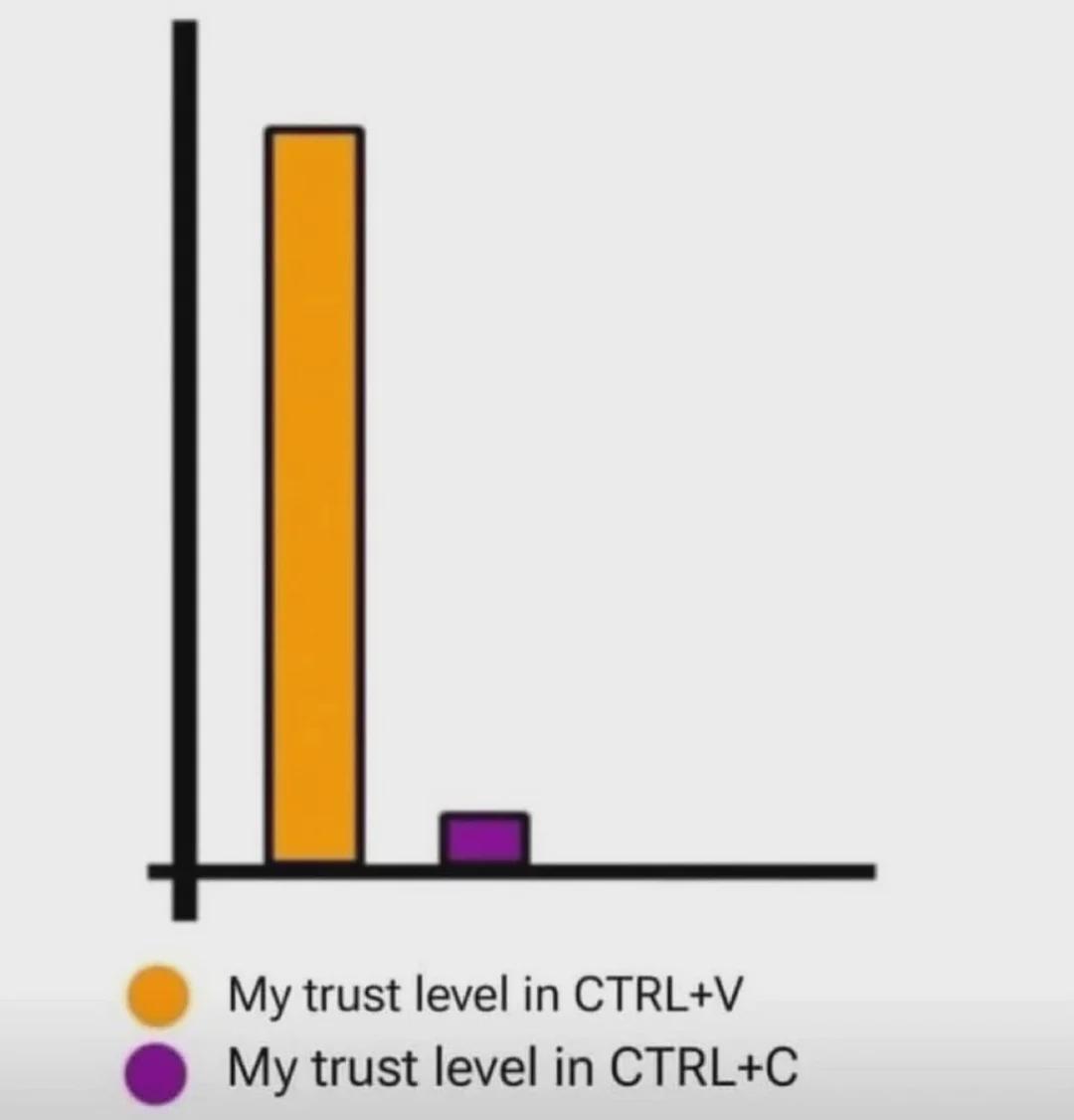
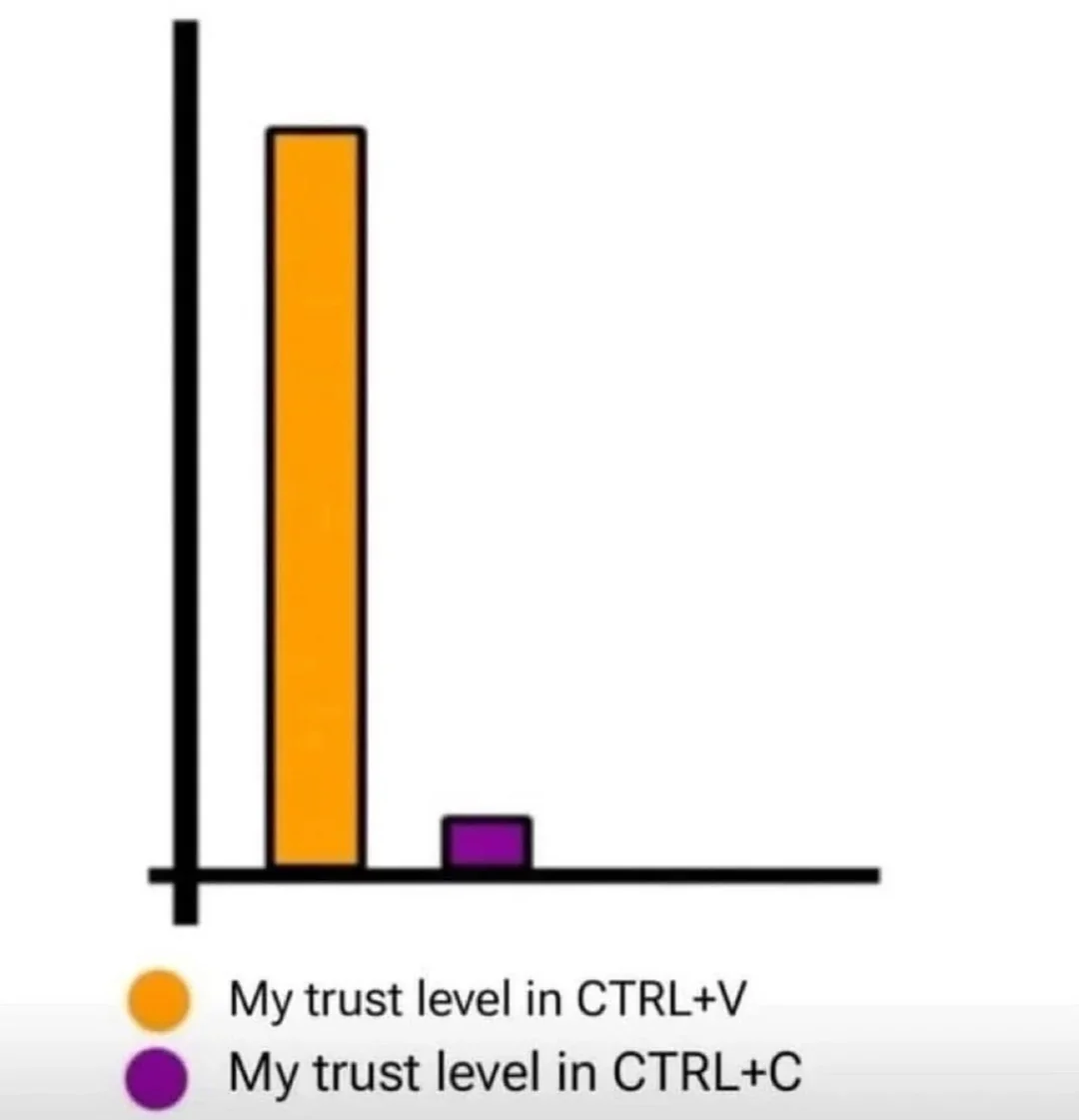
Trust issues manifest differently in developers. CTRL+V? Sure, paste once and move on like a well-adjusted human being. CTRL+C though? That's where the paranoia kicks in. Everyone knows you gotta hit that copy shortcut at least three times because what if the first one didn't register? What if the second one was a fluke? Better make it three to be absolutely certain your clipboard actually has the content. It's basically the programmer's version of checking if you locked the door. The bar chart perfectly captures this neurosis—sky-high confidence in paste, microscopic faith in copy. Because nothing haunts you quite like pasting the wrong thing into production and realizing you never actually copied what you thought you did.

Relevant Till Eternity

Relevant Till Eternity
Trust in CTRL+V is absolute. Trust in CTRL+C? Barely registers on the chart. You'll paste something five times just to make sure it actually copied. Then you'll copy it again before the final paste. We've all been burned by the clipboard gods before—that moment when you paste and get yesterday's error log instead of the function you just spent 10 minutes writing. So yeah, paste early, paste often, and never trust that copy actually worked until you see it with your own eyes.

Trust Issues With Keyboard Shortcuts

Trust Issues With Keyboard Shortcuts
We all paste with the confidence of someone who's never accidentally hit CTRL+C twice in a row and lost their precious clipboard content forever. Meanwhile, CTRL+V gets all the glory while we treat CTRL+C like it's made of glass and might shatter at any moment. The paranoia is real: you copy something important, then spend the next 30 seconds NOT touching your keyboard because one accidental keystroke could send your clipboard to the void. But paste? Spam that sucker 47 times just to be sure. Trust is earned, not given.

It Doesn't Hurt To Be Cautious

It Doesn't Hurt To Be Cautious
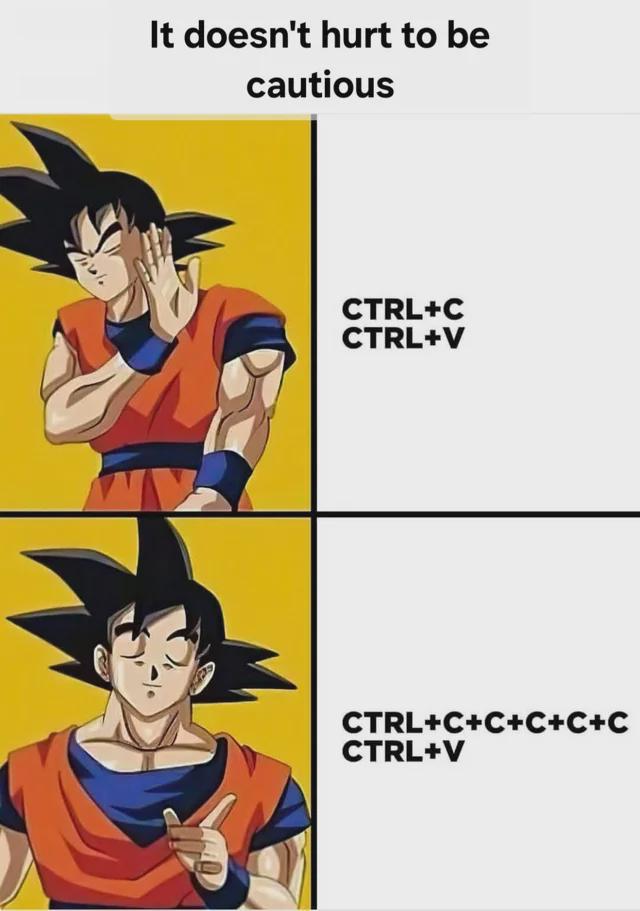
The paranoia is real. Sure, a simple Ctrl+C, Ctrl+V would work just fine for copying and pasting code, but what if—WHAT IF—the copy didn't actually register? The bottom panel shows the superior technique: frantically hammering Ctrl+C multiple times before pasting, just to be absolutely certain. It's like checking if your car doors are locked five times before walking away. Trust issues with clipboard functionality is the mark of a true developer who's been burned before. The code must flow!

The Clipboard Panic Protocol

The Clipboard Panic Protocol
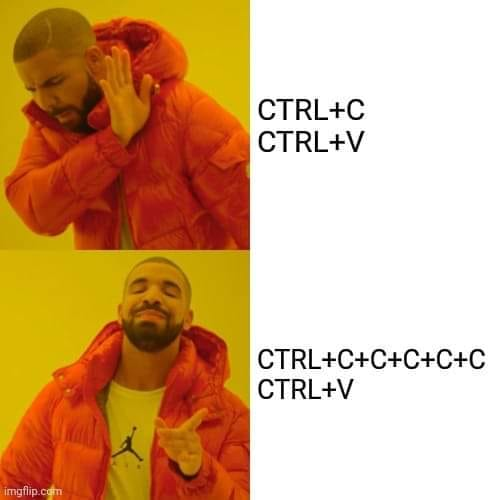
When your code doesn't work, the logical approach is to copy and paste it. When that fails, the truly sophisticated approach is to frantically copy the same thing multiple times before pasting it, as if the clipboard might suddenly decide to work better after the fifth Ctrl+C. The clipboard anxiety is real. Nothing says "I've completely lost control of my development process" quite like hammering Ctrl+C like you're trying to send an SOS in clipboard Morse code.

Under Desk Cable Management Tray No Drill, Metal Mesh Cable Management Under Desk with Clamp Mount, 2 Hole Cable Tray with Wire Management and Cord Organizer for Home Office Standing Desk

Under Desk Cable Management Tray No Drill, Metal Mesh Cable Management Under Desk with Clamp Mount, 2 Hole Cable Tray with Wire Management and Cord Organizer for Home Office Standing Desk
【No Drill Mounted】Cable management tray can be assembled in as little as 3 minutes or less-simply. Side clips easily clampe the edge of desk, pass through the holes on the sides, and secure excess ca…

Copy Paranoia Syndrome

Copy Paranoia Syndrome
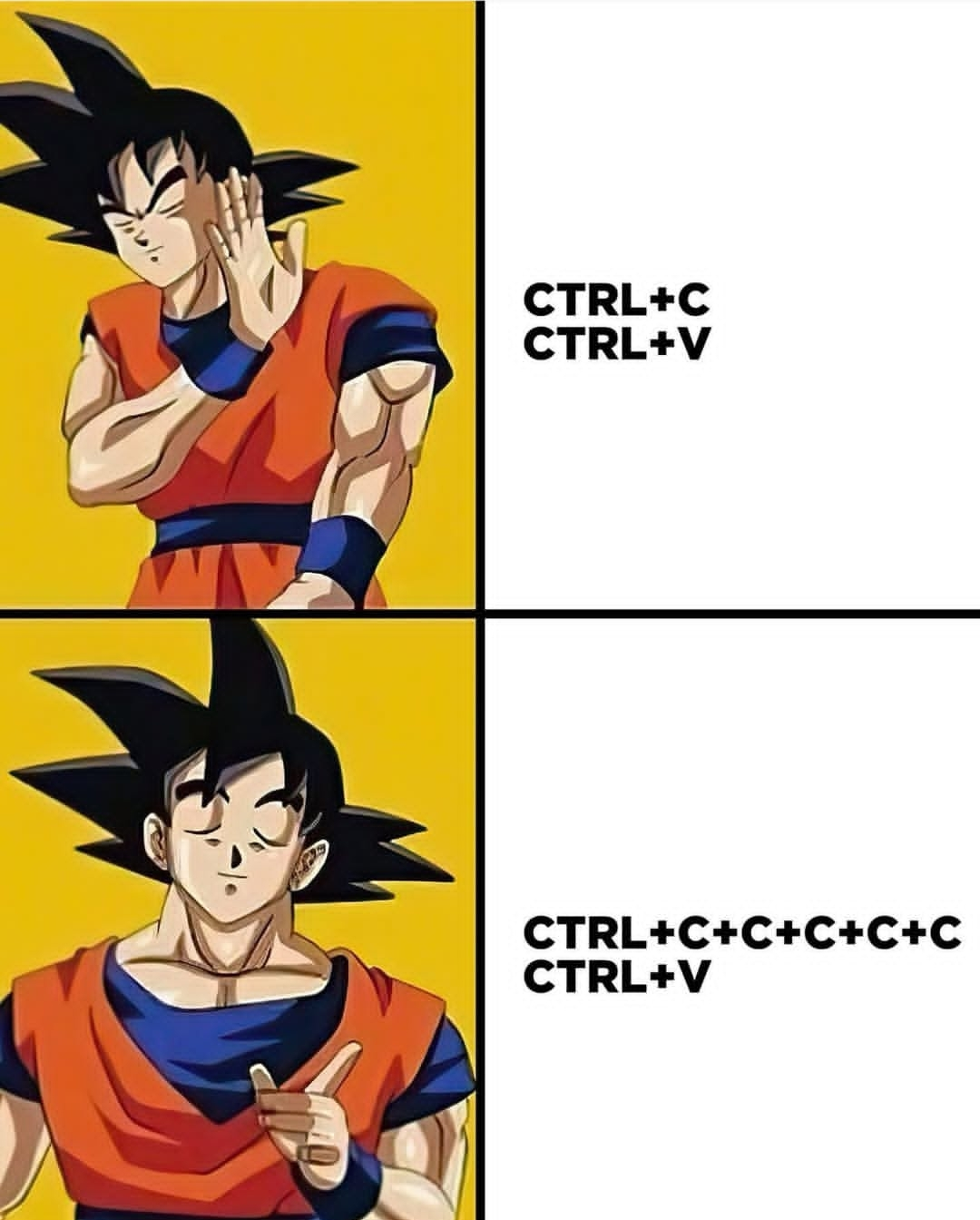
Behold the eternal keyboard shortcut debate! Top panel: Rejecting the efficient Ctrl+C/Ctrl+V combo like it's some amateur hour nonsense. Bottom panel: Gleefully embracing the absolutely ridiculous Ctrl+C+C+C+C+C/Ctrl+V approach because... who doesn't love hammering that C key 5 times just to be extra sure you've copied something? It's like buying five backup drives for a 2KB text file. The paranoia is real—and frankly, relatable. That text isn't truly copied until you've mashed C enough times to risk carpal tunnel.

The Evolution Of Copy-Paste Sophistication

The Evolution Of Copy-Paste Sophistication
The evolution of a programmer's copy-paste techniques is a beautiful thing to witness. First, there's the primitive mouse-dragging method—functional but painfully pedestrian. Then comes the enlightened keyboard shortcut phase with Ctrl+C and Ctrl+V—a clear upgrade in efficiency. But the final form? Hitting Ctrl+C multiple times in neurotic succession because you're never quite sure if it actually copied, followed by a single, confident Ctrl+V. It's not a bug, it's a feature of developer anxiety. The clipboard might have betrayed us once, but never again.